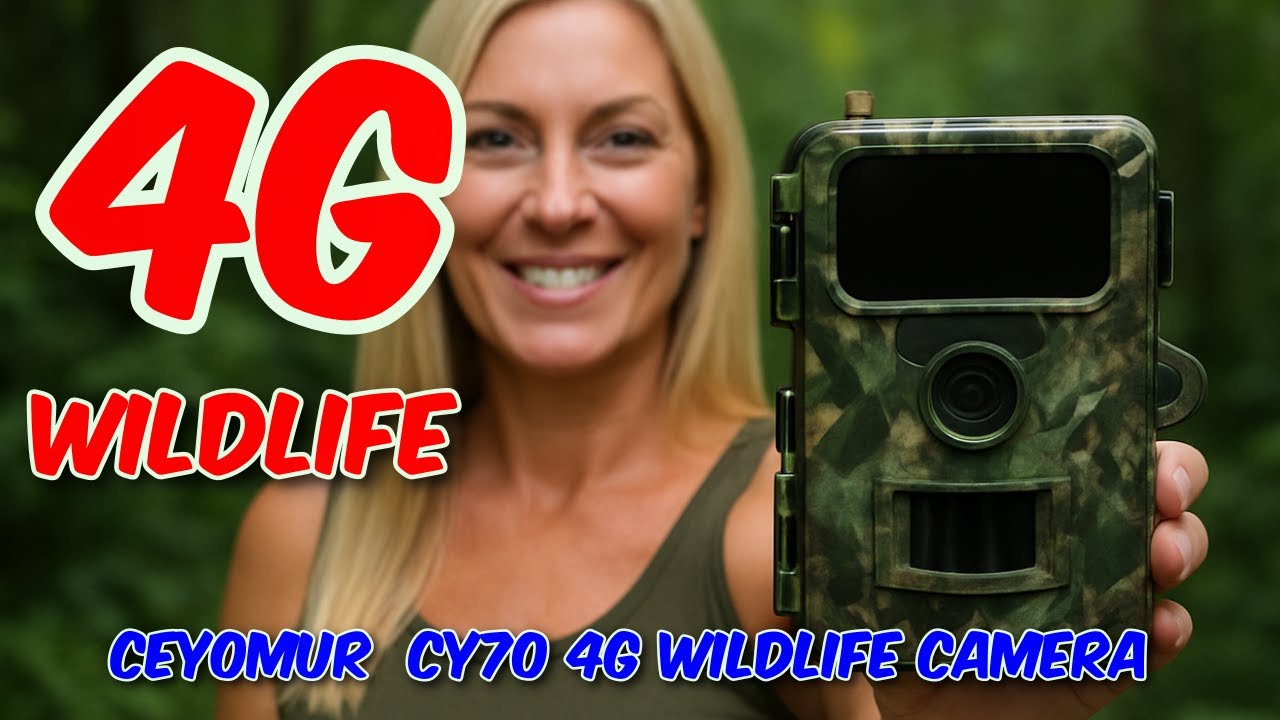
The Best Budget Sim Card TrailCam - CEYOMUR CY70 4G Wildlife Camera Review
Автор: marcoscu
Загружено: 2025-10-21
Просмотров: 299
Описание:
CEYOMUR CY70 4G Wildlife Camera Review
• The Best Budget Sim Card TrailCam - CEYOMU...
More Info and Purchase: https://t.ly/cqh1u
Buy Me A Coffee: https://www.buymeacoffee.com/marcoscu6
Blog: https://marcoscucom.wordpress.com/202...
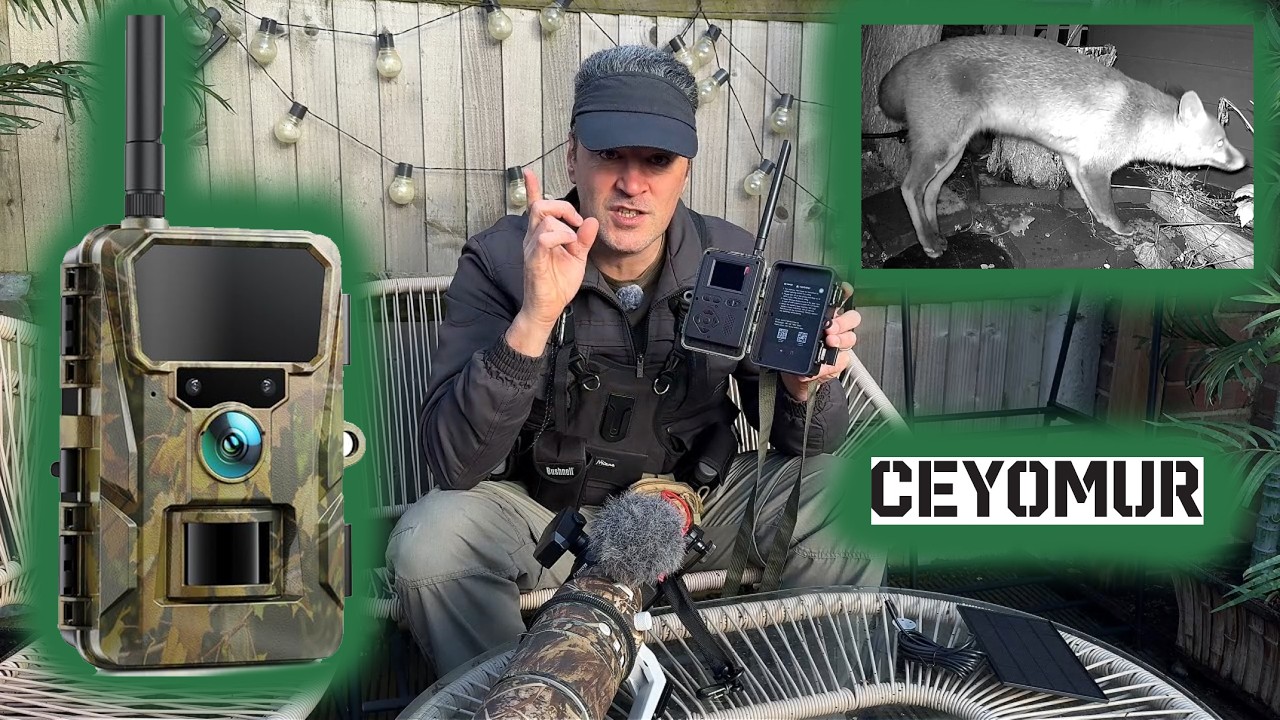
This new mid priced trail camera from CEYOMUR will show you the secret life in your garden and beyond without breaking the bank. This is a mid level camera but does have a few features not usually found at this £55.99 price point. The most important of which has to be the L4 LTE connectivity - this camera connects over the mobile phone network to deliver its data.
What does a trail camera do?
A trail camera is a battery operated camera that is designed to operate unattended outdoors and to automatically capture pictures or video of anything that triggers the built-in motion detector. They are mainly used to monitor wildlife activity, but can be used for security purposes.
The camera arrived packed in a simple but robust branded product box, inside of which was the camera itself, 4G Antenna, metal ground/surface mount with screw fittings, retaining tree mount strap, data cable, tweezers, and User Guide. Although the camera itself is made of plastic and is rather lightweight (which is perhaps no drawback) build quality seems excellent. The User Guide is a good size, well printed, and easy to read.
The IP66 water-resistant camera takes eight AA batteries, allowing it to be left to operate unattended over extended periods. Take note that if used intensively, the batteries will very quickly run down, but in normal use and with the scheduler configured should last months on standby, far less if extensively used. The batteries are housed in an easy-access compartment inside the main body and are accessible without needing to remove the camera from the mount. It also has the option to use an external power supply via a grommet protected entry port on the base.
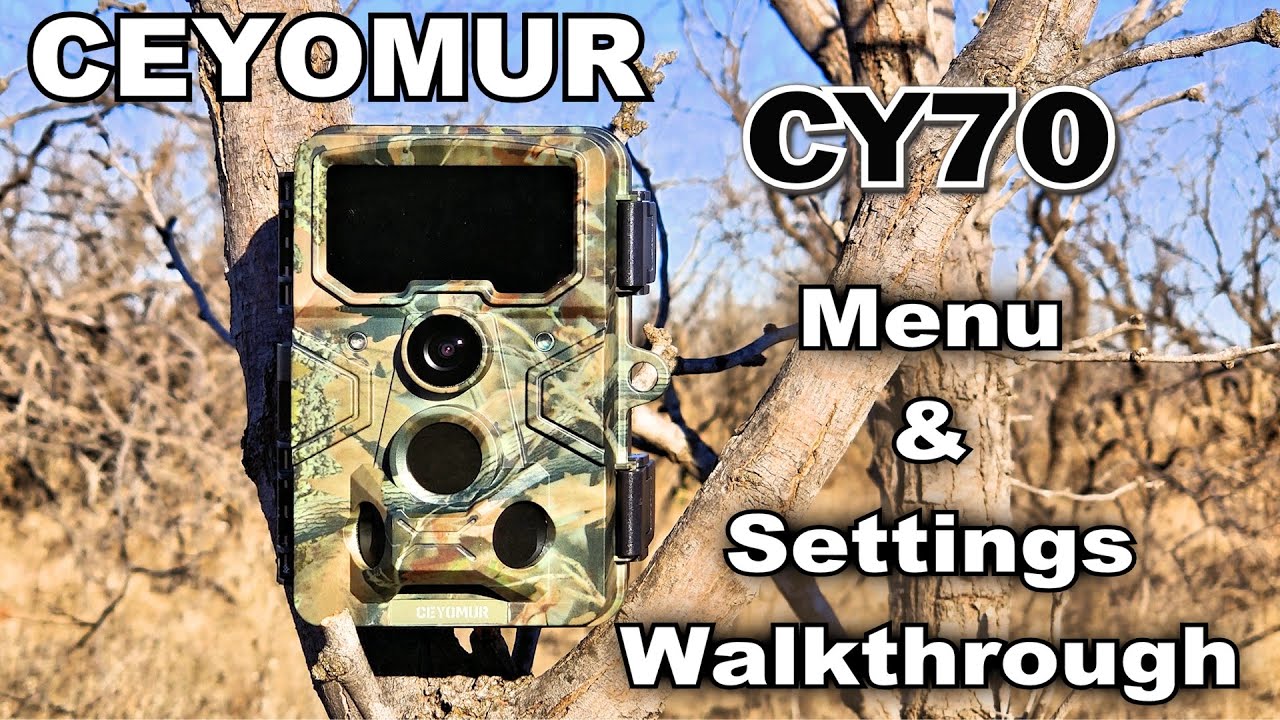
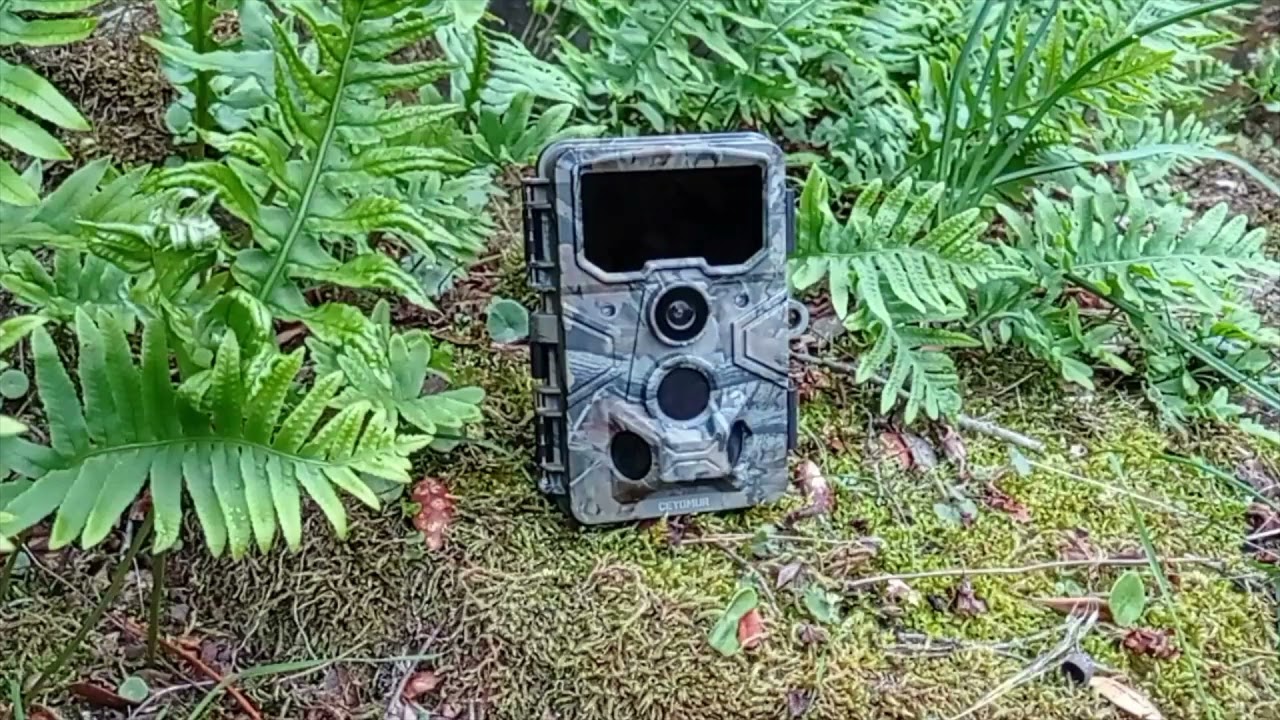
On the front of the device are the 850 nm infrared light panel, Status LED, Microphone, Motion Indicator, Camera Lens, and PIR Sensor. On the side are clips to secure the front flap, which opens out to give access to the colour LCD monitor and control buttons. Inside the front flap and on the bottom are the SIM Card slot, SD card slot, and USB-C data port. Next to the LCD screen is the turret switch to set the device to ON/SETUP/OFF. Externally on the underside is the grommet protected power in access port and the metal screw hole for a tripod or the included surface mount.
Inside the flap next to the LCD screen are control buttons for Playback, Menu, and a slider for Power/Setup/Off modes. There is also a D-Panel for navigation and mode selection as well as a speaker grill. The non-backlit buttons are a good size and reasonably easy to find and use outside at night.
The camera is triggered by the front facing motion detection sensor, and at a claimed 0.1 seconds the delay on this model is the fastest I have tried, with a sensitivity level option available in the settings menu. The camera will record video with audio at a choice of settings for resolution and time and stills in single or burst mode at a choice of resolutions. Testing it with Handbrake, I found the 2K setting recorded files were [email protected] FPS, which is better than the user guide claims.
Although there are plenty of refinements and fine-tuning that can be made, the camera can be up and running very quickly with the default settings. After inserting the batteries and removing the gels covering the lens, sensors, and screen, set the turret slider to SETUP and press the MENU button. From here you can now set the image and video resolutions, video recording lengths, and other parameters such as time stamping, time-lapse, etc. One particularly useful feature is that you do not have to choose between Video or Stills, as you can set it to record both at once. Time should be spent on positioning the camera for the best results. Remember to insert an SD card first and to format it using the camera software before use. To save on batteries, it is best to use the Work Time option, which will automatically turn the camera on for a scheduled period.
The main selling point has to be the 4G option, and this is the first Trail camera at this price point I have yet encountered. The camera comes with a preconfigured Nano SIM card preinstalled, and when setting up the camera, you have the option to download the Trailcam Go app needed open an account, and use the card.
For full review see my Blog: https://marcoscucom.wordpress.com/202...
Music: YouTube Audio Library: Where_I_am_From 3.35
00:00 - Intro
00:45 - In The Box
02:29 - User Guide
02:55 - Port Bay
03:13 - SD Card
03:34 - Mount
03:48 - Power
04:04 - Settings
05:35 - Connection
06:20 - App
07:19 - Sample Video
08:34 - Conclusion
Повторяем попытку...
Доступные форматы для скачивания:
Скачать видео
-
Информация по загрузке: