How To Produce Periodic Weekly, Monthly Or Quarterly Z Sales Report CountLab 2 Cash Register
Автор: Count Lab
Загружено: 2025-09-29
Просмотров: 282
Описание:
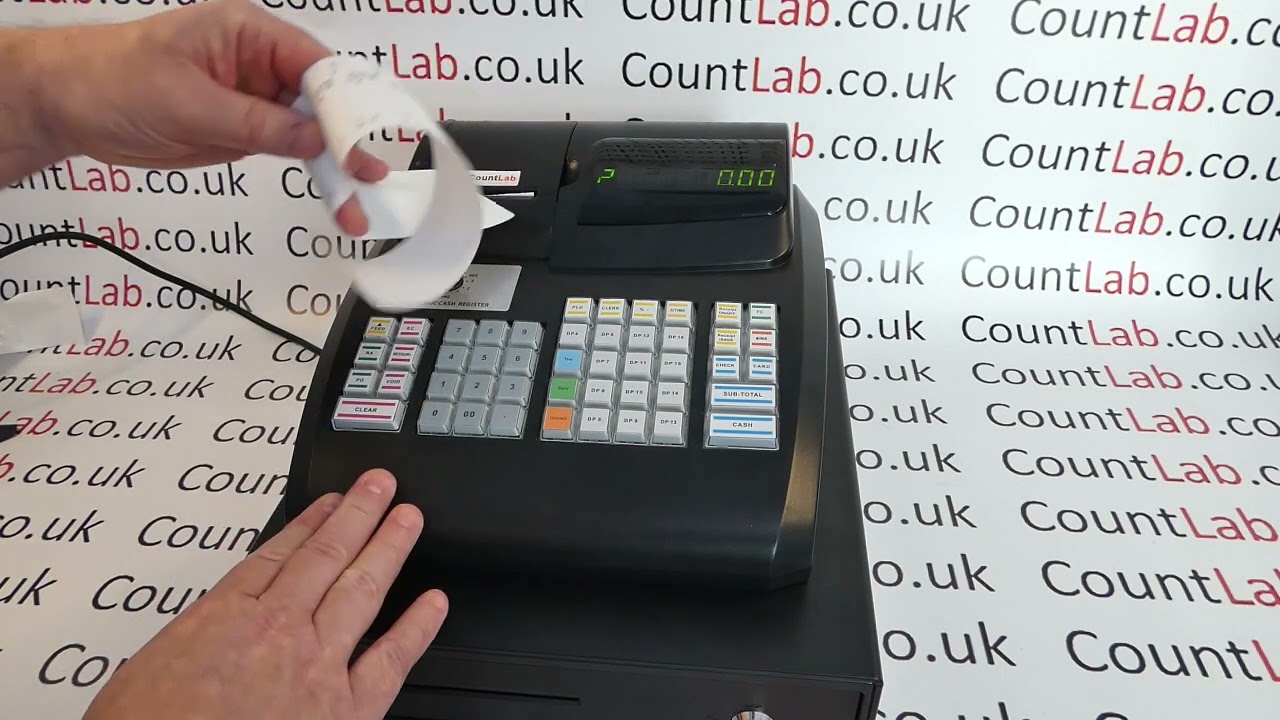
In this video we demonstrate how you can produce weekly, monthly or quarterly sales reports on the CountLab 2, 3, 5, & 6 cash registers.
Running the actual report is simple, the crucial element to understand is that the report is only, weekly, monthly or quarterly if you remember to run it at the end of every week, month or quarter. The way the tills work is that when you run the daily Z report (Z Mode, CASH: • How To Run End Of Day Cashing Up Z Daily S... ) the Z1 or daily file is reset back to zero, but the sales data is moved into a secondary periodic or Z2 file, which doesn't reset until you run this Z2 periodic report. So you can use this to produce periodic reports. The limitations are that you can only have weekly, monthly or quarterly reports (not all three) and that you HAVE to run them on the correct day (you can't produce the report retrospectively).
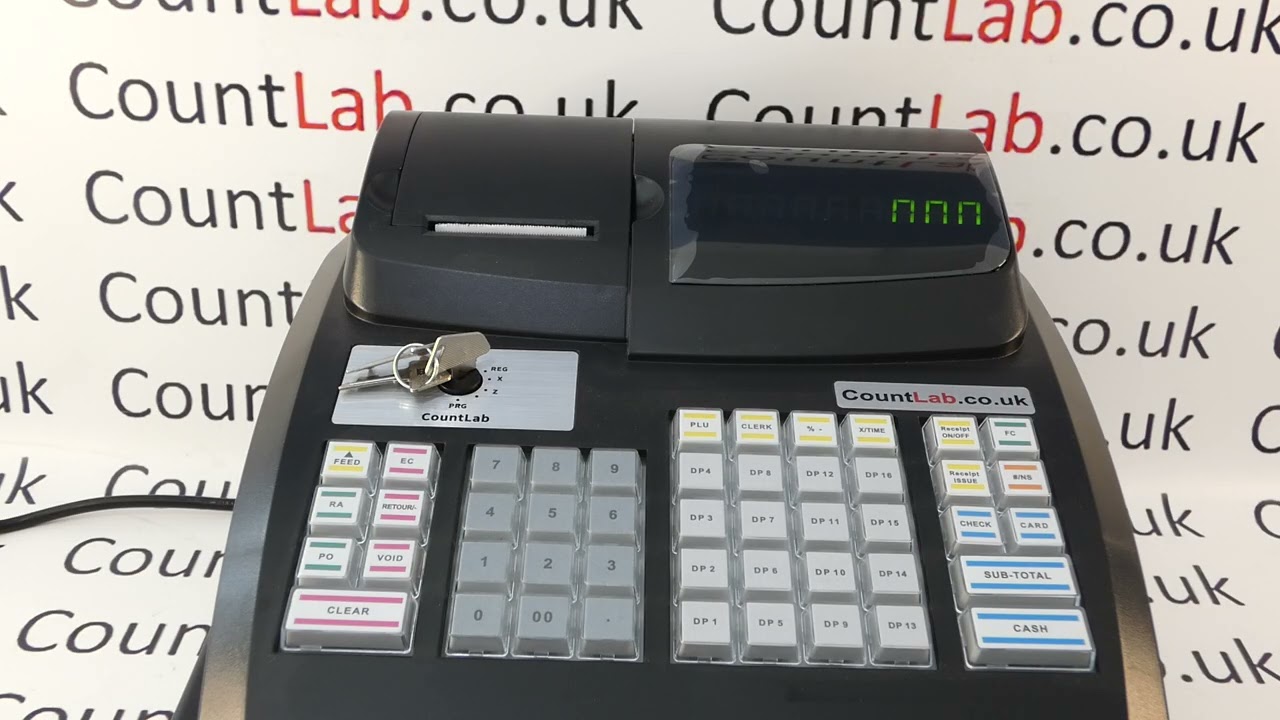
To run the periodic report you need the metal mode key marked with 'Z' or 'P' in the mode lock, turn to Z, type in 9 9 then press CASH.
SUBSCRIBE for more or visit: CountLab.co.uk
Повторяем попытку...
Доступные форматы для скачивания:
Скачать видео
-
Информация по загрузке: