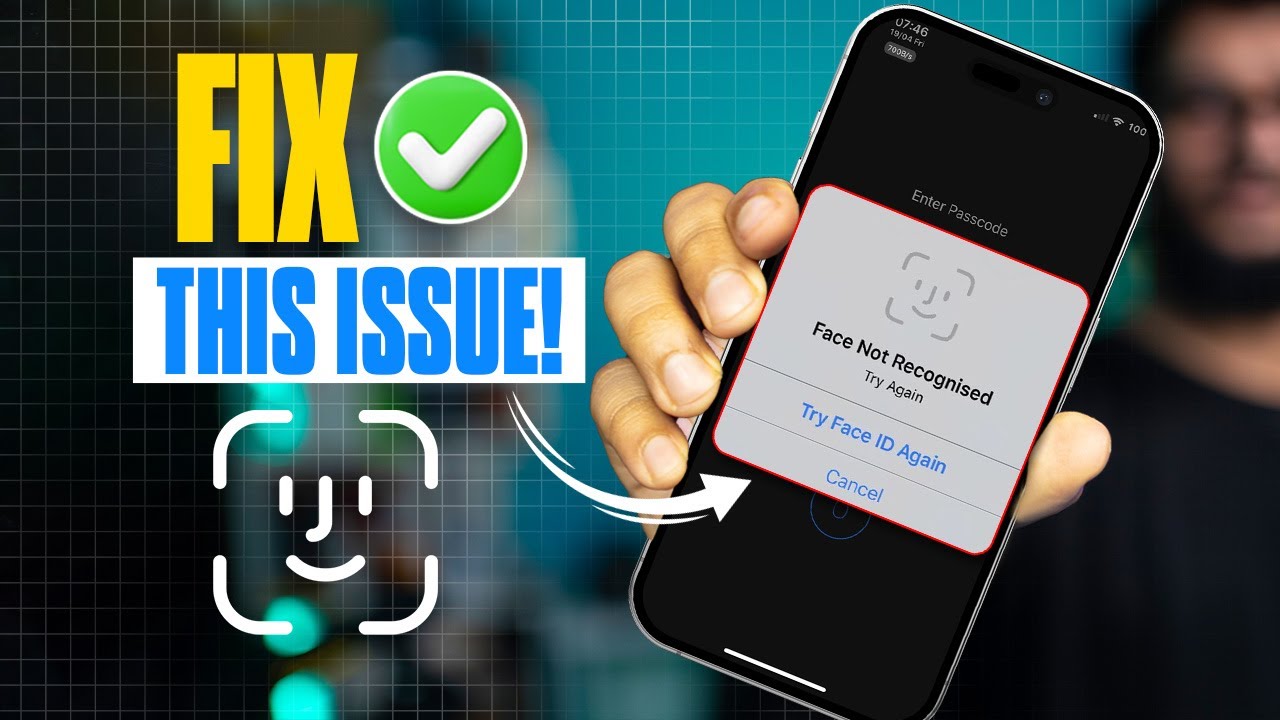
How to Fix Face Not Recognized Error for Face ID on iPhone | Resolve Face ID Issues
Автор: JOy Studio+
Загружено: 2024-11-20
Просмотров: 141
Описание:
Is your iPhone showing a "Face Not Recognized" error when trying to use Face ID? This problem can occur due to changes in your appearance, poor lighting conditions, or software glitches affecting the TrueDepth camera. When Face ID fails to recognize your face, it becomes challenging to unlock your device, authenticate payments, or access secured apps.
In this guide, I’ll show you how to fix the Face Not Recognized error and get Face ID working smoothly again. From ensuring optimal lighting to resetting Face ID settings, updating iOS, and cleaning the TrueDepth camera, these steps will help resolve the issue. If hardware problems are the cause, I’ll also guide you on how to get professional assistance from Apple Support. Follow this guide to restore Face ID functionality and enjoy seamless device access again.
#FaceIDNotRecognized, #FixFaceID, #FaceIDError, #iPhoneFaceID, #AppleSupport, #FaceIDTroubleshooting, #iPhoneSecurity, #TechTips, #FaceIDHelp, #TrueDepthCamera
Повторяем попытку...
Доступные форматы для скачивания:
Скачать видео
-
Информация по загрузке: