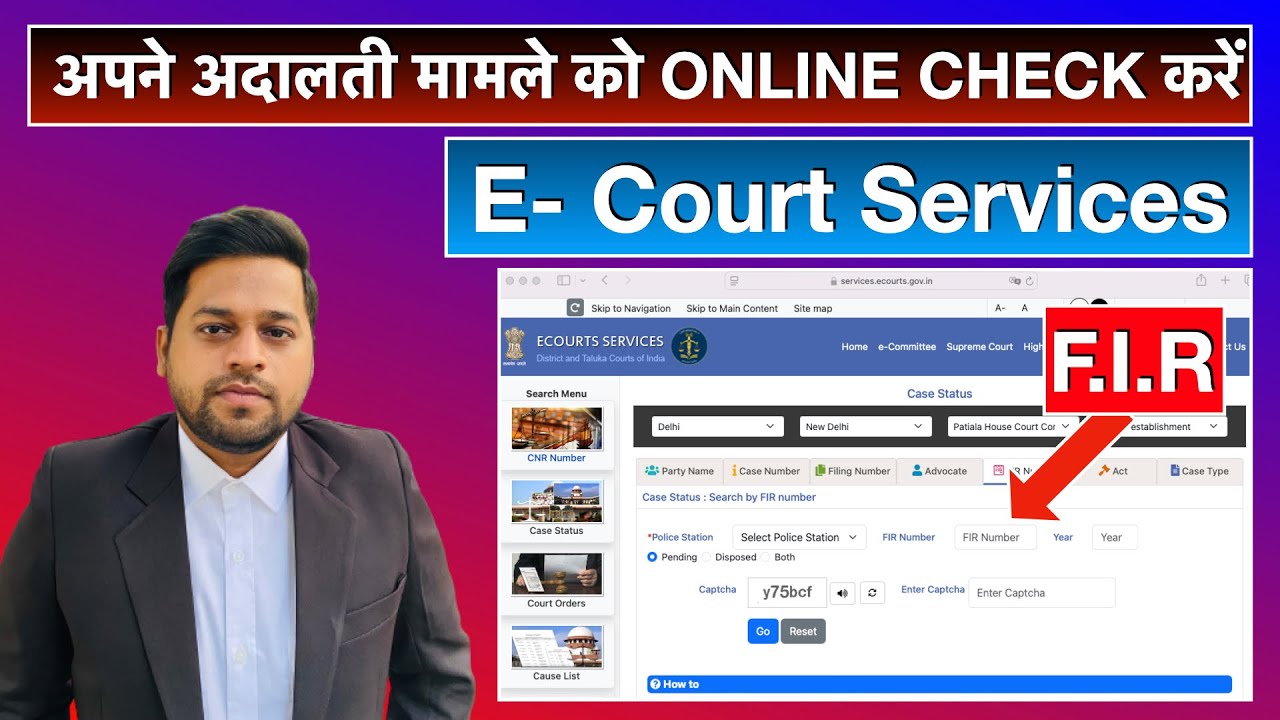
Court Case Status Check Online by using F.I.R. Number
Автор: LegalFree India
Загружено: 2024-11-12
Просмотров: 17124
Описание:
Disclaimer: This video is intended solely for educational and informational purposes and does not constitute legal advice or a legal opinion. For advice specific to your circumstances, please consult a qualified legal professional. Replying to comments or emails does not constitute legal advice in any manner; such responses are for general informational purposes only. The creator assumes no responsibility for any decisions or actions taken based on the content of this video. Some visuals in this presentation may have been created using artificial intelligence and are used strictly for illustrative purposes.
________________________
Download E Court Services Mobile App:
🔰 For Android 🔰
https://play.google.com/store/apps/de...
🔰For iOS: 🔰
https://appsto.re/in/yv-jlb.i
To find out the case status using an FIR number on the eCourt Services Mobile App, follow these steps:
Steps to Check Case Status on eCourt Services App:
1. Download the eCourt Services App:
If you don’t have it already, download the official eCourt Services app from the Google Play Store or Apple App Store.
2. Open the App:
Launch the app once it is installed on your mobile device.
3. Select the Relevant Option:
On the main screen of the app, you’ll see several options. Select "Case Status" or a similar option that allows you to track case statuses.
4. Enter FIR Number and Other Details:
You will be prompted to enter details for tracking the case. Here’s what you typically need to do:
Enter FIR Number: Input the FIR number that you want to track.
Select the State/Court : Choose the relevant state or jurisdiction where the F.I.R. was registered or the case is being heard. This could be a local court, district court, or a specific police station.
Select Year (if applicable) :Some systems require you to input the year when the F.I.R. was registered.
5. Check Case Status:
After entering the FIR number and other required information, click on the Search/Track or Submit button. This will show you the status of the case, including whether it's under investigation, chargesheeted, or any other updates.
6. View Case Details:
The app will show the case details such as the hearing date, case number, involved parties, and the current status of the case (whether it’s pending, disposed, or awaiting judgment).
__________________________
case status check online, allahabad high court case status kaise check kare, case status kaise check kare, case status disposed means
Повторяем попытку...

Доступные форматы для скачивания:
Скачать видео
-
Информация по загрузке: