Create A QR Code for Anything With Brother P - Touch Light | Printing on QL- 810w with enKo labels
Автор: enKo
Загружено: 2020-02-24
Просмотров: 20379
Описание:
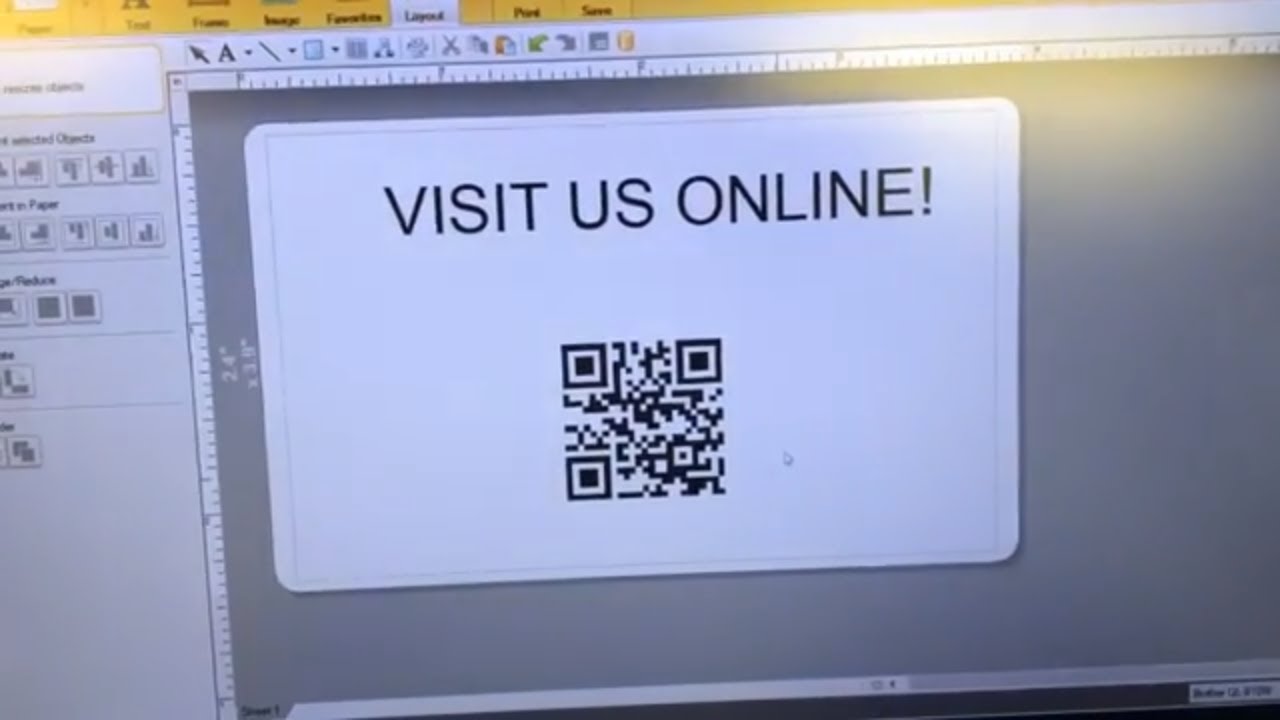
In this video I run down the steps to not just print but generate your own QR codes with the p-touch software. QR coded can be used for anything and are very popular outside of the US. In the states, they have gained some popularity in more functional applications. But have some fun with them!
USE COUPON: youtube15 FOR 15% OFF YOUR FIRST ORDER
Comment below with video requests or suggestions!
Subscribe for more.
Comment below
Like if you like
enKo Products believes more than anything, in bettering the lives of its consumers. We’ve been lucky enough to do that, through a combination of speed, convenience, and affordability. Shop for Zebra compatible thermal labels, Dymo compatible labels, Brother compatible labels, Laser Printer labels (same size at avery), shipping and handling labels, and packing material at enkoproducts.com.
10% off first order for new members!
*enKo Products does not sell Avery, Dymo, Zebra, and Brother branded labels.Avery, Dymo, Zebra, Brother and other manufacturer brand names and logos are registered trademarks of their respective owners. Any and all brand name designations or references are made solely for purposes of demonstrating compatibility.
Повторяем попытку...
Доступные форматы для скачивания:
Скачать видео
-
Информация по загрузке: