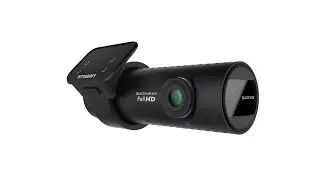
How to: BlackVue DR650GW/DR650S/DR750S/DR900S dash cam Install
Автор: autofidelityau
Загружено: 2016-04-06
Просмотров: 212317
Описание:
We are constantly asked to reveal exactly how we do things here at Autofidelity. Up until now, the methods and techniques that we use have remained a closely guarded secret. In this series, we’re going to blow the doors wide open, and show you exactly what happens behind the scenes here, and how you can achieve your own professional finish by using our process.
Welcome to the “Integrated Solutions” video series, brought to you by Autofidelity and hosted by Terence Toh.
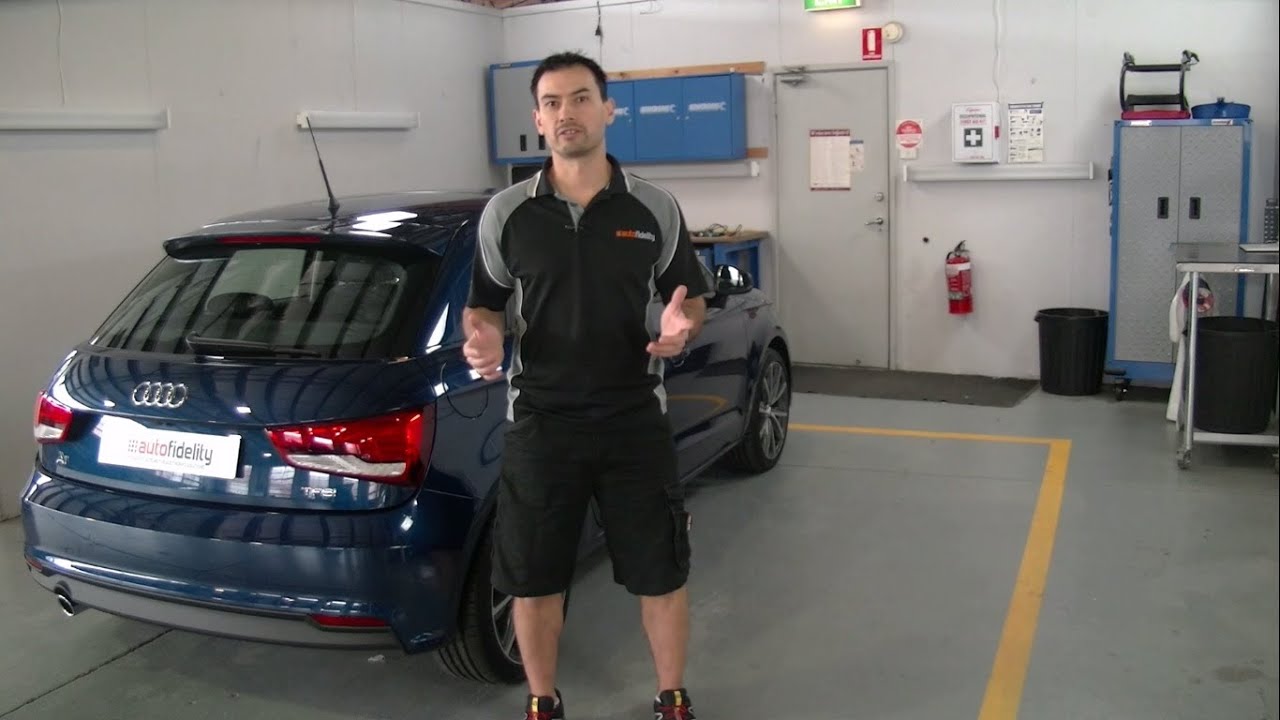
Hi, I’m Terence Toh, and welcome to this episode of Integrated Solutions.
The DR650GW is a great dash cam from BlackVue that can be offered as either a 2 channel or 1 channel system, which really means that you can have both front and rear facing cameras, or just front.
Today we will be installing the DR650GW 2 channel version into this 2016 Audi A1. Although we will guiding you through a complete installation for the A1, we will also be sharing many tips which will help you no matter which car you're working with.
We will be following a basic 7 step process which consists of:
1. System component layout and positioning
2. Vehicle disassembly
3. Installation
4. Initial testing
5. Vehicle reassembly
6. Final testing and system setup, and
7. Final checks
The process that we use in our workshop is slightly more involved than this, and includes things like a vehicle pre-inspection and post-inspection as well as vehicle diagnostic checks.
The first step is to lay out the system components for installation. This will give us an overview of all of the components in the system and we can then see exactly where each component will be positioned, and which parts all the car will need to be disassembled.
Components for installation - 1:47
Now we know where everything needs to be positioned, we can start to disassemble the car. Now to help me with the disassembly today, we’ve got a very good technician and my friend TJ. Who’s going to come and help me. TJ is going to help me to disassemble the car today.
Disassembly Process - 3:12
Now that we’ve removed all of the panels, we can get started on the installation.
Installation Process - 7:50
With all of the components installed in the car, now is a good time to make sure that the system works before we reassemble the car. This will save us from having to disassemble the car again because something doesn’t work.
Testing and System Operation - 20:15
Now that we know the system is working, we can reassemble the car and do the final tests on the system.
Reassembly Process - 22:43
Well we’ve got everything back together again, and we’ve also completed basic testing, but now it’s time to do some more thorough testing on the system to make sure all the features are working correctly, the cameras are aligned properly, and that it’s generally ready for use.
Final Test - 25:05
More information
This product is available for purchase from our website.
At the time we are recording this video, we are running a promotion to receive a free Power Magic Pro when you purchase a BlackVue DR650GW. For more information, check out: autofidelity.com.au/dashcams
If you have enjoyed this video and would like to see more, “like it” and subscribe to our channel. If you would like to know more about this and similar products, you can visit us at autofidelity.com.au, or contact us by email at [email protected]
Thanks for watching and have a great day.
Повторяем попытку...
Доступные форматы для скачивания:
Скачать видео
-
Информация по загрузке: