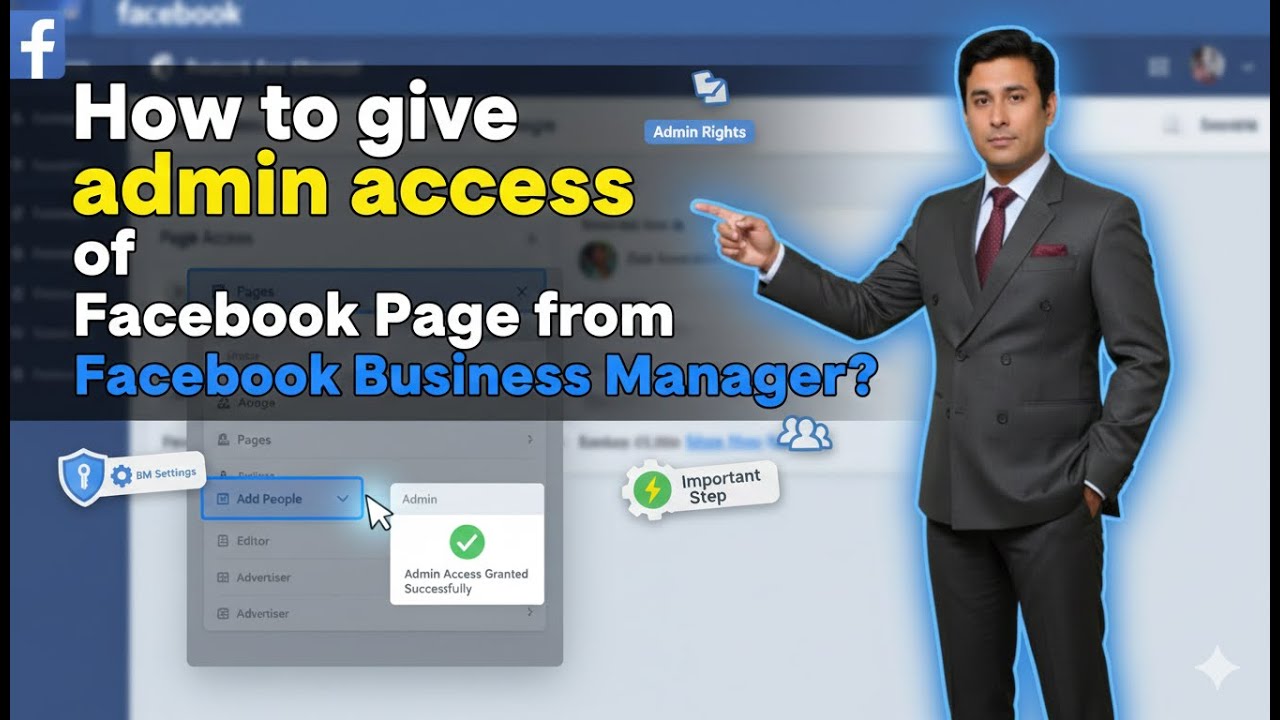
How to give Admin access of Facebook Page from Facebook Business Manager?
Автор: Digital Bikana
Загружено: 2026-01-04
Просмотров: 1317
Описание:
Learn how to give admin access to your Facebook page from Facebook Business Manager in this step-by-step tutorial. Giving admin access is easy with these simple instructions!
Want to give admin access of your Facebook Page to someone using Facebook Business Manager?
In this video, you’ll learn the correct step-by-step process to assign admin access safely and manage page roles without any confusion.
✅ What you’ll learn:
How to open Facebook Business Manager
How to add a person to your Business Manager
How to assign Facebook Page admin access
Difference between admin, editor, and other page roles
Common mistakes to avoid while giving access
Perfect for business owners, marketers, and agencies managing Facebook Pages professionally.
🎓 Enroll in Complete Online Digital Marketing Course:
English Language Students: https://www.digitalbikana.in/wlp/digi...
Hindi Language Students: https://www.digitalbikana.in/wlp/cour...
Read How to give admin access of Facebook Page through Facebook Business Manager:
https://blog.digitalbikana.com/how-to...
#DigitalBikana #FacebookBusinessManager #FacebookPageAdmin #MetaBusinessSuite #FacebookTutorial #SocialMediaMarketing #DigitalMarketing
0:00 Introduction – Give Facebook Page Access
0:11 Switch to Facebook Page
0:22 Open Page Profile
0:30 Go to Meta Business Suite
0:35 Open Settings
0:40 Navigate to People Section
0:44 Enter Email ID of User
0:55 Choose Access Level (Manage / Full Control)
0:59 Select Facebook Page Asset
1:06 Skip Ad Account Access (Optional)
1:16 Send Invitation
1:20 Accept Invitation via Email
1:32 Facebook Page Access Granted
1:34 Digital Marketing Course Info
Повторяем попытку...
Доступные форматы для скачивания:
Скачать видео
-
Информация по загрузке: