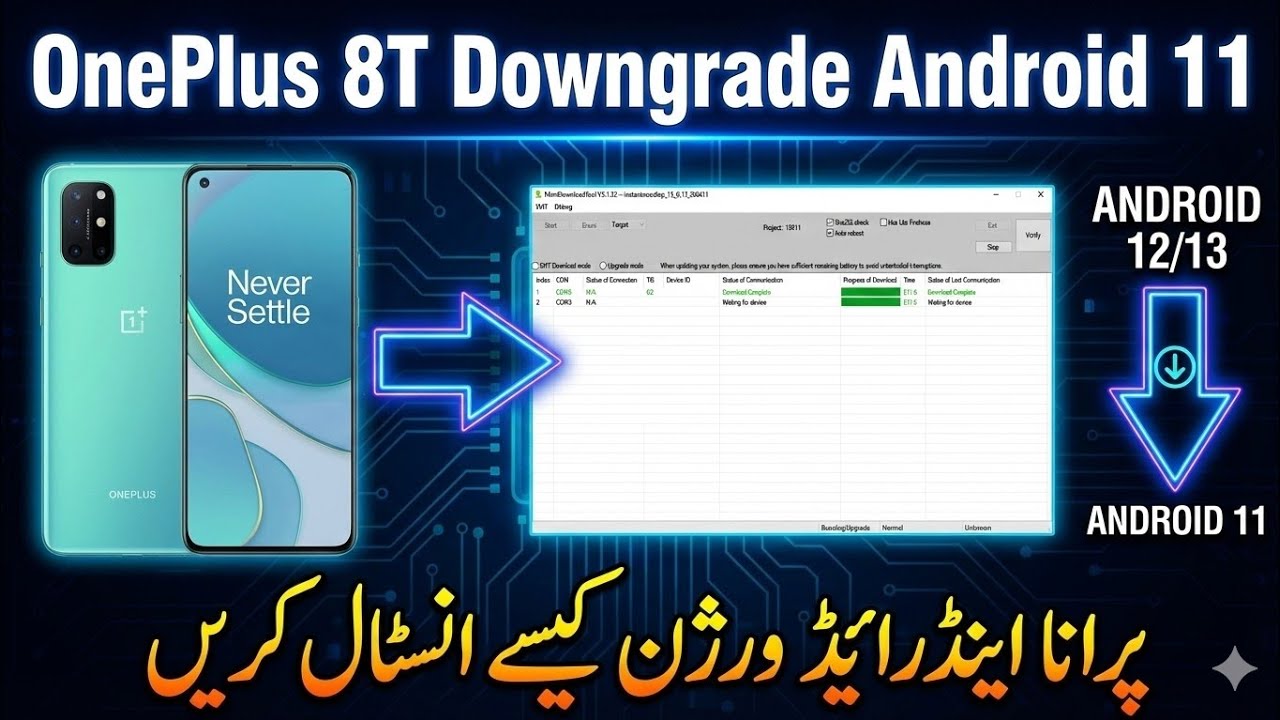
OnePlus 8T Downgrade to Android 11| Flash Stock ROM Using Free Tool
Автор: GSM Phone Repair
Загружено: 2026-01-10
Просмотров: 1925
Описание:
لHow to Downgrade Android on OnePlus 8T & Unbrick a Dead Boot Phone (Step-by-Step Guide)
In this video, we walk you through the complete process to downgrade the Android version on your OnePlus 8T, recover a dead boot phone, and restore it back to working condition. This OnePlus unbrick tutorial covers all the tools, firmware files, and step-by-step instructions needed to fix your device safely and effectively.
Whether your OnePlus 8T is stuck in a boot loop, bricked, or won’t power on, this guide will help you fix it like a pro! 💡
🔧 What You’ll Learn in This Video:
✔ How to download the correct OnePlus 8T firmware (rollbacks & older Android versions)
✔ How to flash the phone using MSM Download Tool / Unbrick Tool
✔ How to recover from a dead boot, black screen, or no-response situation
✔ Easy, fail-safe instructions for OnePlus users
👉 Download Files & Tools:
📁 Firmware & Unbrick Tools — https://onepluscommunityserver.com/li...
(Includes OnePlus 8T rollback firmware, Flash tools, drivers & instructions.)
📌 Supported Devices:
• OnePlus 8T (All Variants)
• OxygenOS Android Downgrade / Rollback
• Dead / Brick / Boot Loop Recovery
📌 Keywords / Tags:
OnePlus 8T downgrade, OnePlus 8T unbrick, dead boot phone, bootloop fix, downgrade Android, OnePlus flash tool, rollback firmware, unbrick tools download, OnePlus 8T repair tutorial, OnePlus MSM download tool, OxygenOS downgrade, OnePlus firmware files
👉 If this helped you, LIKE 👍, SHARE 📲 & SUBSCRIBE 🔔 for more OnePlus tutorials and phone repair guides!
Повторяем попытку...
Доступные форматы для скачивания:
Скачать видео
-
Информация по загрузке: