How-to | What do the colors and flashing patterns of the LED Remote mean | Bosch eBike Systems
Автор: Bosch eBike Systems
Загружено: 2026-02-04
Просмотров: 203
Описание:
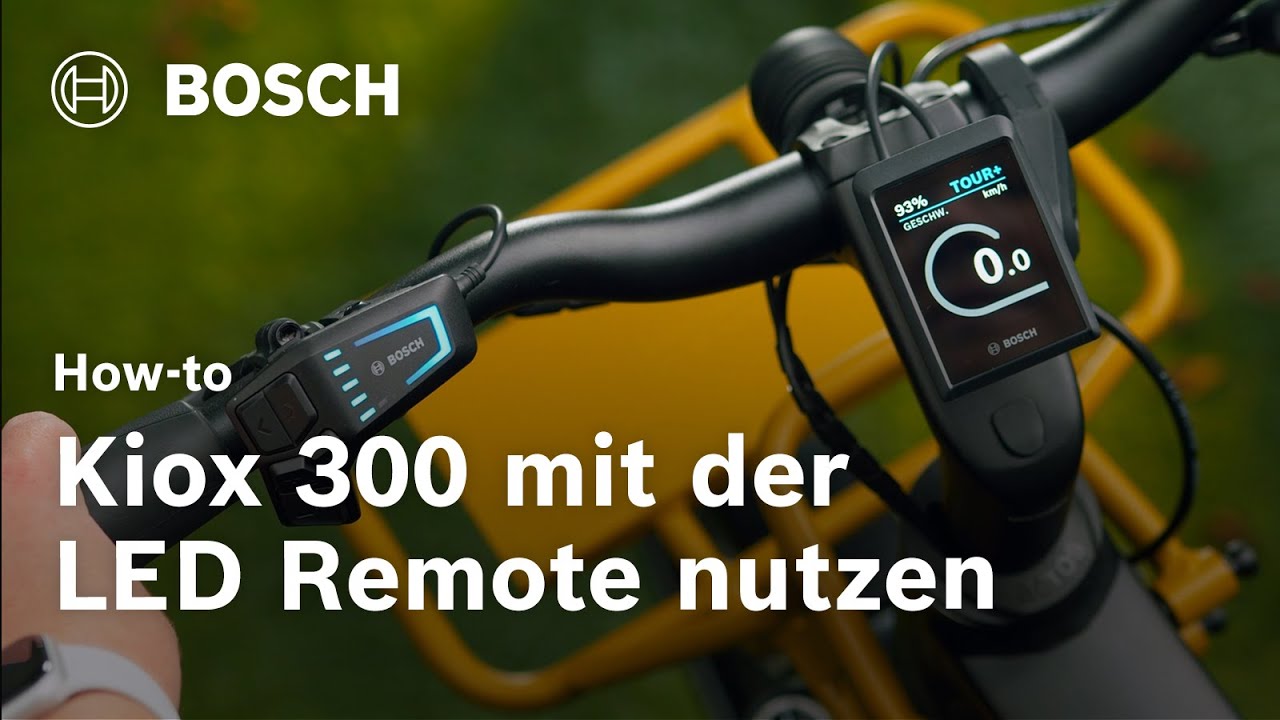
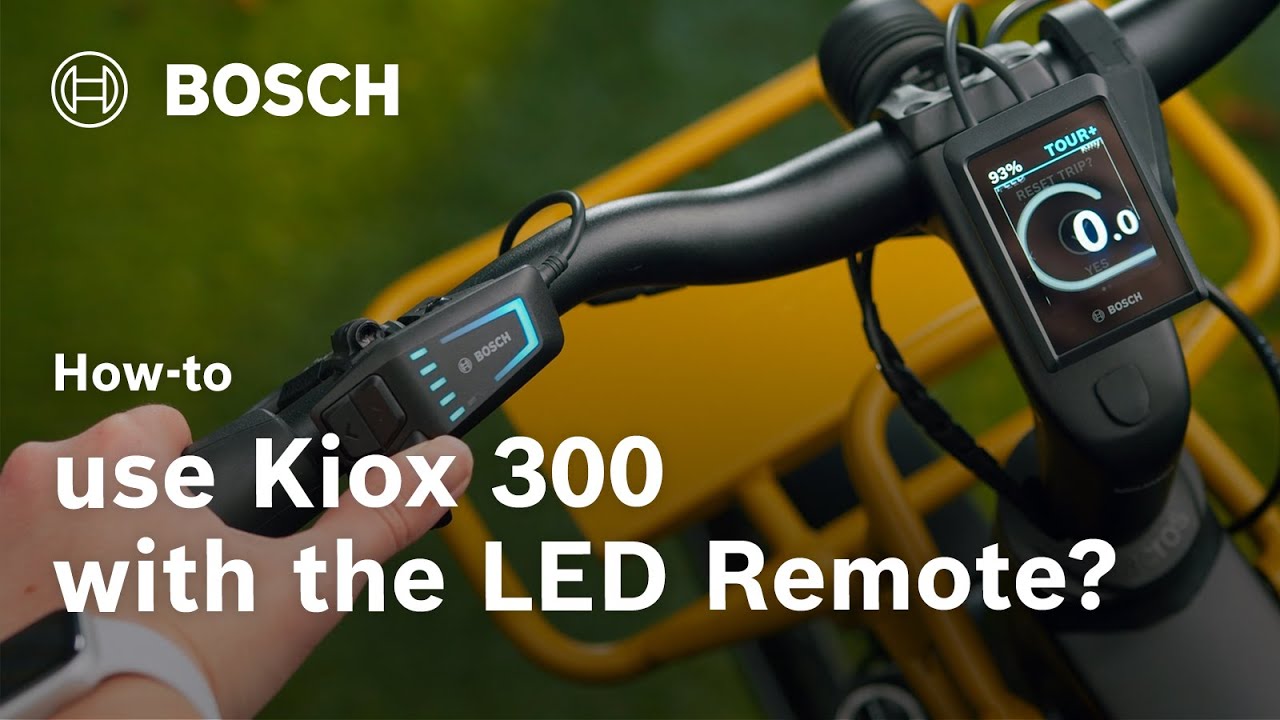
The LED Remote is a fully networked control center that is fun to use! This video explains what the different colors, error messages and flashing patterns on the LED Remote mean. You will also learn what the LED Remote displays when eBike Lock is set up.
Learn more about LED Remote in our Help Center:
https://www.bosch-ebike.com/en/help-c...
Stay up to date on the current status of our systems and maintenance announcements at any time: https://status.bosch-ebike.com/en/
0:00 Intro
0:07 Five LEDs show battery charge
0:11 Blue LED: 20% capacity; White LED: 10% capacity.
0:17 Top LED: Max capacity.
0:31 Orange LEDs (bottom 1-2): 21-30% charge.
0:43 Lowest LED orange: 11-20% battery.
0:54 Red (bottom): 0-10% (flashes at 0%, motor assist off).
1:07 Top LED flashes: Charging.
1:26 Top LED pulses blue: Pairing mode.
1:45 Software updates transfer in background;
1:55 Green flashing (battery indicator): Update in progress.
2:12 Red flashing: Functional failure (see dealer).
2:23 Orange flashing (riding mode LED): Error
2:29 Error details: Consult dealer or eBike Flow app.
2:39 Press enter to dismiss error messages.
2:49 eBike Lock setup via settings.
2:57 White flashing on power-on: eBike Lock active, searching for digital key.
3:08 Digital key found: eBike Lock deactivated, motor assist active.
3:16 White flashing on power-off: eBike Lock active.
Experience the world of Bosch eBike Systems.
Visit our website: https://www.bosch-ebike.com
Visit us on Facebook: / boschebikesystems
Visit us on Instagram: / boschebikesystems
Subscribe to our YouTube Channel: https://www.youtube.com/subscription_...
Повторяем попытку...

Доступные форматы для скачивания:
Скачать видео
-
Информация по загрузке: