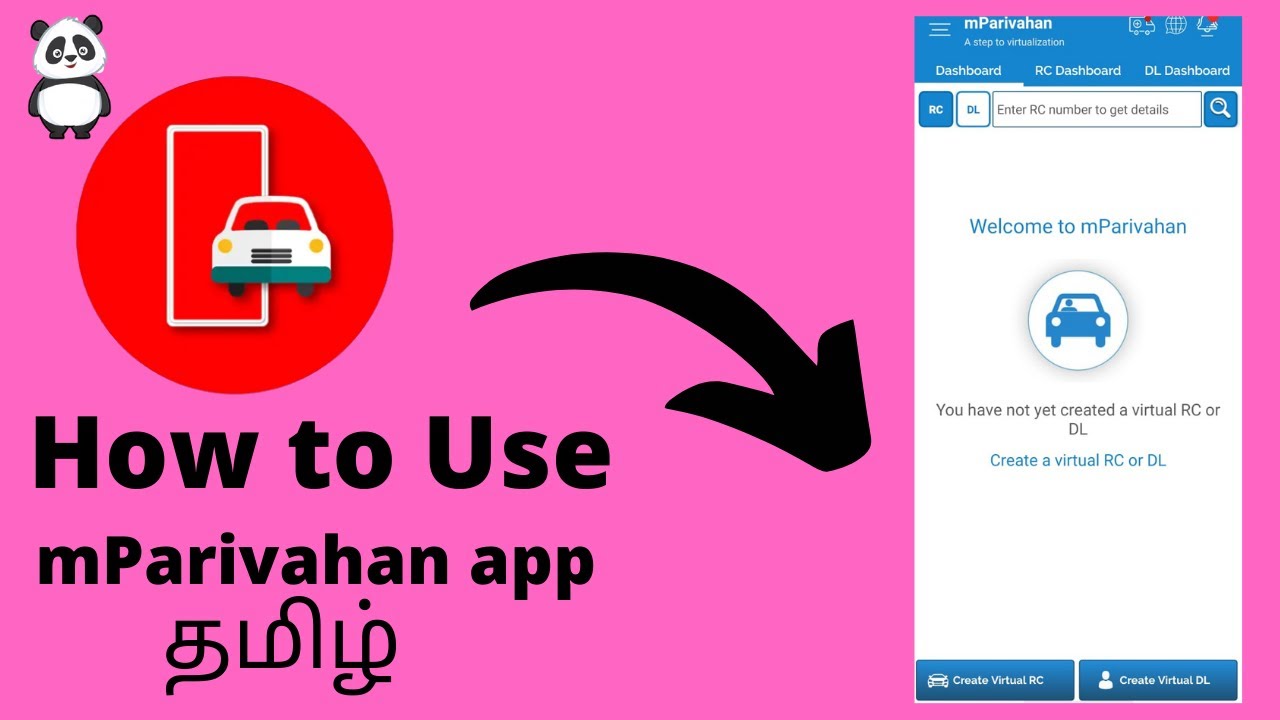
How to Use mParivahan app ? | Tamil Short tutorial...
Автор: Infoji
Загружено: 2021-05-03
Просмотров: 44318
Описание:
How to Use mParivahan app ? | Tamil Short tutorial...
Hi friends , Welcome to Information Ji (INFOJI) Youtube Channel .In this channel we are going to give you a good information about usefull apps in tamil . Please Support My Channel , Thank you ..
How to Use mParivahan app :
First, download the mParivahan app from Google Play store.
Sign up using your mobile number. You will get an OTP. Enter and register on the app.
Now, you have two choices – DL (Driving Licence) & RC (Registration Certificate).
Enter your DL number.
To generate a virtual DL, click on “Add To My Dashboard”
Enter DOB and your DL will be added to your ‘Dashboard’.
Similarly, enter vehicle number for RC.
It will show you details such as insurance validity, fitness expiry date, and more.
Click on “Add To My Dashboard”.
You will be prompted to enter the chassis number and engine number of your vehicle. You can get these details from your RC.
After verifying, go to the Dashboard and select the DL or RC you want to show to authorities.
This will generate a QR code for which authorities can scan to verify.
Повторяем попытку...
Доступные форматы для скачивания:
Скачать видео
-
Информация по загрузке: