How to run Apple IIgs software in MAME ? - MAME tutorial
Автор: Bob Zed
Загружено: 2022-08-18
Просмотров: 2348
Описание:
This video explains what to do when you see the "Unable to load Prodos" message when running Apple IIgs software.
This is the equivalent command line:
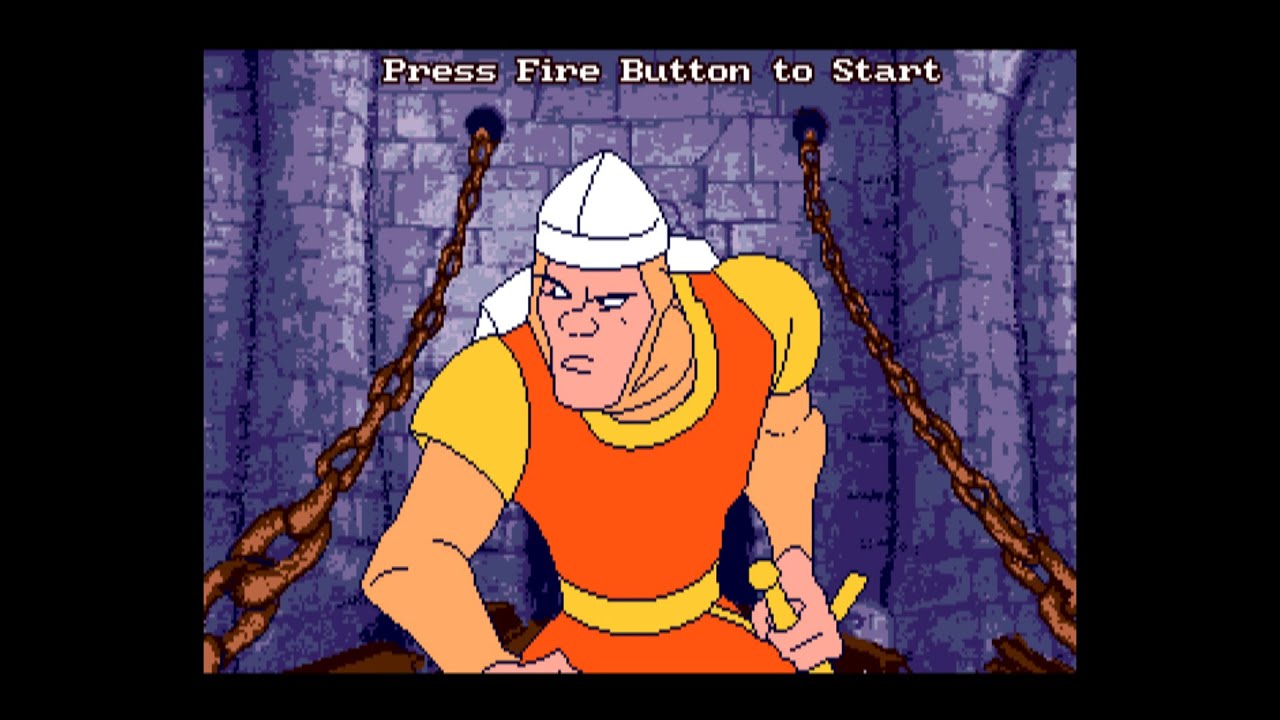
mame apple2gs -flop3 sys601 -flop4 dlair1
Script:
Running Aplle IIgs software may be just a matter of selecting a software
But if you end up on this screen...
Push [Scroll Lock]
Push [Tab]
Select "File Manager" - flop3
Select "software list"
Select "Apple IIgs miscellaneous disks"
Select "System Software v6.01"
Push [Tab]
Push [Shift] + [F3] to restart
[Scroll Lock] then keep pushing [Page Down] to speed up...
Push [Tab] and select your software in "File Manager"
Push [Tab]
That's all
If you want more tutorials, please drop a comment.
Повторяем попытку...
Доступные форматы для скачивания:
Скачать видео
-
Информация по загрузке: