How to Create a Topographic Contour Map Effect in Adobe Illustrator
Автор: RichGfx
Загружено: 2025-12-18
Просмотров: 271
Описание:
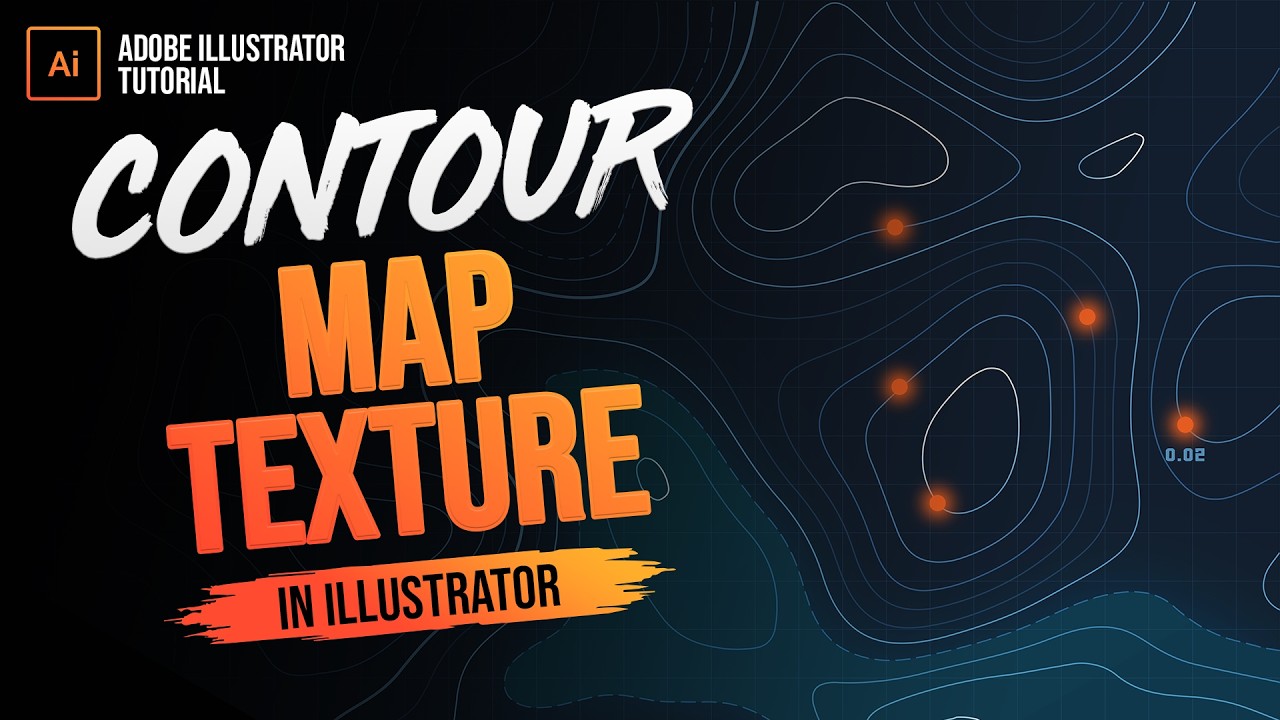
In this Adobe Illustrator tutorial, you’ll learn how to create a topographic contour map effect using a simple Photoshop-to-Illustrator workflow that results in clean, fully editable vector artwork. This technique is perfect for designing contour lines, topographic map graphics, and outdoor or adventure-themed designs in Adobe Illustrator, and works well for posters, branding, backgrounds, and textures. By generating the base contour map effect in Photoshop and then converting it into vector paths using Image Trace in Adobe Illustrator, you’ll gain full control over stroke weight, line styles, and overall appearance. This tutorial covers creating topographic contour lines, adjusting line density, and refining vector strokes, making it useful for both beginners and experienced designers looking to expand their Adobe Illustrator skills. If you’re searching for how to create a topographic map effect, contour line designs, or vector topographic textures in Adobe Illustrator, this tutorial walks through the process step by step in a clear, practical way.
🙏 STAY CONNECTED
BECOME A MEMBER: https://bit.ly/JoinRichgx
PLEASE SUBSCRIBE: http://bit.ly/SubRichGFX
🗨️ REACH OUT AND FOLLOW
Continue the discussion over on Discord: / discord
Premium Resources: - https://gumroad.com/richgfx/follow
Follow me on Facebook: / richardgfx
Follow me on Instagram: / _richgfx
Follow me on Dribbble: https://dribbble.com/richard_carpenter
Follow me on X: / richard_carpent
Follow me on TikTok: / rich.gfx
Follow me on Deviantart: https://www.deviantart.com/hvdesignz
Follow me on Behance: https://www.behance.net/richard_carpe...
🕑 VIDEO CHAPTERS
0:00 - Intro
0:08 - Photoshop Contour Lines
1:10 - Vectorise in Illustrator
1:21 - Trace Contour Lines
2:04 - Adding Detail
2:40 - Outro
#adobeillustrator #illustrator #tutorial
Повторяем попытку...
Доступные форматы для скачивания:
Скачать видео
-
Информация по загрузке: