ycliper

Популярное

Музыка Кино и Анимация Автомобили Животные Спорт Путешествия Игры Юмор

Интересные видео

2025 Сериалы Трейлеры Новости Как сделать Видеоуроки Diy своими руками

Топ запросов

смотреть а4 schoolboy runaway турецкий сериал смотреть мультфильмы эдисон
Скачать

Tamil Revit Basics: 6| Revit அடிப்படை கற்றல்: 6 | How to Join/Unjoin in Revit

Автор: RADIO REVIT

Загружено: 2025-12-05

Просмотров: 231

Описание: Revit Join/Unjoin Geometry Tool
The Join Geometry tool in Autodesk Revit is used to merge two or more elements so that they interact visually and physically in the model. When elements are joined:

Edges and Faces Merge: The tool removes overlapping lines between joined elements, creating a clean intersection.
Material Priority: Materials interact based on their cut hierarchy (defined in material properties), so the correct material appears in sections and 3D views.
Cutting Behavior: One element can cut into another (e.g., a wall cutting into a floor slab).
Visibility Enhancement: It improves clarity in drawings by eliminating redundant lines where elements meet.

The Unjoin Geometry tool reverses this process, restoring the elements to their original state without merging their geometry.
Key Uses:

Joining walls with floors, roofs, or ceilings for clean intersections.
Joining structural elements like beams and columns with walls.
Improving the accuracy of construction documentation and visualization.

Important Notes:

Only certain categories can be joined (e.g., walls, floors, roofs, ceilings, columns).
Joining does not affect element properties like dimensions or schedules—it’s purely a graphical and visual enhancement.
Overuse can slow down performance in large models, so apply selectively.


Tools in the Geometry Panel (Modify Tab)
The Geometry panel in Revit contains tools that control how elements interact with each other. Here are the main tools:


Join Geometry
Joins two elements so their geometry merges and displays correctly in views.


Unjoin Geometry
Separates previously joined elements, restoring their independent geometry.


Cut Geometry
Allows one element to cut another (e.g., a void cutting a solid form).


Uncut Geometry
Removes a cutting relationship between two elements.


Switch Join Order
Changes which element takes priority in a join (useful when two elements overlap and you want to control which one dominates visually).


Join/Unjoin Roof
Specifically, for joining or separating roof geometry with other elements.

Не удается загрузить Youtube-плеер. Проверьте блокировку Youtube в вашей сети.
Повторяем попытку...
Tamil Revit Basics: 6| Revit அடிப்படை கற்றல்: 6 | How to Join/Unjoin in Revit

Поделиться в:

Доступные форматы для скачивания:

Скачать видео

  • Информация по загрузке:

Скачать аудио

Похожие видео

Revit был СЛОЖНЫМ, пока я не узнал эти советы!

Revit был СЛОЖНЫМ, пока я не узнал эти советы!

Easily Adjust Level Head Elevation Name Text Size in Tamil

Easily Adjust Level Head Elevation Name Text Size in Tamil

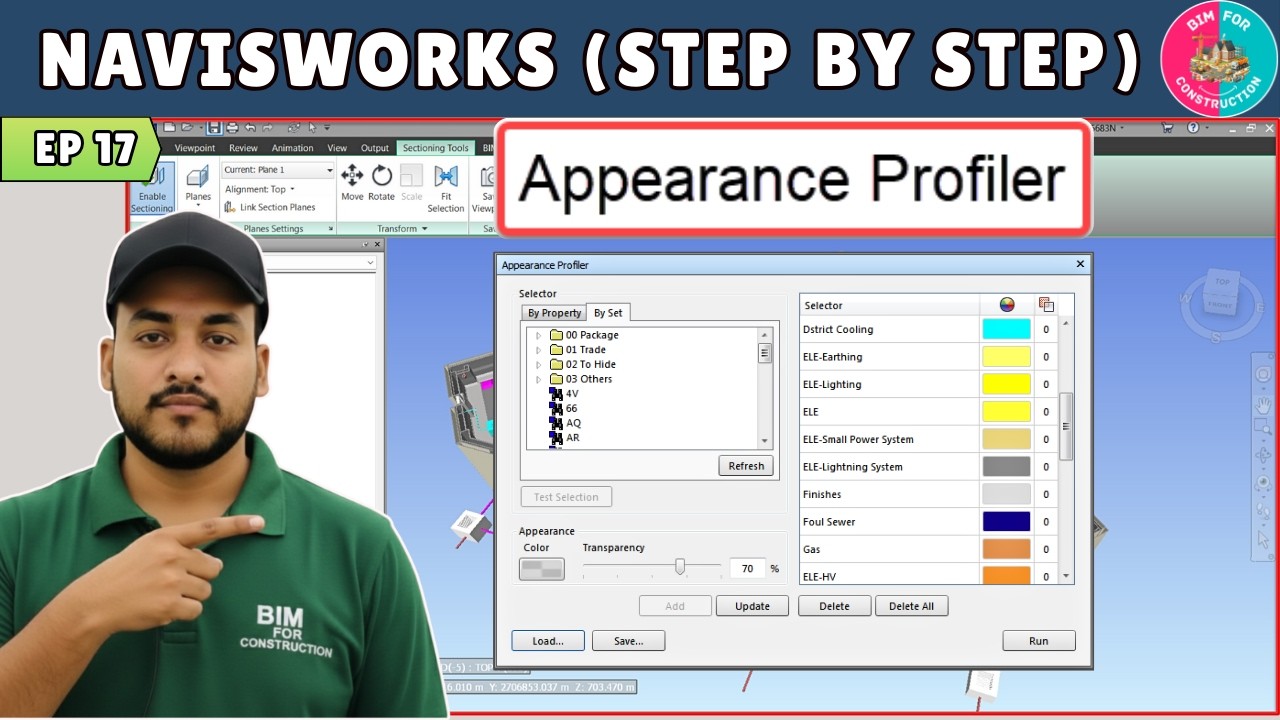
#17 Navisworks Tutorial: Appearance Profiler in Navis

#17 Navisworks Tutorial: Appearance Profiler in Navis

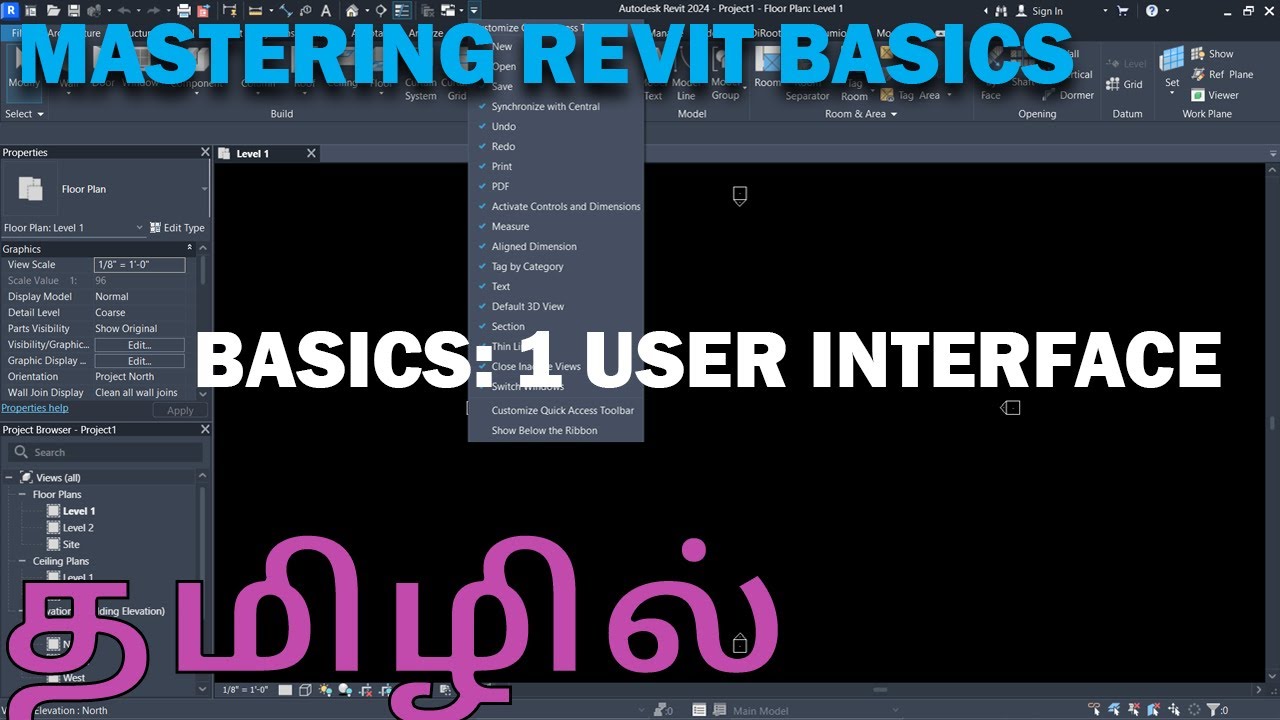
Tamil Revit Basics: 1| Revit அடிப்படை கற்றல்: 1 | Learn Revit User Interface in Tamil Language

Tamil Revit Basics: 1| Revit அடிப்படை கற்றல்: 1 | Learn Revit User Interface in Tamil Language

Fusion 360 Уроки для начинающих

Fusion 360 Уроки для начинающих

Совет от EDGECAM: Создание поворотных элементов стало проще.

Совет от EDGECAM: Создание поворотных элементов стало проще.

Как смоделировать каркас в SketchUp!

Как смоделировать каркас в SketchUp!

Best Revit Live கேள்விகள் & பதில்கள் Session | Watch & learn

Best Revit Live கேள்விகள் & பதில்கள் Session | Watch & learn

Третья мировая разгорается

Третья мировая разгорается

Без головы. Война против Ирана. День второй

Без головы. Война против Ирана. День второй

FreeCAD 2025 BIM - Architecture - Complete Beginner Tutorial

FreeCAD 2025 BIM - Architecture - Complete Beginner Tutorial

SketchUp для Новичков. Полная инструкция от установки до дизайна

SketchUp для Новичков. Полная инструкция от установки до дизайна

Учебное пособие по толщине линий в Revit | Толщина линий в Revit

Учебное пособие по толщине линий в Revit | Толщина линий в Revit

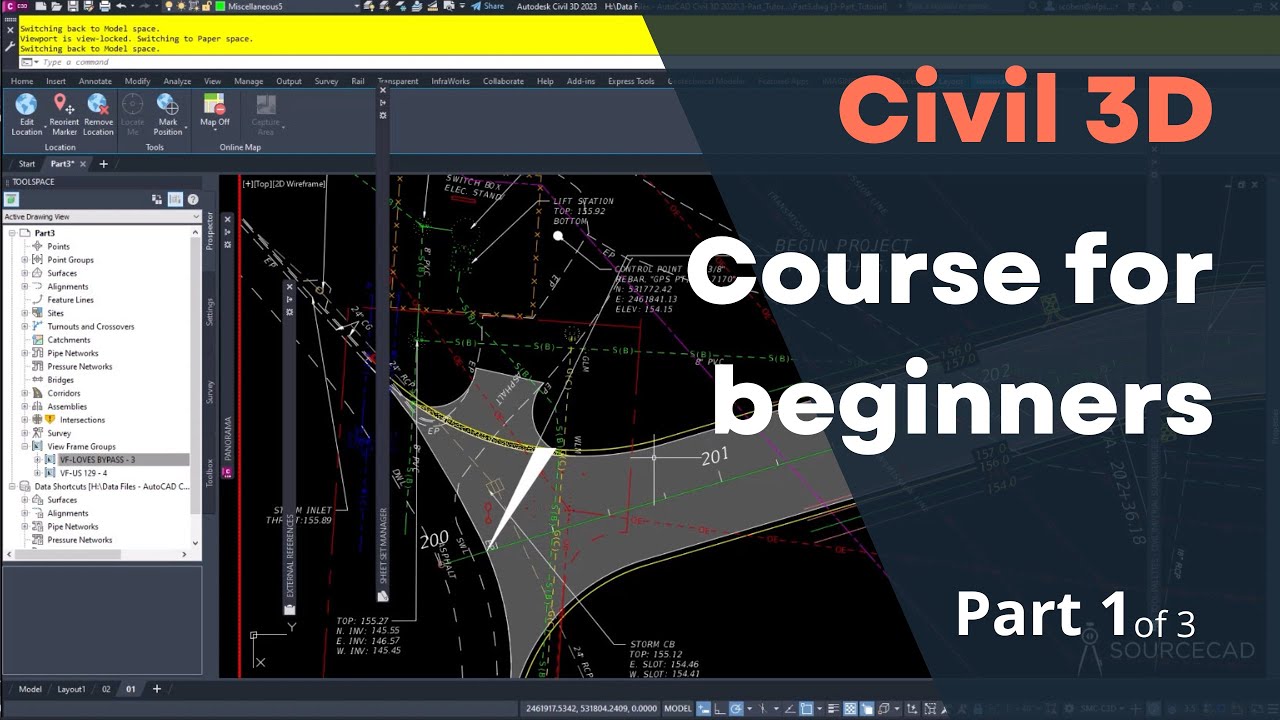
Курс Civil 3D для начинающих — часть 1 из 3

Курс Civil 3D для начинающих — часть 1 из 3

Если гравитация - не сила, а искривление, то как она вообще притягивает?

Если гравитация - не сила, а искривление, то как она вообще притягивает?

Понимание GD&T

Понимание GD&T

Ванна за 50$ своими руками ОТДЕЛКА ИСПЫТАНИЕ!

Ванна за 50$ своими руками ОТДЕЛКА ИСПЫТАНИЕ!

Фильм Алексея Семихатова «ГРАВИТАЦИЯ»

Фильм Алексея Семихатова «ГРАВИТАЦИЯ»

Can carving wood feel like 3d printing?  - Exploring the Makera Carvera Air

Can carving wood feel like 3d printing? - Exploring the Makera Carvera Air

LLM и GPT - как работают большие языковые модели? Визуальное введение в трансформеры

LLM и GPT - как работают большие языковые модели? Визуальное введение в трансформеры

© 2025 ycliper. Все права защищены.


  • Контакты
  • О нас
  • Политика конфиденциальности


Контакты для правообладателей: [email protected]