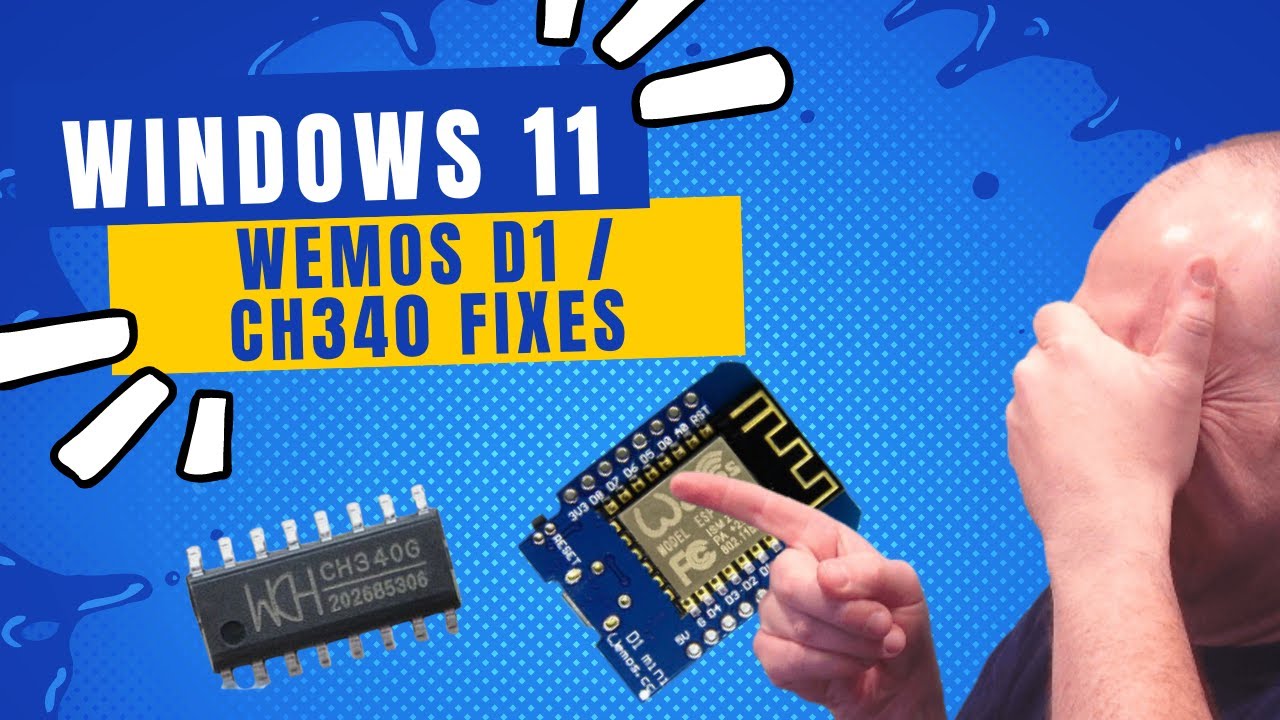
Fixing CH340 / Wemos D1 problems with Windows 11!
Автор: Terrain-Tronics
Загружено: 2024-02-18
Просмотров: 27791
Описание:
I use a whole bunch of Wemos D1 Mini's with my LED lighting controllers at www.terraintronics.com
Recently, I went to reprogram a bunch of them and my Windows 11 PC refused to function correctly with the boards.
Turns out it was Microsoft overwriting the driver I was using, because they thought they had a better one. Uh... NO WAY!
My workaround, and maybe it can work for you is: -- links are below this order of operations
1) Unplug The Wemos D1.
2)Disable automatic windows updates
3) Use the CH340 Driver Install app in Administrator mode to REMOVE the current driver.
4) Restart the same app in Administrator mode to INSTALL version 3.5 of the driver
5) Plug in your Wemos D1 with Device Manager open (you should see DM refresh with a new serial port)
6) Confirm functionality (Serial port actually working) using Putty
7) Update the standard BLINK code with faster timing, just to see if it is able to communicate with the Wemos D1 and reprogram it.
Important Links:
Dells' guide to stopping automatic updates: https://www.dell.com/support/kbdoc/en...
CH340 Driver 3.5: https://www.arduined.eu/ch340-windows...
Putty: https://putty.org/
Повторяем попытку...
Доступные форматы для скачивания:
Скачать видео
-
Информация по загрузке: