How to Create Thumbnails Directly in Ecamm
Автор: Ecamm Fam
Загружено: 2026-02-16
Просмотров: 121
Описание:
Download the StreamDeck pictures for free here:
https://ecammnetwork.box.com/s/i2gcn9...
Need a quick thumbnail or production screenshot without opening another app?
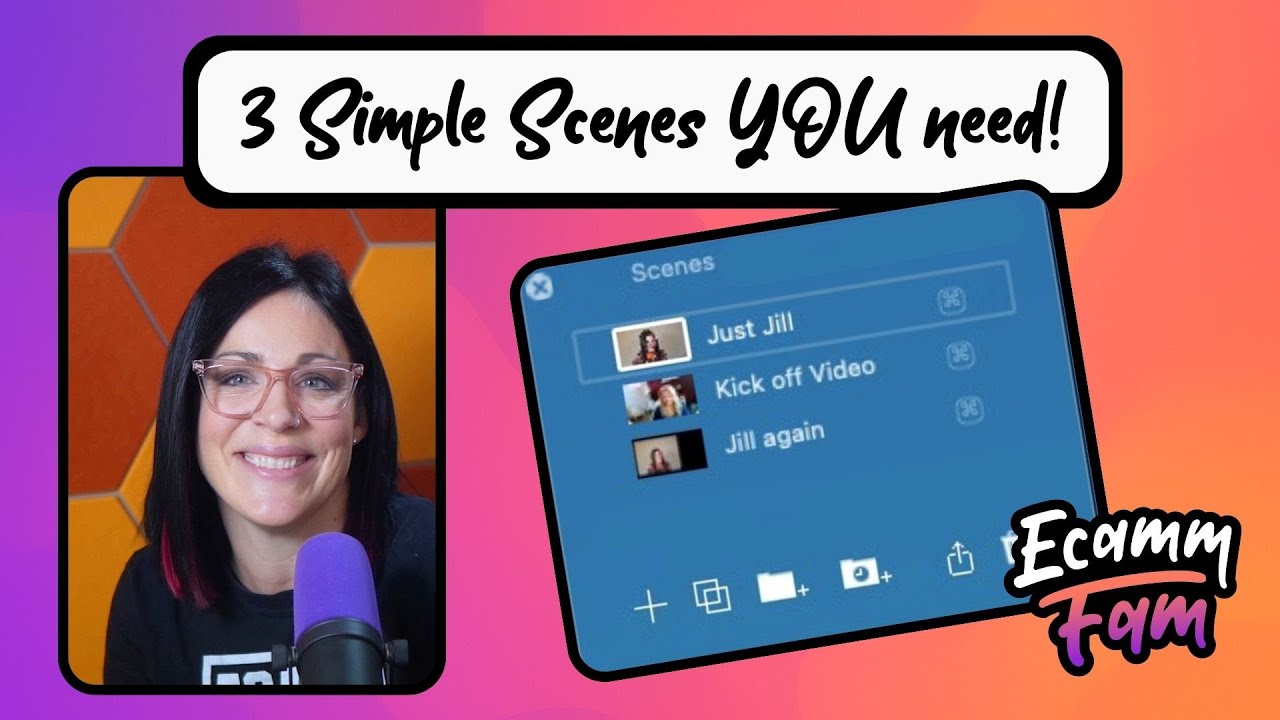
In this quick tip, Jill shows you how to create clean, ready-to-post thumbnails directly inside Ecamm using built-in recording options and keyboard shortcuts.
You’ll learn:
• How to take a screenshot from the Recording menu
• How to instantly save it as an overlay
• The keyboard shortcuts that make it faster
• How to automate thumbnail capture using a Stream Deck
• How to create a timed multi-action button for multiple poses
Whether you just need a quick YouTube thumbnail, a production screenshot, or a branded overlay image, you can do it all without leaving Ecamm.
Simple version or nerd version. Your choice.
Whether you’re brand new to Ecamm or part of the EcammFam already, there’s always more to explore. Ecamm is your all-in-one tool for creating professional-quality livestreams, podcasts, video presentations, and virtual events—right from your Mac. With powerful features like Interview Mode, Virtual Camera, Ecamm for Zoom, and Live Demo Mode, you can easily go live or record high-quality content with confidence.
Here are a few helpful links to get you started:
🌐 Learn more about Ecamm Live: https://www.ecamm.com
🎓 Dive into tutorials and how-tos: https://learn.ecamm.com
💬 Join the EcammFam community on Facebook:
/ ecammlive
We have an AWESOME Affiliate program! Check it out here:
https://affiliates.ecamm.com/
🎧 Catch our latest podcasts and interviews: / ecammlive
Повторяем попытку...

Доступные форматы для скачивания:
Скачать видео
-
Информация по загрузке: