Sound Effects Editing Workflow In REAPER
Автор: The REAPER Blog
Загружено: 2018-03-19
Просмотров: 22472
Описание:
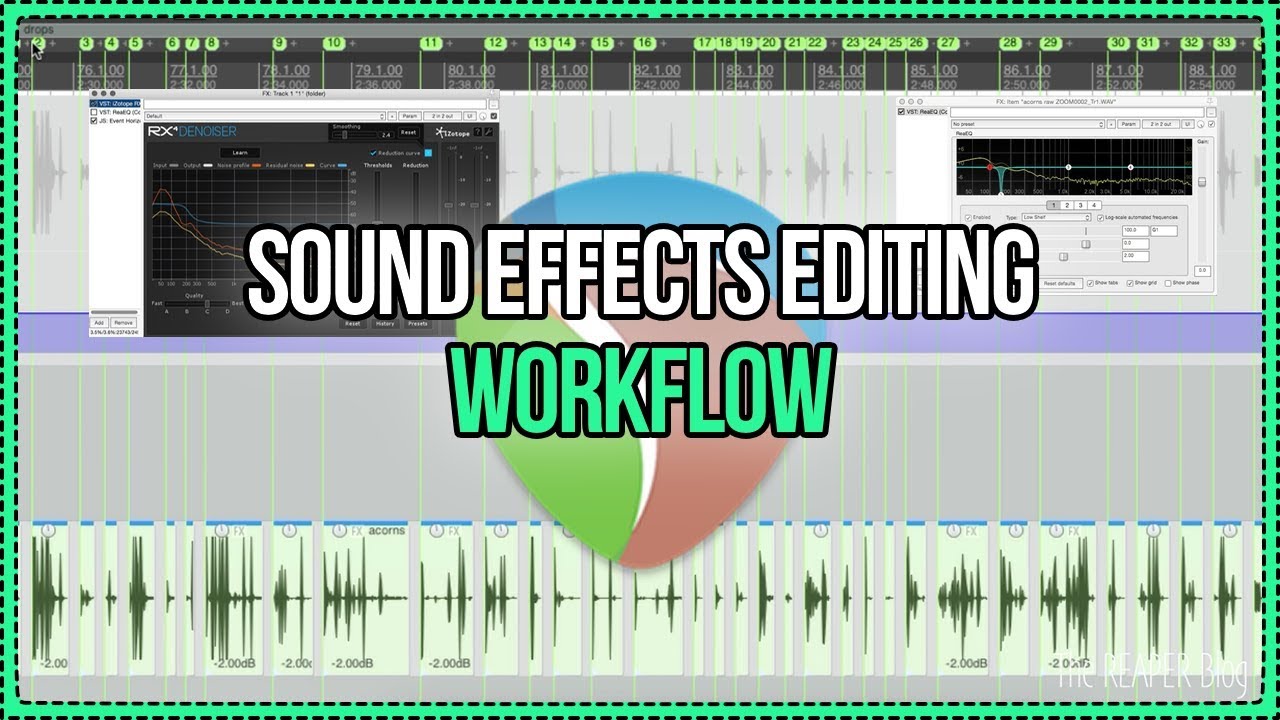
Jon explains his process of creating a small sound effects/foley sound library. From recording to exporting you'll learn a bunch of workflow tips and tricks for tackling these kinds of projects
TLDR;
1 - Import audio
2 - Organize into different types of sounds/performances on separate tracks, trimming out anything obviously unuseable
3 - For each track run "reposition selected items" action bring all like sounds together with even spacing
4 - Edit and process the audio in more detail, trimming ends, reducing noise.
5 - Run "SWS: reposition selected items" again
6 - Run "SWS: Set item fades to default length" (if you haven't already faded tops and tails)
7 - Select items, set time selection to items, create region from time selection, then name the region.
8 - (optional) Run script: "X-raym_create markers at selected items snap offset.lua" to create Media cues at each original item start within the rendered file
9 - export master mix with region bounds, named with $region, include "Markers only" in BWF.
Thanks for watching!
Subscribe and hit that LIKE button!
Visit The REAPER Blog for many more tips, tricks and tutorials.
http://reaperblog.net
/ reaperblog
/ thereaperblog
/ reaperblogcommunity
/ thereaperblog
Повторяем попытку...
Доступные форматы для скачивания:
Скачать видео
-
Информация по загрузке: