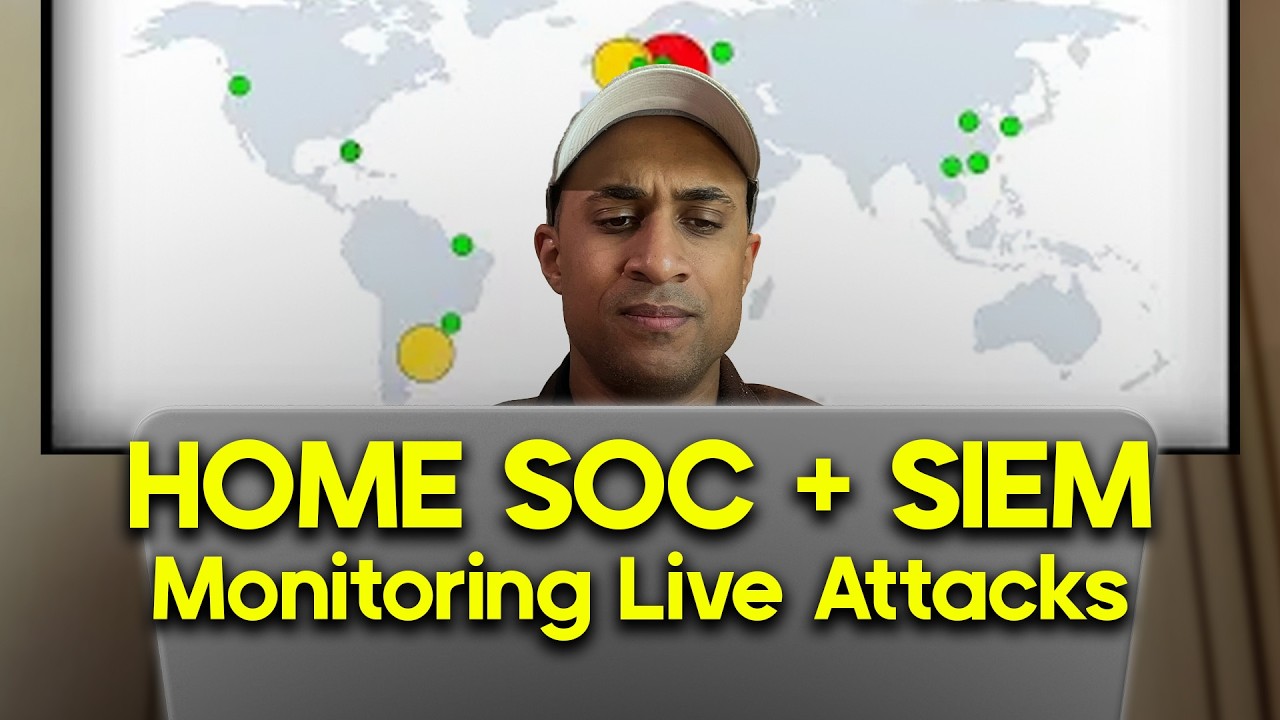
SIEM Tutorial for Beginners | Azure Sentinel Tutorial MAP with LIVE CYBER ATTACKS!
Автор: Josh Madakor
Загружено: 2021-11-01
Просмотров: 145309
Описание:
⭐⭐⭐⭐⭐ NEW 2025 VERSION OF THIS VIDEO: • Cyber Home Lab from ZERO and Catch Attacke...
You can now do this video to completion with the above video. It's up to date!
🔒 Hands-On Cybersecurity Course + INTERNSHIP 🔒
https://joshmadakor.tech/cyber
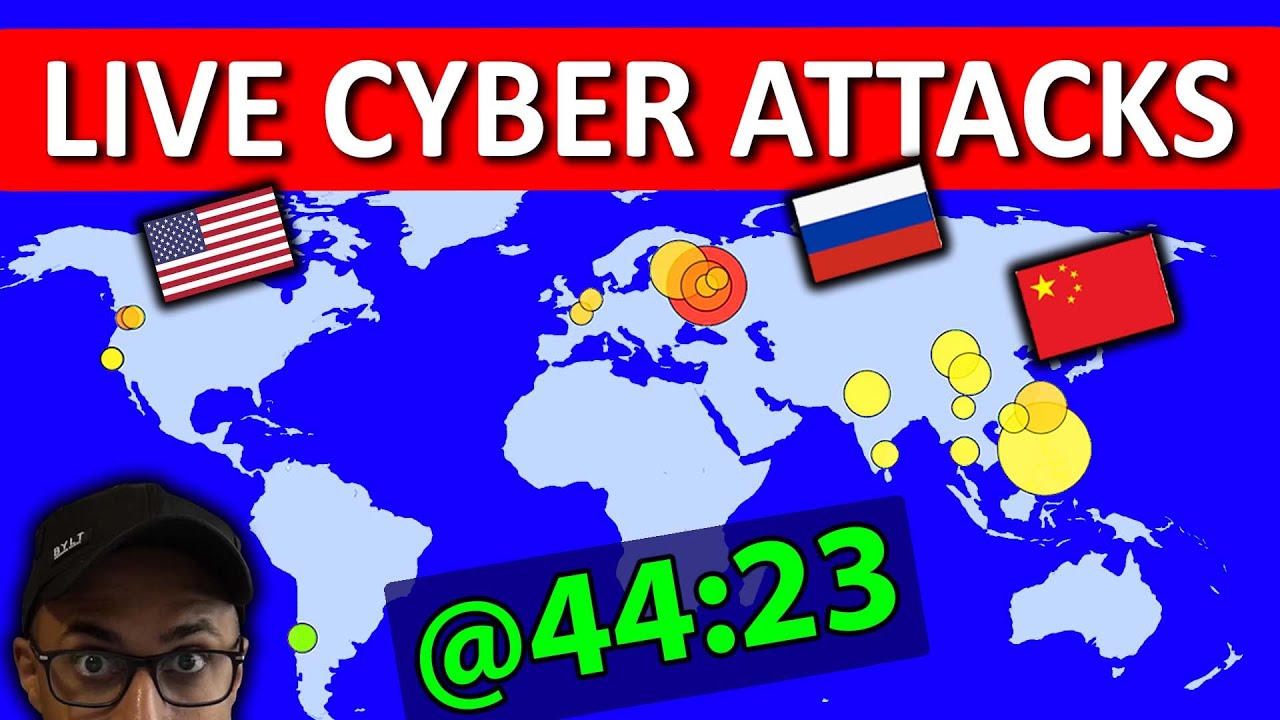
In this video, I setup Azure Sentinel (SIEM) and connect it to a live virtual machine acting as a honey pot. We will observe live attacks (RDP Brute Force) from all around the world. We will use a custom PowerShell script to look up the attackers Geolocation information and plot it on the Azure Sentinel Map! LEARN THIS IN DEPTH AND PUT THIS ON YOUR RESUME!
🙇♂️ - Patreon - 🙇♂️
▶ / joshmadakor - Any support greatly appreciated!!
▶ PowerShell Script for the Lab: https://github.com/joshmadakor1/Senti...
▶ Azure Trial: https://azure.microsoft.com/en-us/free/
▶ Sentinel Map Query:
FAILED_RDP_WITH_GEO_CL | summarize event_count=count() by sourcehost_CF, latitude_CF, longitude_CF, country_CF, label_CF, destinationhost_CF
| where destinationhost_CF != "samplehost"
| where sourcehost_CF != ""
⌨️ - Coding - ⌨️
▶ My favorite coding tutorials (CodeWithMosh): https://bit.ly/338kfD6
📄 - Sample Resumes - 📄
▶ Vulnerability Management: https://docs.google.com/document/d/1Q...
▶ Software Engineering: https://bit.ly/3hm4lLe
▶ Cybersecurity: https://bit.ly/2M463Fq
▶ Information Technology: https://bit.ly/3huhLFa
⭐️ - Social Media - ⭐️
▶ Instagram: / joshmadakor
▶ LinkedIn: / joshmadakor
▶ Patreon: / joshmadakor
▶ Twitter: / joshmadakor
🎥 - Equipment - 🎥
▶ Camera (Sony a6600): https://amzn.to/33HVvSv
▶ Mic (Blue Yeti): https://amzn.to/2HoZ3kw
▶ Capture Card (Camera to PC): https://amzn.to/36YmuKm
▶ Chair (AKRacing): https://amzn.to/39P8PZ1
▶ Lighting (Lamp): https://amzn.to/3fpVGWZ
0:00 Intro
2:01 Preview of Technical steps
4:48 Create Azure Subscription
5:10 Create Virtual Machine
6:35 Allow all in Firewall
7:40 Create Log Analytics Workspace
8:35 Enable gathering VM logs in Security Center
9:10 Connect Log Analytics to VM
9:40 Setup Azure Sentinel
10:15 Log into VM with Remote Desktop (fail 1 logon)
11:45 Observe Event Viewer Logs in VM
14:55 Turn of Windows Firewall on VM
16:20 Download PowerShell Script
17:25 Get Geolocation.io API Key
18:05 Run Script To get Geo Data from attackers
21:20 Create custom log in LAW to bring in our custom log
24:25 Create custom fields/extract fields from raw custom log data
34:05 Testing Extracts
35:50 Setup map in sentinel with Latitude and Longitude (or country)
43:37 Fixing Map plot sizes
44:23 China Begins Attacking
45:15 Taiwan joins the attack
46:13 Philippines joins the attack
47:00 Russian + the rest of the world join in on the attack
48:50 Final check on map
49:55 Final Thoughts and takeaways
52:10 Outro
DISCLAIMER: This video description has some affiliate links and I may receive a small commission. I only share stuff that I use and believe in. Thanks so much for your support 🥺
Повторяем попытку...
Доступные форматы для скачивания:
Скачать видео
-
Информация по загрузке: