Скачать
Adding a user code
Автор: MicroIQ
Загружено: 2019-07-26
Просмотров: 342
Описание:
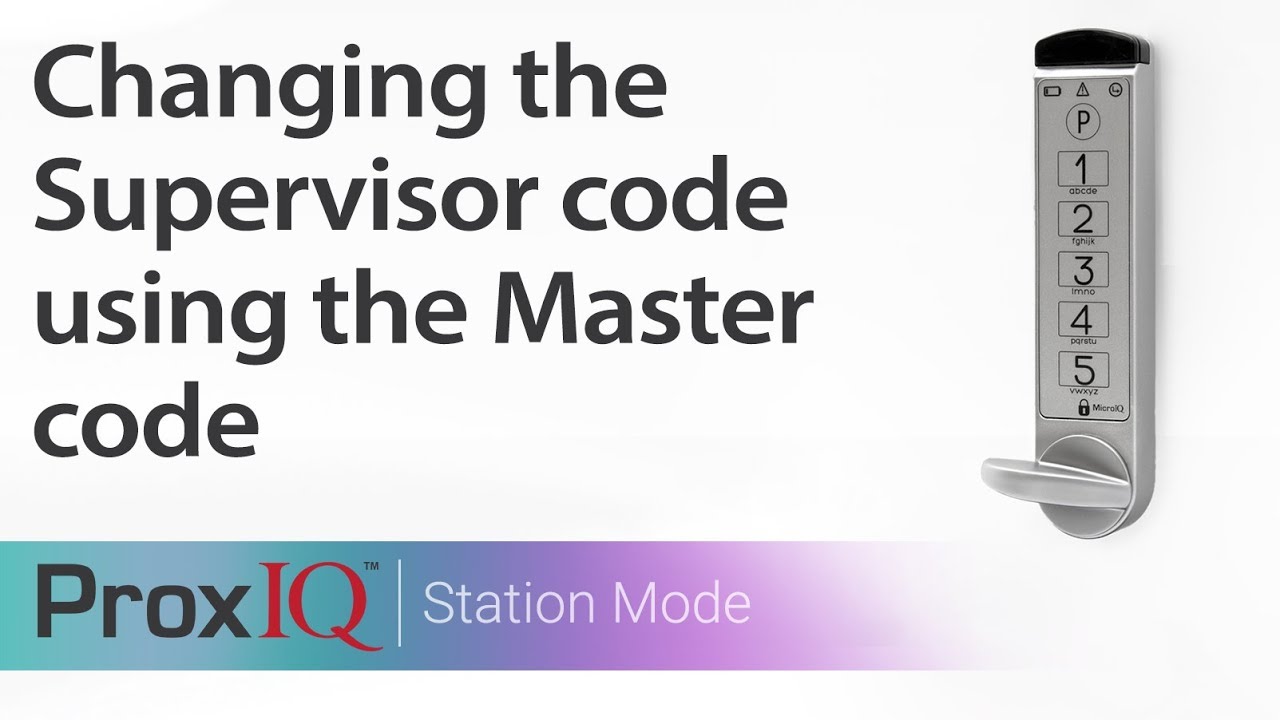
ProxIQ - how to add a User code:
1) Hold the program button (P)
2) Enter "21"
3) Touch the program button (P)
4) Enter the current Supervisor code
5) Touch the program button (P)
6) Enter a new User code
7) Touch the program button (P)
Не удается загрузить Youtube-плеер. Проверьте блокировку Youtube в вашей сети.
Повторяем попытку...
Повторяем попытку...

Доступные форматы для скачивания:
Скачать видео
-
Информация по загрузке: