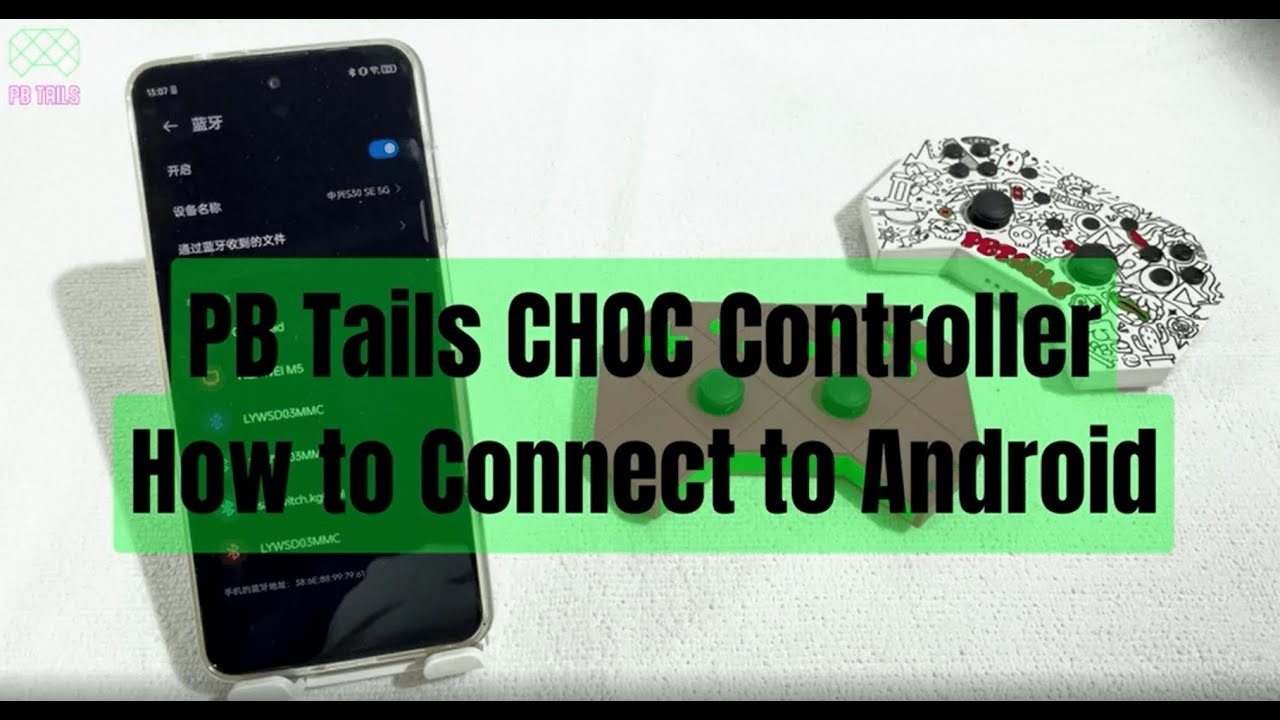
How to connect your PB Tails controller to Android
Автор: PB Tails
Загружено: 2023-01-24
Просмотров: 1014
Описание:
Step 1:
Press the pairing button and Y button together. The indicator lights 2 and 3 on the bottom of the controller will start blinking.
This means Bluetooth has been activated.
Step 2:
Go to Settings - Bluetooth devices and find "Gamepad". Choose this option to connect the controller to your device.
Step 3:
When the indicators stop blinking, your controller is connected and ready to go.
Happy Gaming :-)
---------------------------------------------------------------------------------------
🚀 LOOKING FOR DISTRIBUTORS/WHOLESALERS 🚀
USA & North America
UK & Europe
Africa & Arabic Region
and are open to other areas
👉📧 Get in touch and email [email protected]
🔥 SALE ON - up to 15% off + Free Shipping 🔥
Website: pbtails.com
Instagram: https: instagram.com/pb.tails
TikTok: www.tiktok.com/@pbtails
Facebook: facebook.com/pbtailsgaming
Повторяем попытку...
Доступные форматы для скачивания:
Скачать видео
-
Информация по загрузке: