Two Minute Tip | How to Mask out Cloud in ERDAS IMAGINE using the Landsat 8 QA Band
Автор: Sterling Geo
Загружено: 2015-02-04
Просмотров: 19718
Описание:
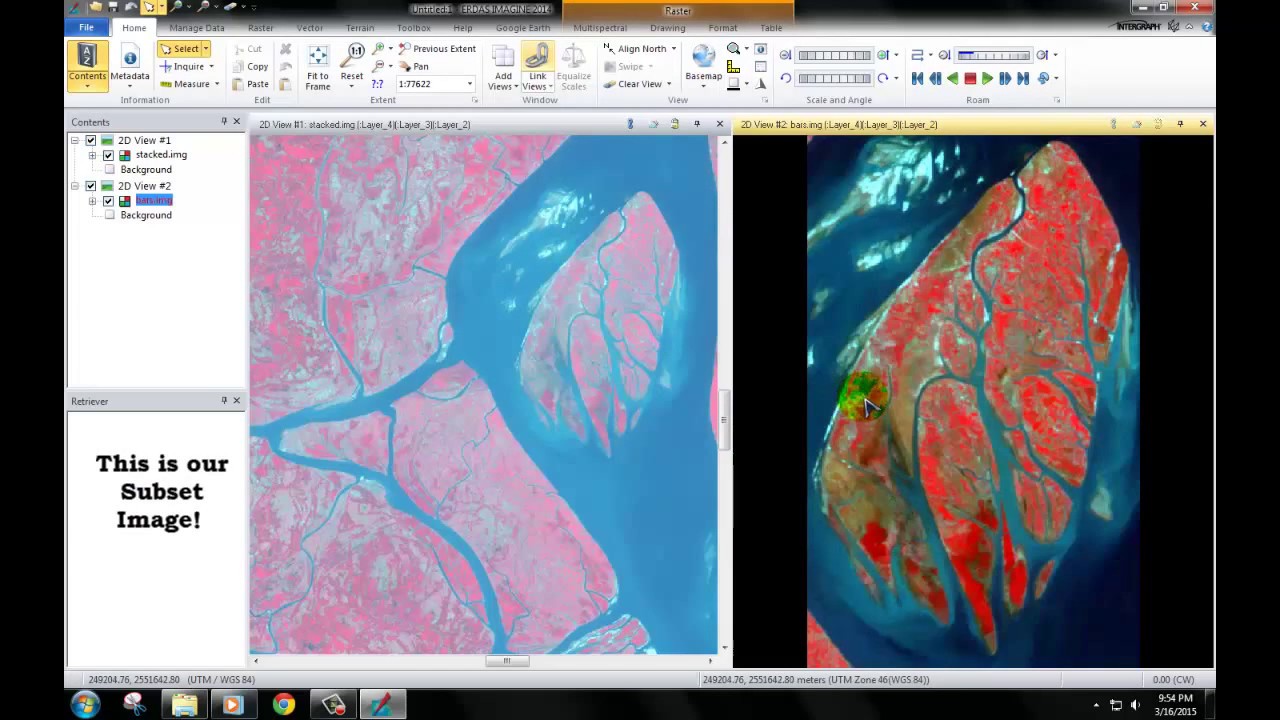
Using the Landsat 8 Cloud Mask Spatial Model from our online library, this tip shows you how to mask out all cloud areas from your Landsat tile. You can download the "Landsat 8 QA Cloud Mask Model" featured in this video for free from:
http://www.sterlinggeo.com/spatial-mo...
This model only works with Landsat 8 as it requires the new QA band which denotes areas of cloud and other features, including snow, as certain pixel values. This process is fully described on USGS’s website located here: http://landsat.usgs.gov/L8QualityAsse....
The process described in this tip involves simply using only two operators in the spatial modeller - the criteria operator and the multiply operator. These allow you to can change the cloud pixels in your image to a value of 0. You could easily adapt this model to suit other masking requirements.
www.sterlinggeo.com
Повторяем попытку...

Доступные форматы для скачивания:
Скачать видео
-
Информация по загрузке: