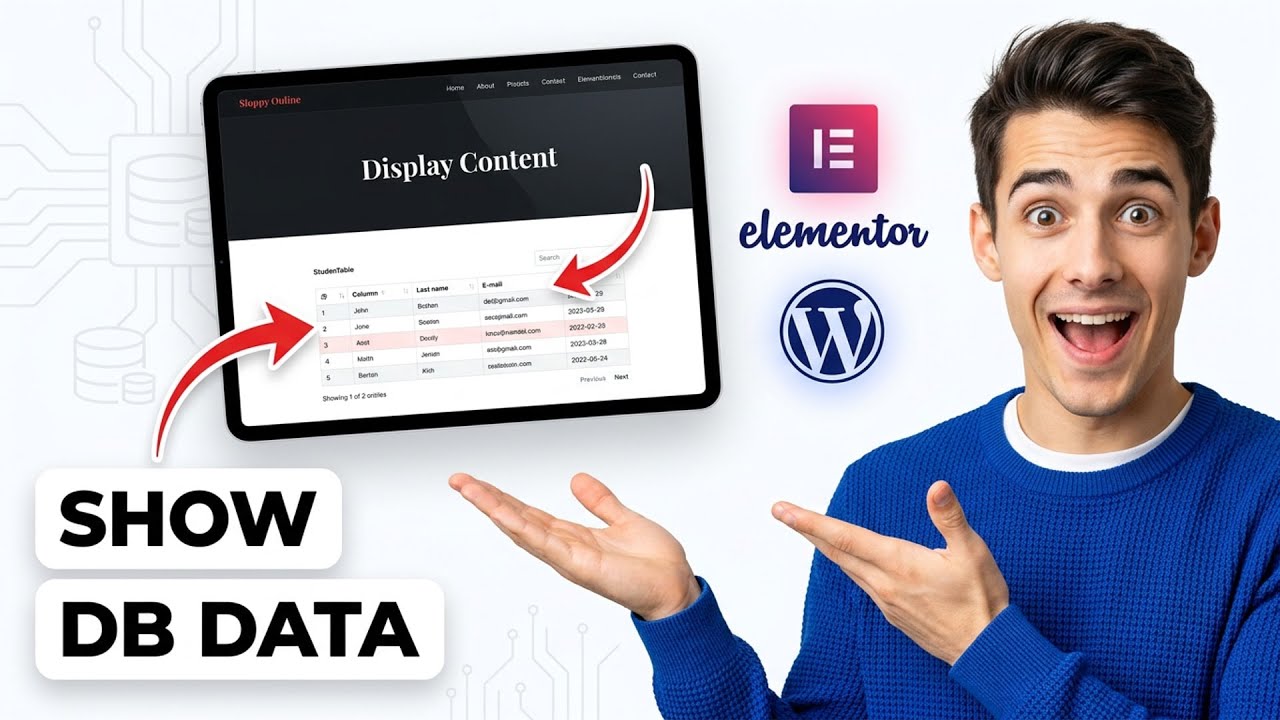
How to display SQL or database content in Elementor WordPress pages (Easiest Way)(2026 Guide)
Автор: How To with Alex
Загружено: 2026-01-22
Просмотров: 0
Описание:
🔧 Hosting we use for WordPress projects:
👉 Cloudways (best value, top-tier infrastructure): https://rb.gy/70qc34
Learn how to display SQL or database content on your WordPress pages using Elementor in this step-by-step tutorial. Whether you're looking to dynamically showcase data from your MySQL database or integrate custom database queries into your Elementor designs, this guide covers all the essential steps for beginners and advanced users alike.
Timestamps:
0:00 Introduction
1:15 Requirements & Plugin Overview
3:00 Connecting WordPress to Your Database
5:10 Configuring Dynamic Content Addons
7:45 Creating a Custom Query in Elementor
10:20 Displaying SQL Data with Elementor Widgets
13:00 Styling and Formatting Displayed Content
15:00 Tips, Best Practices, and Troubleshooting
Supported Platforms: WordPress 5.0+, Elementor (Free & Pro), MySQL/MariaDB
By the end of this video, you’ll be able to pull and display real-time data from your database onto any Elementor-built page, enhancing your site's functionality and user engagement. Don’t forget to like this video, subscribe for more WordPress tutorials, and enable notifications to stay updated!
Disclosure: Some links may be affiliate links. This helps support the channel at no extra cost to you.
##Elementor #WordPress #SQL #Database #ElementorTutorial #DynamicContent #WordPressTutorial #CustomQuery #MySQL #WebDesign
Повторяем попытку...
Доступные форматы для скачивания:
Скачать видео
-
Информация по загрузке: