Qolsys IQ Panel 4 Adding, changing, and deleting codes
Автор: GeoArm Security (GeoAlarm)
Загружено: 2021-10-20
Просмотров: 5519
Описание:
In this video, we are Adding, changing, and deleting codes on the Qolsys IQ4!
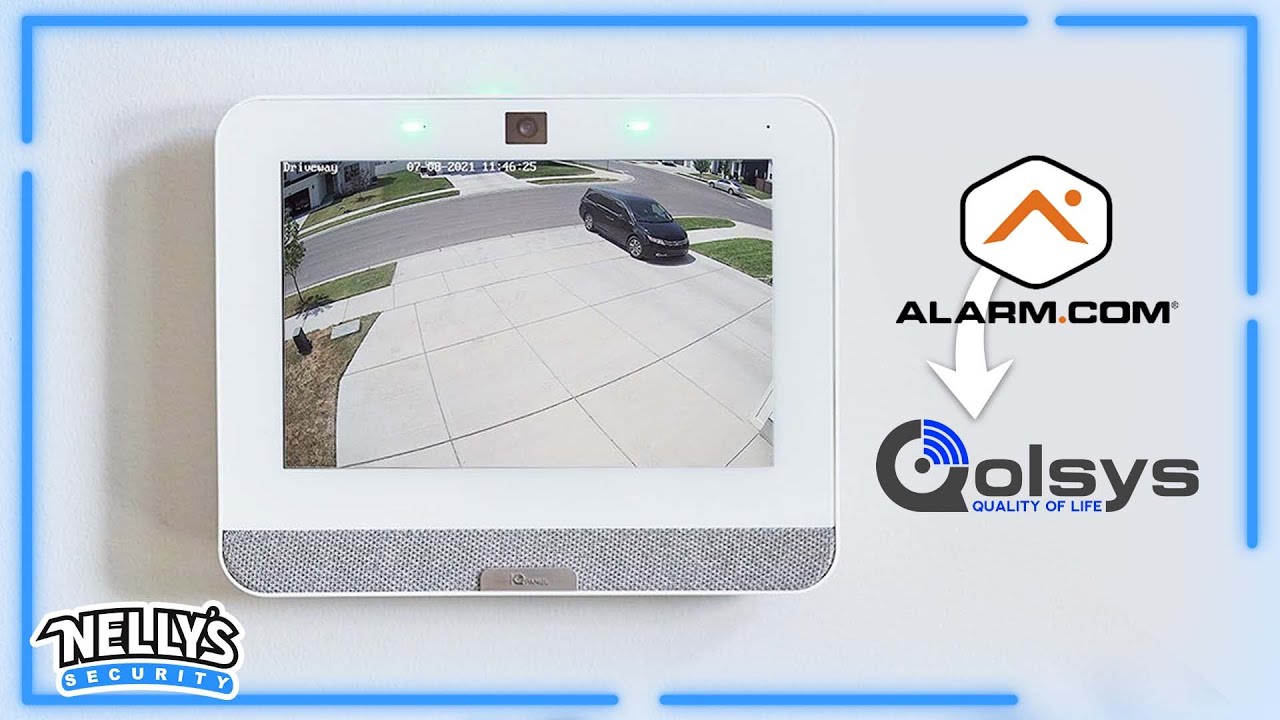
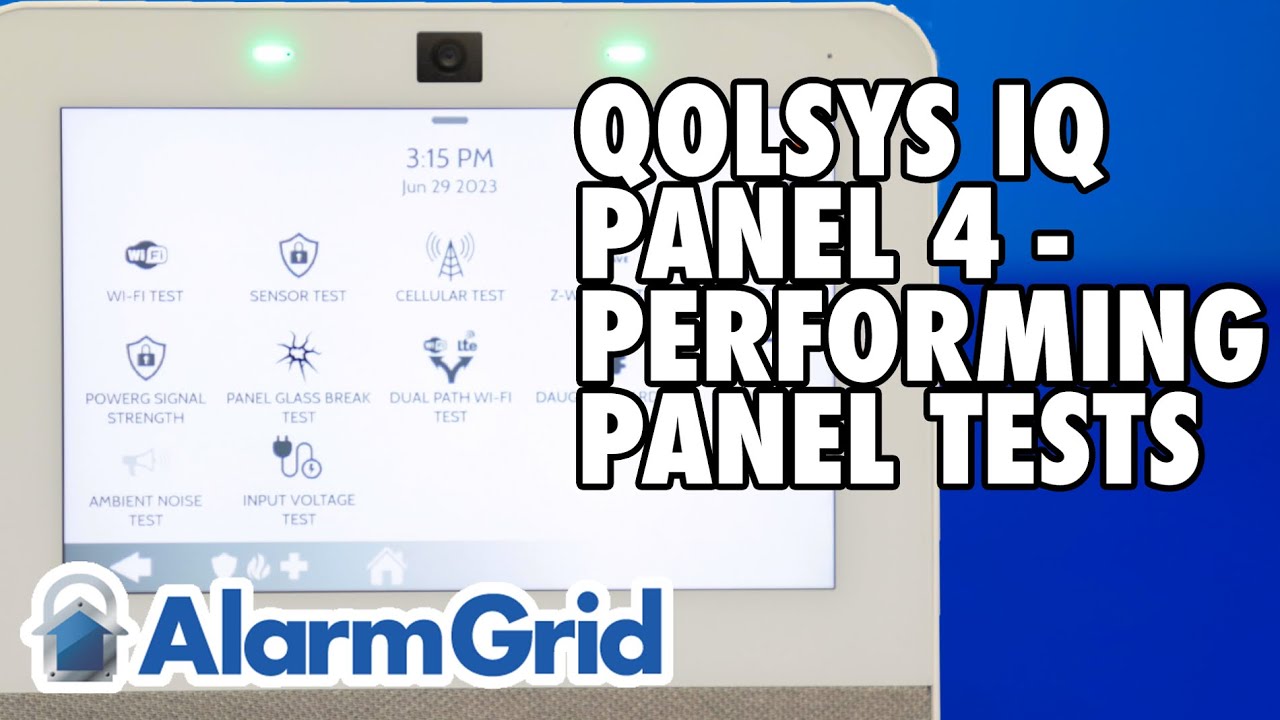
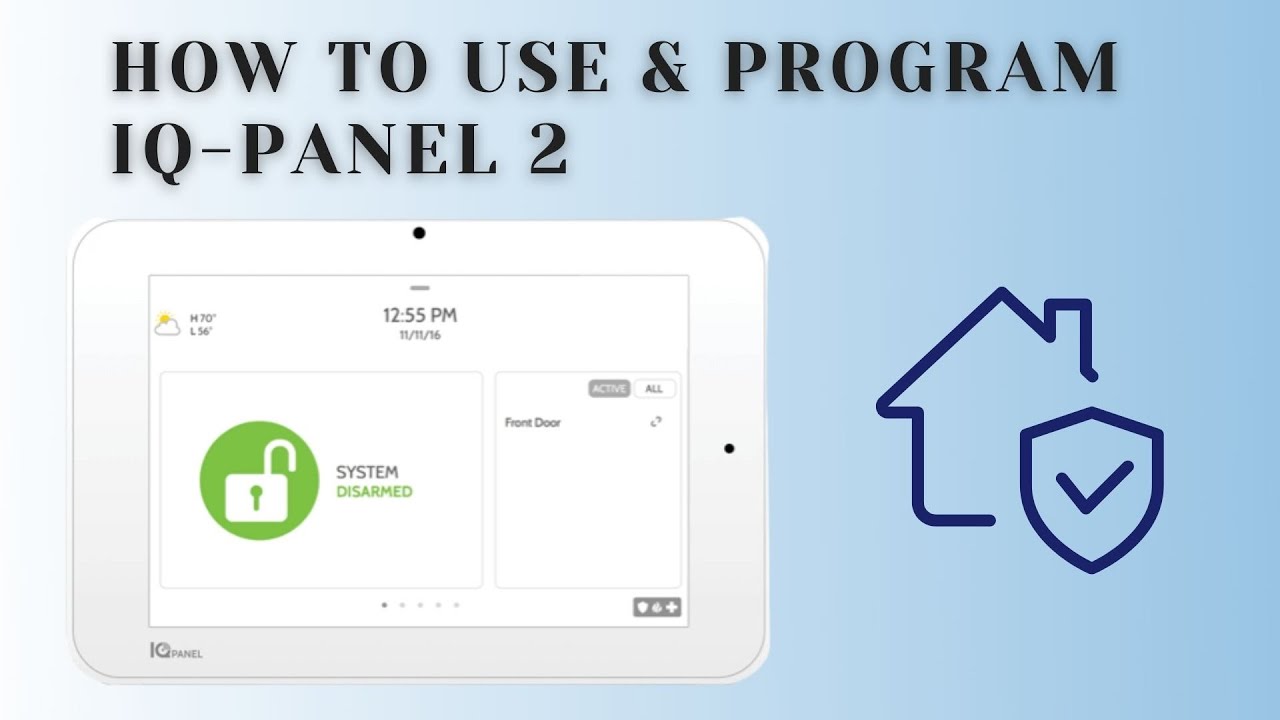
The Qolsys IQ Panel 4 Plus all-in-one wireless 7" touchscreen control panel contains a built-in dual path wifi/cellular AT&T or Verizon LTE Alarm.com communicator, designed for small business and home security. With the IQP4001 panel you can add new or switch existing Interlogix/S-Line 319.5 MHz and PowerG wireless encrypted security sensors to the Qolsys platform. Leveraging the power of Android 9 and the QualComm Snapdragon 8 core SOM (System on a Module) processor with 16GB NAND Flash internal memory. The IQ Panel 4 has an aesthetically pleasing and elegant modern user interface that keeps you connected to an entire ecosystem of smart devices, giving you complete control over your entire home or business.
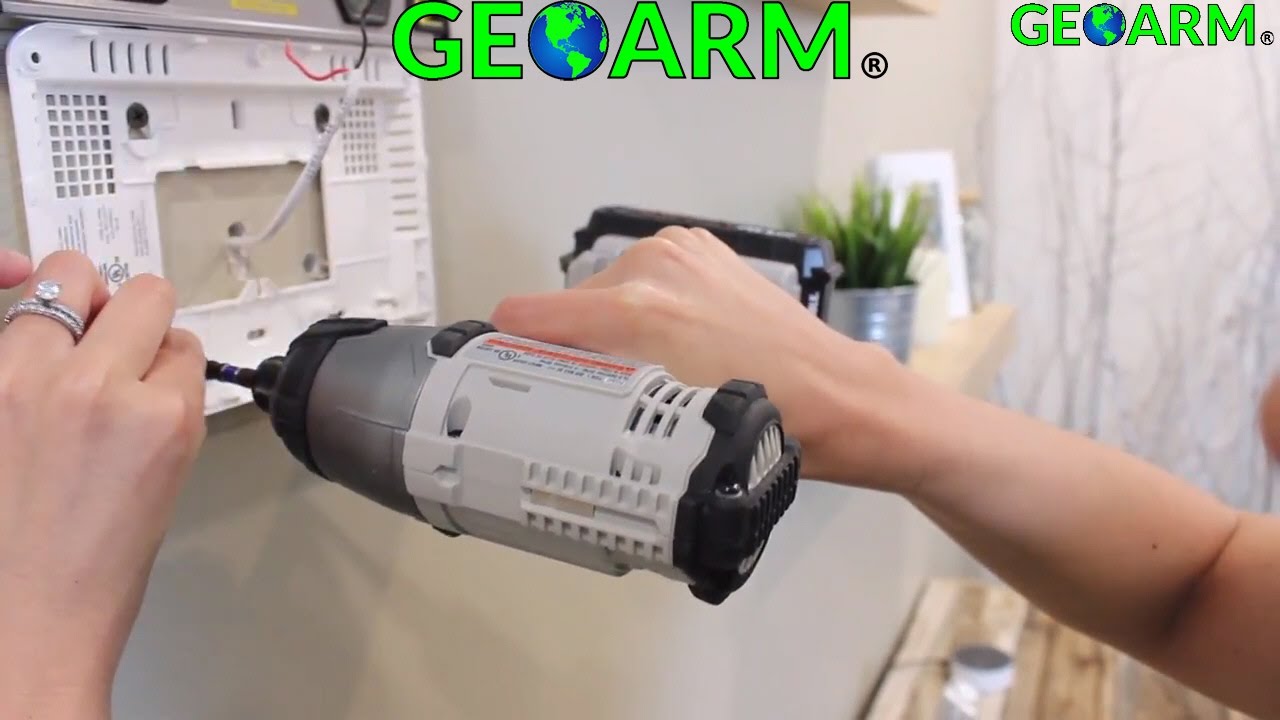
The IQ Panel 4 has a large easy-to-use 7" LCD touchscreen interface with built-in 8MP, 120° wide angle front camera with FlexTilt. With the IQ Panel 4 you can peek in at anytime, receive disarm photos and alarm videos. It has multiple wireless radios built-in including; Alarm.com AT&T/Verizon Cellular LTE, WiFi, Z-Wave Plus 700 Series, Bluetooth Low Energy BLE Touchless Disarming, Built-in Glassbreak Sensor, PowerG and the S-Line 319.5 secure radio. The panel serves as the brains of your security system and with it you can control lights, locks, thermostats, security and much more. The IQ Panel 4 features a SmartMount system, all internal antennas and an easy on-screen installation wizard.
With a built-in speaker the IQ Panel 4 allows for QuadSound Bluetooth audio streaming straight from your smart phone using the 4 x 4-watt speakers. The panel has a new IQ Base Table Stand subwoofer for the loudest music streaming over Bluetooth on the market. In the event of an alarm initiating event, the IQ Panel 4 also includes a built-in 85dB siren to loudly alert nearby individuals.
The touchscreen panel also includes Live View which is the ability to view Alarm.com video cameras on the screen, and Live Answer. Live Answer give DIYer's the ability to answer their Alarm.com video doorbell from the IQ Panel 4 inside the property, such as the Alarm.com ADC-VDB770 touchless video doorbell. Live Answer will also work with Live View cameras that have voice capability, such as the Alarm.com ADC-V515 indoor security camera. With Alarm.com's video monitoring solutions in place you can view and respond through the interactive app, and you can also see who is at the front door by just looking at the IQ Panel 2 Plus touchscreen.
Buy the Qolsys IQ4 Panel (for AT&T LTE cellular network):
https://www.geoarm.com/iqp4004-qolsys...
Buy the Qolsys IQ4 Panel (for Verizon LTE cellular network):
https://www.geoarm.com/iqp4001-qolsys...
Повторяем попытку...

Доступные форматы для скачивания:
Скачать видео
-
Информация по загрузке: