Reviving a "Dead" GPS - See How We Turned a Nuvi 2955 Back to Life!
Автор: DIY Manual
Загружено: 2021-09-03
Просмотров: 923
Описание:
Amazon Associate Product Links:
Product in this Video: https://amzn.to/3XpfUp7
Other Battery Options: https://amzn.to/3XpqE75
Garmin GPS: https://amzn.to/3J0Zb7s
Other GPS Option: https://amzn.to/3J0Zb7s
*As an Amazon Associate I earn from qualifying purchases.
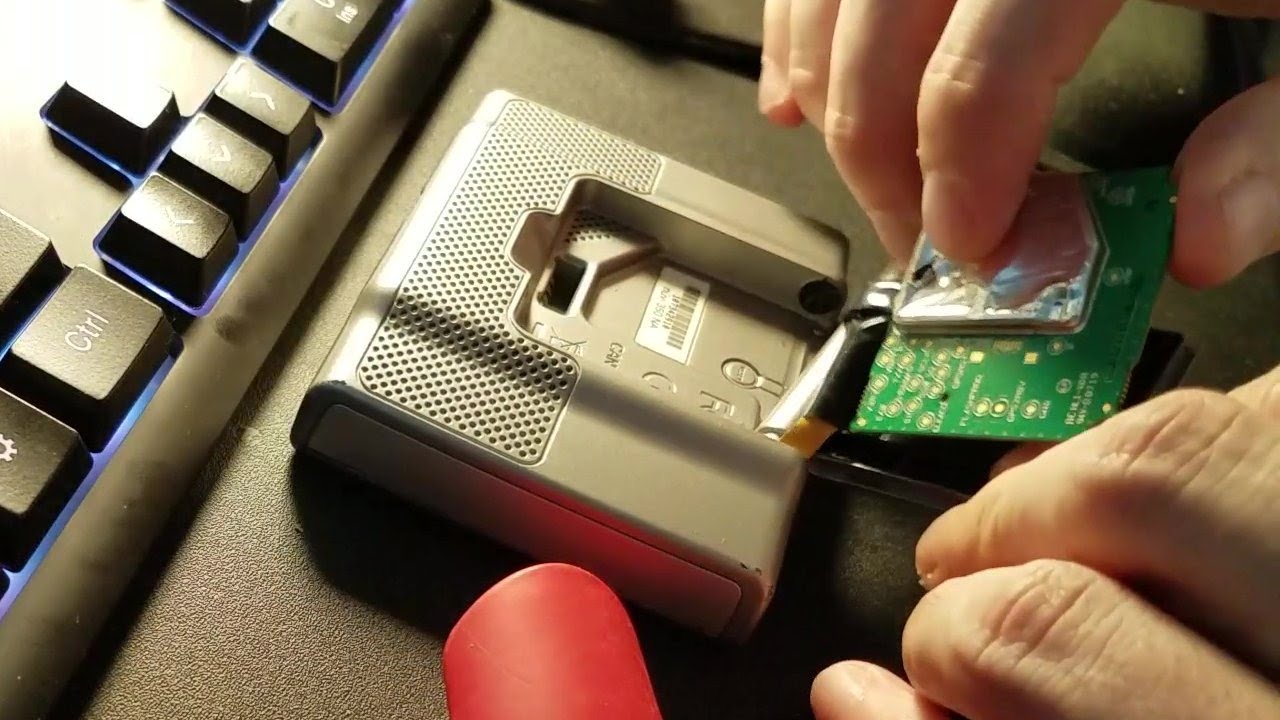
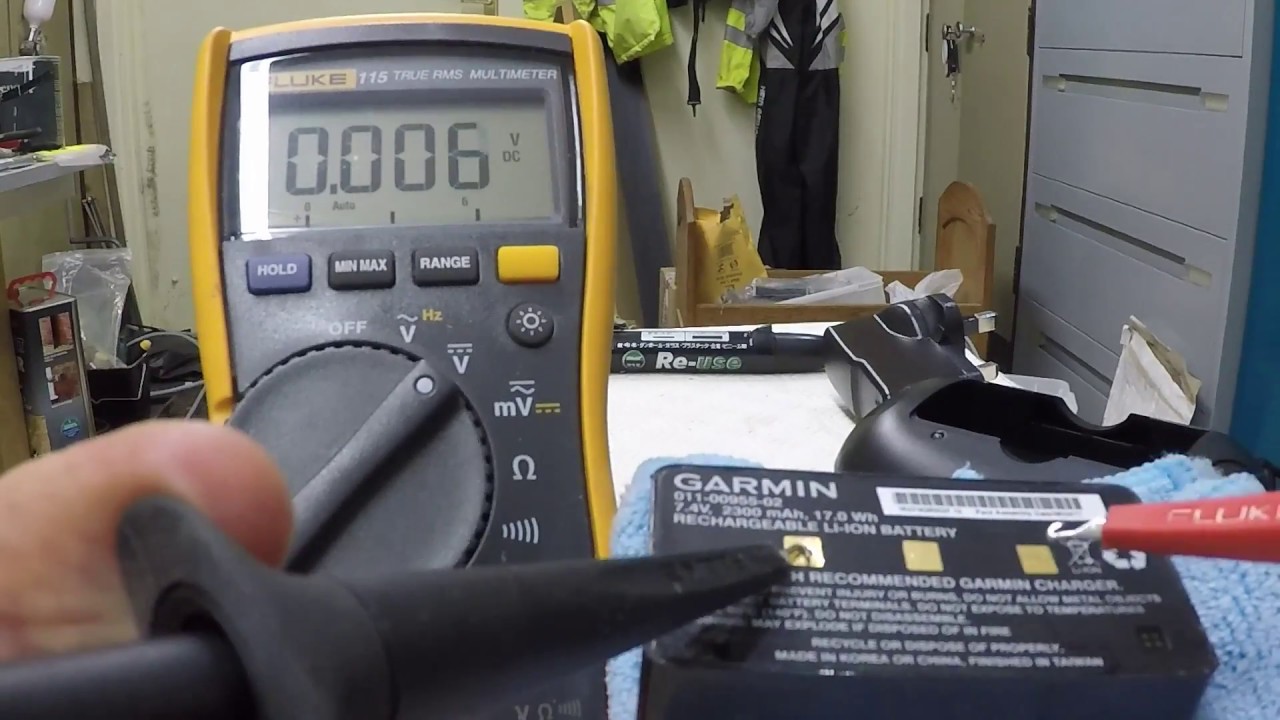
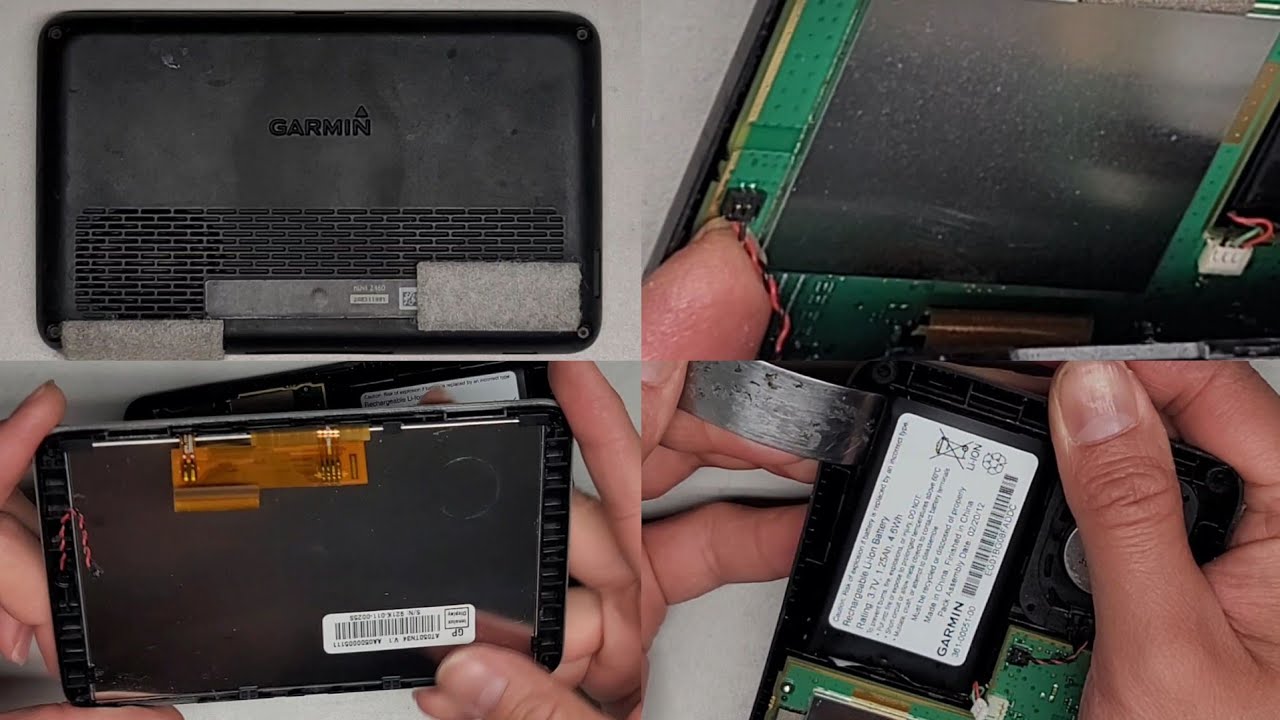
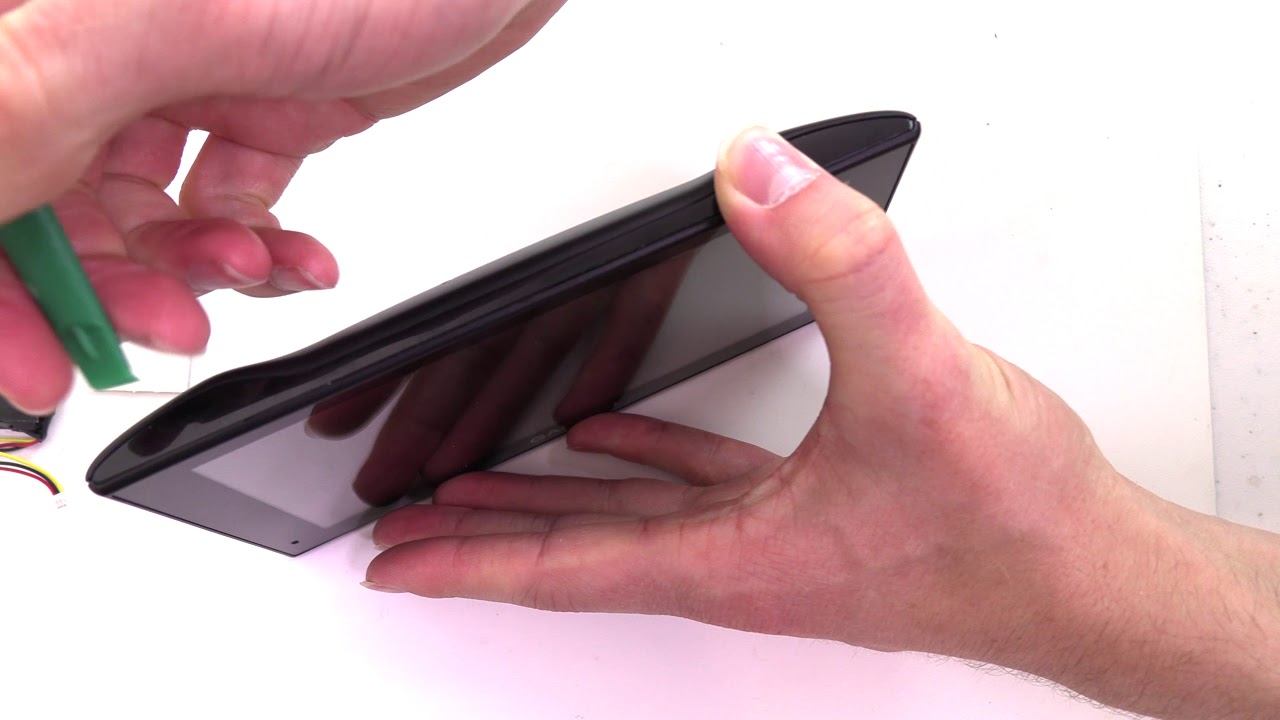
This video will show how to replace a dead battery in Garmin Nuvi 2595, 2595LM and 2595 LMT. I have this unit for over 5 year. While the battery started to discharge quickly about 2 years ago, I was still able to use the device as long as it is plugged into the car's 12v power. It did this for about a year then it just stopped turning on altogether.
Since there are online and offline maps apps available now, I decided to simply depend on my phone for my GPS need however, after visiting some national parks I realized that the offline GPS is not up to par with my Garmin unit when it comes to searching for tourist attractions and local restaurants. Most national parks will have a very low or no data signal at all so you will need to do your planning ahead of time to use an offline GPS successfully. This unit have built in tourist spots and does not rely on any data so having this in the car as backup gives me more confidence as I know that I will be able to find everything I need as long as I keep the map updated.
The battery only cost $8.50 in Amazon and a complete install took about 10 minutes.
Please subscribe to my channel if you found this video helpful.
Thanks.
Повторяем попытку...

Доступные форматы для скачивания:
Скачать видео
-
Информация по загрузке: