Korg Poly-61 cleaning, battery replacement, recover original presets
Автор: DIRTYHERTZ
Загружено: 2023-02-04
Просмотров: 4164
Описание:
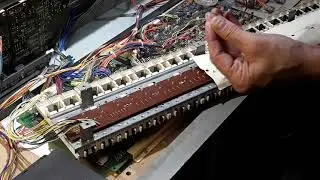
In this video I will show you how to clean, change and solder a new battery and clean the keyboard contacts so all the keys work.
The battery I used was a Varta 3.6 volts 140 mAh with 3 solder pins
Manual link:
https://www.dirtyhertz.com/files/korg...
Factory presets .wav link:
https://www.dirtyhertz.com/files/korg...
1. Connect a mono audio cable from the output of your computer/player to the FROM TAPE input on the Poly-61.
2. Set the level switch on the back – LOW or HIGH – depending on the output of your player.
3. Set the rear panel’s TAPE and WRITE switches to ENABLE
4. Set the audio file it starts from the beginning (where you hear the tone).
5. Press LOAD button – the display with read Lo Ad
6. Play the WAV file.
7. If it works, when it’s done the screen will tell you it’s Go od.
8. If there are errors, the screen will report it as Er r. If an error is indicated, check the output level of your player, could be too loud or too quiet, then carefully repeat Load procedure.
Повторяем попытку...

Доступные форматы для скачивания:
Скачать видео
-
Информация по загрузке: