ycliper

Популярное

Музыка Кино и Анимация Автомобили Животные Спорт Путешествия Игры Юмор

Интересные видео

2025 Сериалы Трейлеры Новости Как сделать Видеоуроки Diy своими руками

Топ запросов

смотреть а4 schoolboy runaway турецкий сериал смотреть мультфильмы эдисон
Скачать

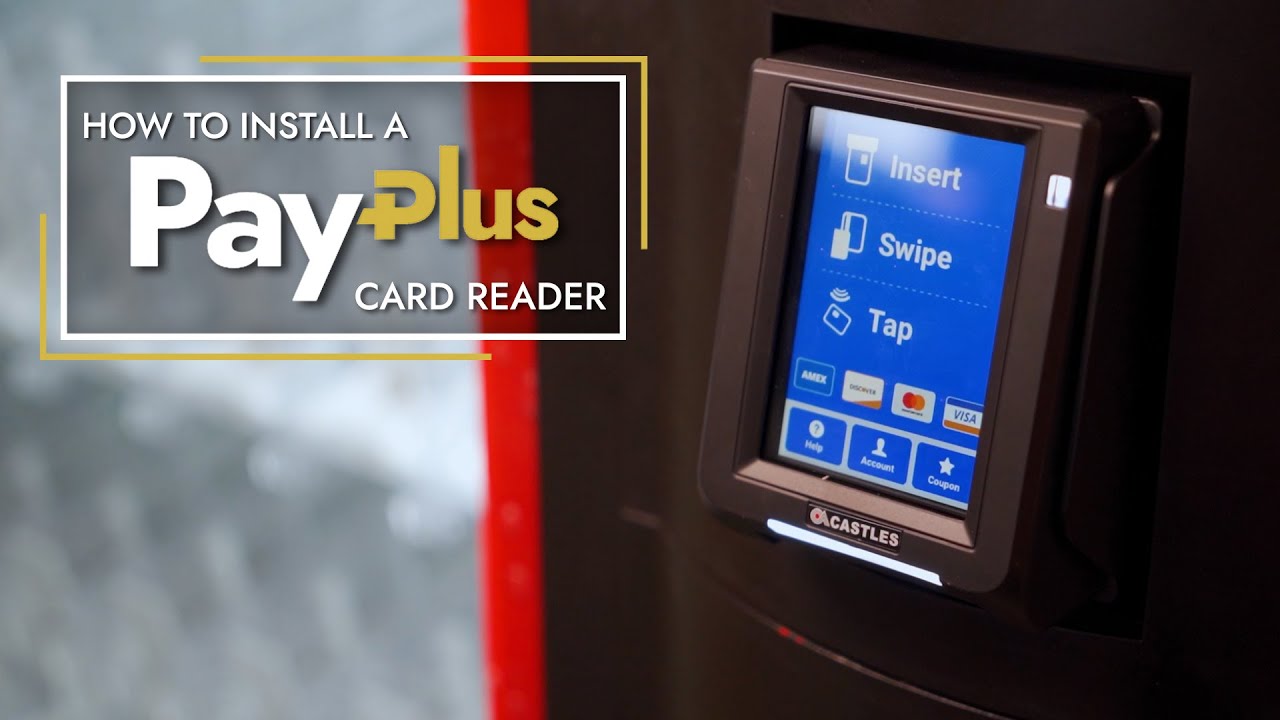
How to Install a PayPlus Card Reader

Автор: Parlevel Systems

Загружено: 2022-11-30

Просмотров: 3549

Описание: Hello, my name is Rita, and today I’ll show you how to install a PayPlus card reader on a vending machine.

First, let’s open the PayPlus box and see what comes with the device.
Inside the box is a PayPlus cashless device, a standard cellular antenna, a bluetooth antenna, an MDB wire harness, a DEX wire harness, a flange mounting plate, a gasket, and mounting screws.

In addition to what is provided in the box, you’ll need a Phillips-head screwdriver, a power drill, and a one half inch drill bit. If your machine does not have a knockout plate/window cover, you’ll need a ¾” deep wall socket and a 5/32” drill bit to drill holes necessary to mount the PayPlus device.

Okay, now that we have all of our materials, let’s get started with installation!

Step 1 - Prep the Machine
First, let's power down the vending machine.

Now, we’ll prep the machine for installation. Either remove the machine knock out plate or drill holes in the front of your machine using the PayPlus drill guide.

In this demonstration, we have a knockout plate, so we’ll move to the next step without drilling holes to mount the device. If you do need to drill, please utilize the drill guide included with your device.

Step 2 - Connect the Antennas

To get the best cellular reception for your PayPlus reader, it’s ideal to mount the antenna on top of the machine. For this, you may need to drill a half inch hole on top of the machine for the antenna. Once we’ve drilled the hole, we’re going to feed the antenna wires through the machine and fasten the antenna to the top of the machine. However, for this video, we mounted the antenna on the inside of the machine because the cellular signal in this area was strong.

Now, we’ll connect the antenna cable to the PayPlus device. If you are installing the bluetooth antenna, mount it on the inside of the machine using the magnetic base. Then connect the antenna to the machine. The Bluetooth antenna is connected to the top port here, and the cellular antenna is connected to the bottom port.

Step 3 - Connect MDB, DEX, and LAN cables

Next, we’re going to connect the rest of our cables. Plug the MDB connection to the vending machine - this will go between the coin mech and bill validator mdb connections. Now, plug in the DEX cable.

Plug the LAN connector into the RJ45 port on the back of the PayPlus Device. Take the jack and plug it into the DEX board on the vending machine.

Step 4 - Mounting the PayPlus Device

Now that all of our cables are attached to the device, let’s mount it to the machine! Use the included screws and flange plate to mount the PayPlus device to the front of your machine.

Power on the vending machine, and you’re good to go! The device was activated upon shipment, so it should power on and activate with the machine.

Congratulations! You've successfully installed a PayPlus Device. Now, you can boost your machine sales with a reliable cashless device backed by the industry’s best support. Want to get more out of your cashless reader? Ask us how you can maximize your efficiency with our powerful management system. Contact our team to learn more!

Не удается загрузить Youtube-плеер. Проверьте блокировку Youtube в вашей сети.
Повторяем попытку...
How to Install a PayPlus Card Reader

Поделиться в:

Доступные форматы для скачивания:

Скачать видео

  • Информация по загрузке:

Скачать аудио

Похожие видео

How to Install a Card Reader to a Vending Machine (Nayax Touch)

How to Install a Card Reader to a Vending Machine (Nayax Touch)

Обновление информации о считывателе кредитных карт на автомойке с оборудованием Etowah Valley

Обновление информации о считывателе кредитных карт на автомойке с оборудованием Etowah Valley

Review HOTO Handheld Car Vacuum Cleaner Cordless, 4-in-1 Portable Mini Vacuum with 20000Pa Strong Su

Review HOTO Handheld Car Vacuum Cleaner Cordless, 4-in-1 Portable Mini Vacuum with 20000Pa Strong Su

Example of Installing Card Reader on Metal Box or Conduit | Access Control System Training | Guide

Example of Installing Card Reader on Metal Box or Conduit | Access Control System Training | Guide

Все, что вам нужно знать о считывателях кредитных карт

Все, что вам нужно знать о считывателях кредитных карт

BevMax Credit Card Reader Bracket Installation for Nayax/USAT/Cantaloupe

BevMax Credit Card Reader Bracket Installation for Nayax/USAT/Cantaloupe

PARTICULAS DE LUZ 🌈 FONDO ANIMADO - VFX - GRATIS ✅  (no copyright)💪

PARTICULAS DE LUZ 🌈 FONDO ANIMADO - VFX - GRATIS ✅ (no copyright)💪

Как работает жвачковый автомат?

Как работает жвачковый автомат?

Successful Tubular Lock Drillout - Vending Machine

Successful Tubular Lock Drillout - Vending Machine

pantalla a100 aro luz blanco

pantalla a100 aro luz blanco

How To Install A Nayax Credit Card Reader On An Older Claw Machine! | GalaxyGames843

How To Install A Nayax Credit Card Reader On An Older Claw Machine! | GalaxyGames843

Vending Machines: How to connect MDB credit card readers, dollar bill acceptors, and coin changers

Vending Machines: How to connect MDB credit card readers, dollar bill acceptors, and coin changers

24/7 Pink Sunset Gradient 🌸 Cozy LED Mood Light | 4K Aesthetic Screensaver | Study & Relax Ambience

24/7 Pink Sunset Gradient 🌸 Cozy LED Mood Light | 4K Aesthetic Screensaver | Study & Relax Ambience

Как установить считыватель кредитных карт Nayax

Как установить считыватель кредитных карт Nayax

Credit Card Reader Spacer for Crane Dixie Narco BevMax and Vendo HVV Vending Machines

Credit Card Reader Spacer for Crane Dixie Narco BevMax and Vendo HVV Vending Machines

Nayax Vpos Touch XCP VendaVolt Cashless Timer Payment Terminal

Nayax Vpos Touch XCP VendaVolt Cashless Timer Payment Terminal

Installing a Nayax Card Reader on Crane Merchant/BevMax Media Vending Machines

Installing a Nayax Card Reader on Crane Merchant/BevMax Media Vending Machines

Кошмар со считывателем кредитных карт?

Кошмар со считывателем кредитных карт?

How To Install Nayax Card Reader on a Vending Machine(s)

How To Install Nayax Card Reader on a Vending Machine(s)

ABSTRACTO AZUL 🌈 FONDO ANIMADO - VFX - GRATIS ✅  (no copyright)💪

ABSTRACTO AZUL 🌈 FONDO ANIMADO - VFX - GRATIS ✅ (no copyright)💪

© 2025 ycliper. Все права защищены.


  • Контакты
  • О нас
  • Политика конфиденциальности


Контакты для правообладателей: [email protected]