DIY laser engraved rotary switch tutorial
Автор: Thunder Pipes USA
Загружено: 2022-07-14
Просмотров: 1051
Описание:
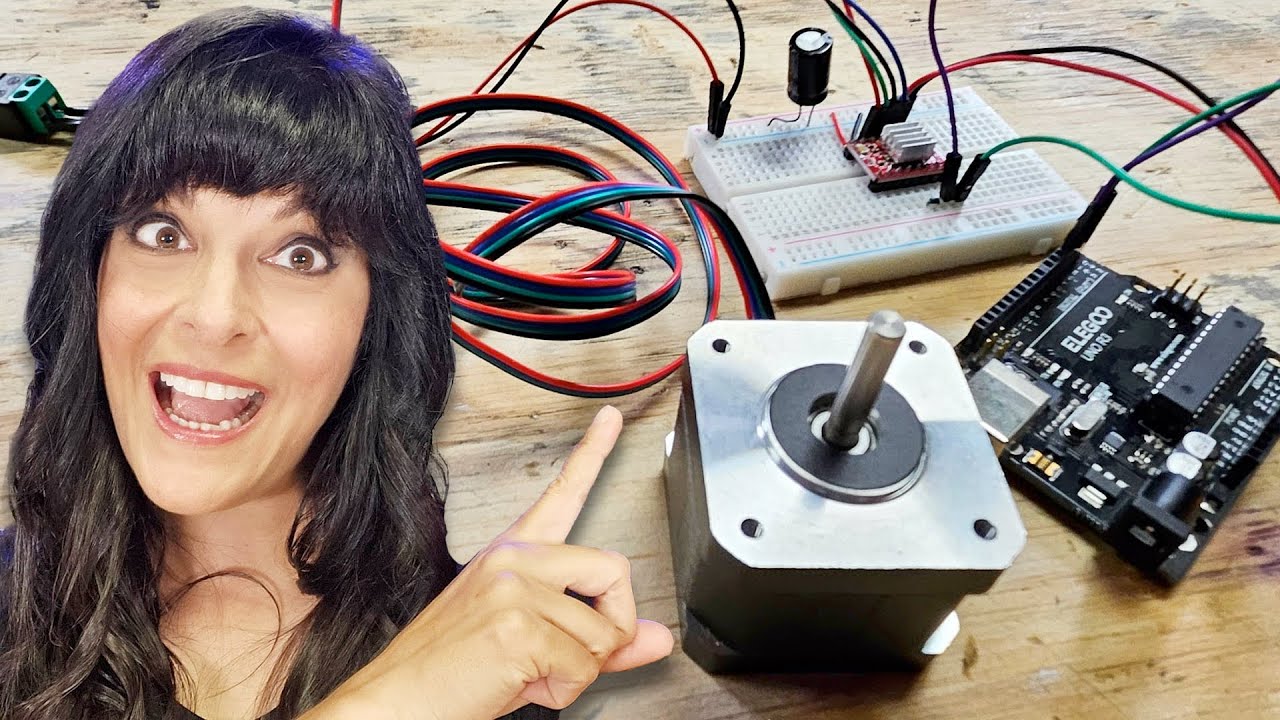
Here is a switch I made myself to allow the rotary attachment to always be connected to my engraver without having to disconnect the y stepper motor every time I wanted to use my rotary. It bears to note that this xtool d1 has a dedicated port to connect a rotary to. This port however, needs to use the z axis in lightburn and also needs the output mirrored. I found hat I was having problems with the output being mirrored at times and normal at times…. This was frustrating so I decided to just go with what I have done in the past with other laser engravers I’ve had and attach the rotary to the y input of the engraver main board. This switch allows me the ability to never disconnect a cable and choose between normal gantry motion or the rotary attachment.
Please like and subscribe :) it is greatly appreciated! More vids to come!!
Links to parts needed are not affiliate links, just what I decided to go with. You can use the same or at least use them as reference to purchase something that does the same…
Project box
https://www.amazon.com/dp/B07M5SZNR9/...
4pole dual throw switch
https://www.amazon.com/dp/B07HCCL5KD/...
Wire
https://www.amazon.com/dp/B089D3T1JD/...
Xh connector kit
(This came with enough wire to use for my project so the link above is probably not necessary)
https://www.amazon.com/dp/B08G188ZQ8/...
Повторяем попытку...
Доступные форматы для скачивания:
Скачать видео
-
Информация по загрузке: