How to Install stock rom or firmware on Samsung Galaxy core prime (SM-G360H) 2020! | Tech Stuff
Автор: Tech Stuff
Загружено: 2020-08-18
Просмотров: 5358
Описание:
How to Install stock rom or firmware on Samsung Galaxy core prime (SM-G360H) 2020! | Tech Stuff
FOLLOW INSTRUCTIONS:
1. Download Stock rom and Odin File on your PC.
Search on browser for you stock rom.
2. Extract Rom file and odin file as shown on video then run Odin App.
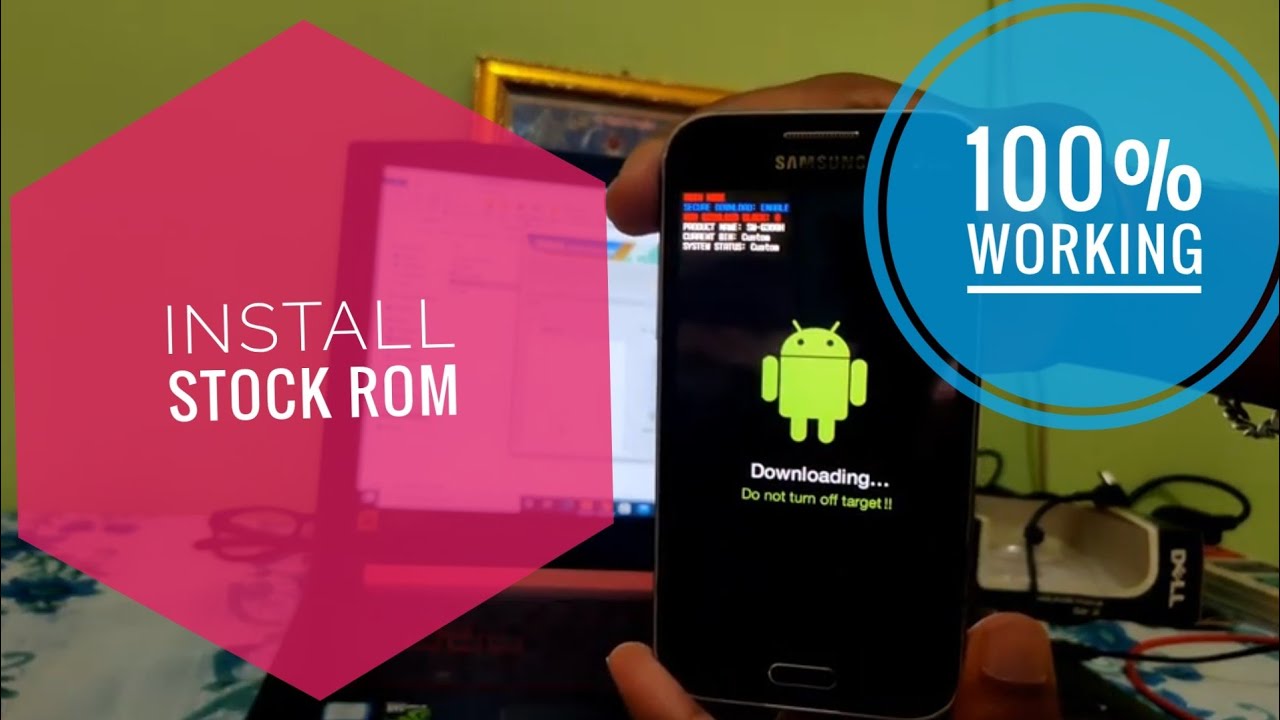
3. Press and Hold Volume down + power +Home buttom on your phone .
4. Then press Volume up buttom.
5. Plugged your phone with pc by USB cable then shown added your phone on Odin App.
6. Click AP and Choose Stock rom or firmware file then start.
7. Now take 2-3min for installing.
8. Wait 3-4 min for Booting.
--------------------------------------------------------------------
Download All Files :
https://techstuffchannel.blogspot.com...
--------------------------------------------------------------------
How to install Samsung Firmware Or Rom on any Samsung phone Full guide 2021 || Tech Stuff:
• How to install Samsung Galaxy Core Prime(S...
--------------------------------------------------------------------------------------------------------------------------------------------------------------
Connect us:
Follow on Instagram :
/ techstuff582
Follow on Twitter :
/ techstuff582
Follow on Facebook: / amarsah42
#stockrom
#Root
#samsung
Disclaimer : This is for only SM-G360H. You are install this rom with own responsible.
Повторяем попытку...
Доступные форматы для скачивания:
Скачать видео
-
Информация по загрузке: