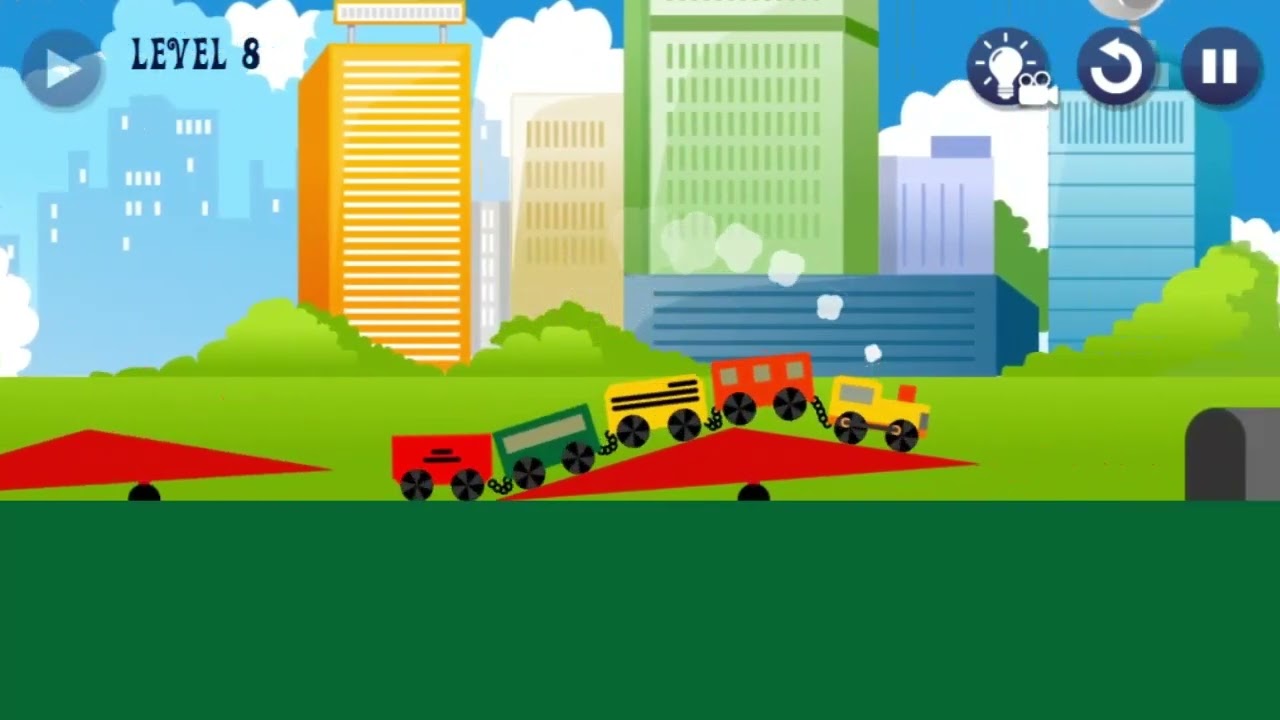
Pause To Play 1 - 16 Walkthrough
Автор: GamePlay
Загружено: 2023-09-04
Просмотров: 11971
Описание:
00:06 - Level 1
00:23 - Level 2
00:50 - Level 3
01:24 - Level 4
02:16 - Level 5
04:33 - Level 6
05:28 - Level 7
06:36 - Level 8
08:05 - Level 9
09:13 - Level 10
10:33 - Level 11
12:08 - Level 12
12:49 - Level 13
15:52 - Level 14
18:19 - Level 15
20:48 - Level 16
Use the Arrow Keys or WASD to move. You'll need to pause to complete each level! Press P or Esc to pause the game.
In the pause menu, Left Click on the settings button to open a menu with settings you can change such as the speed, gravity, camera, brightness, and more! Use your mouse to move each slider or click on the green arrows to see more settings. You can even jump on top of the icons and use them like platforms!
Try to collect the star in each level. These stars are hidden among the settings, so you'll need to find it first. You can spend your stars to get hints!
You can play the game:
https://www.coolmathgames.com/0-pause...
https://ecremprown.itch.io/pause-to-p...
Повторяем попытку...

Доступные форматы для скачивания:
Скачать видео
-
Информация по загрузке: