Organize Your Store Like a PRO: Segment Products with Beacons Store Blocks! (Tutorial)
Автор: Beacons AI
Загружено: 2024-11-21
Просмотров: 7468
Описание:
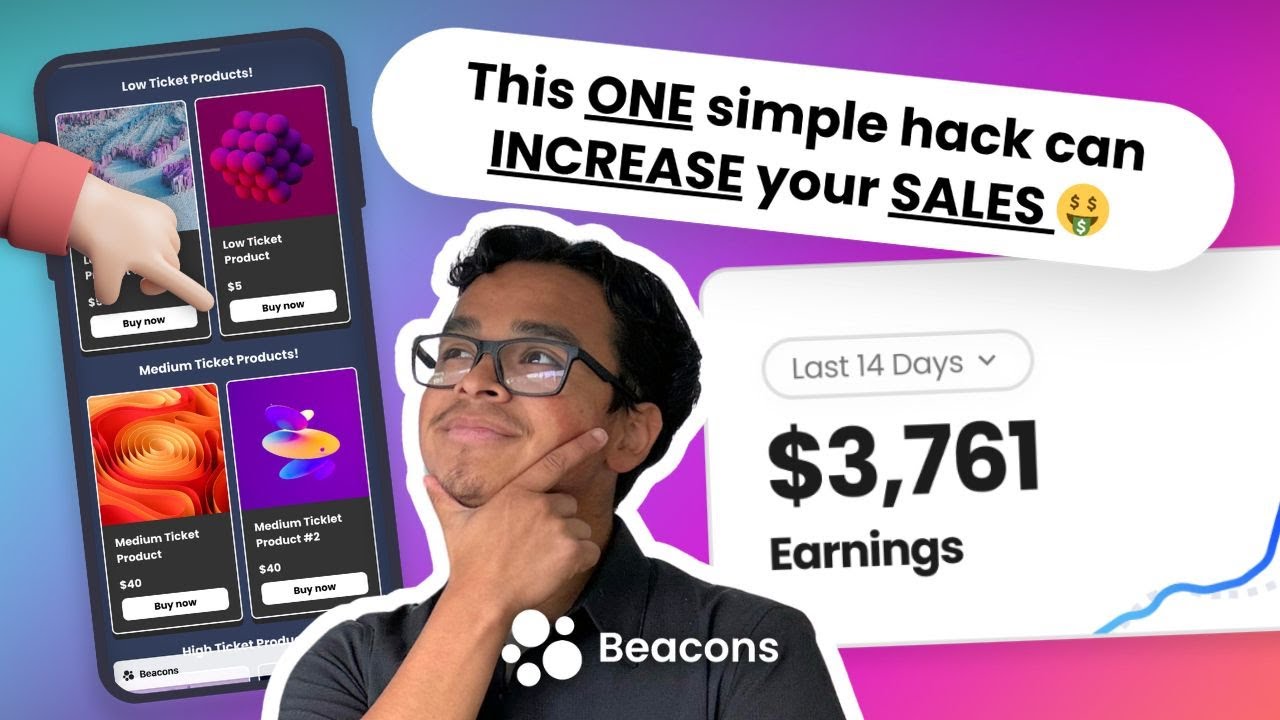
Want to make your Link in Bio look like a pro-level online store? 🛍️ In this video, I’ll show you how to segment your Beacons store products into easy-to-navigate categories using store blocks and custom headers!
Whether you’re selling low-ticket, medium-ticket, or high-ticket items, this step-by-step guide will help you organize your products like a boss and make shopping a breeze for your audience!
⬇️ CLICK HERE to start organizing your Store! ⬇️
-https://account.beacons.ai/account/ho...
✍️ Not on Beacons yet? Join today for free here! ✍️
https://account.beacons.ai/signup
🤔 What is Beacons? 🤔
Beacons is the all-you-need monetization platform for creators. Turn your social media following into a real business, set up multiple income streams, and build your creator brand, all on Beacons.
It's SO much more than a Link in Bio—it's your digital storefront, your email marketing tool, your media kit for brand deals, and much more, in one easy-to-use platform that's FREE to join. 🤩
🕐 Timestamps 🕐
0:00 - Introduction 🎬
0:40 - Store Blocks Tutorial
1:47 - Ending 🏁
🙋♀️ Help Center 🙋♀️
https://help.beacons.ai/en/
📋 Store 📋
Store Overview Help Doc: https://help.beacons.ai/en/articles/6...
Store Blocks: https://help.beacons.ai/en/articles/6...
🔗 Related Resources 🔗
Keep in touch with everything Beacons: https://beacons.ai/beacons
Read our latest Creator University Article: https://beacons.ai/i/creator-universi...
📲 Follow our socials! 📲
Subscribe to our YouTube Channel: / @beaconsai
Follow us on Instagram: / beacons.ai
Follow us on TikTok: / beacons.ai
Stay up to date on Twitter: / beaconsai
Join our Discord: / discord
Повторяем попытку...
Доступные форматы для скачивания:
Скачать видео
-
Информация по загрузке: