How to Clean the IR Sensor on Fuse 1 | SLS 3D Printer Maintenance
Автор: Formlabs Support
Загружено: 2025-07-22
Просмотров: 482
Описание:
Maintain consistent print quality by regularly cleaning the IR sensor on your Fuse 1. In this video, we’ll guide you through inspecting, cleaning, and reinstalling the IR sensor to ensure accurate temperature monitoring inside the build chamber. Learn more: http://bit.ly/4lFkP1x
#formlabs #fuse1 #3dprinting #maintenance
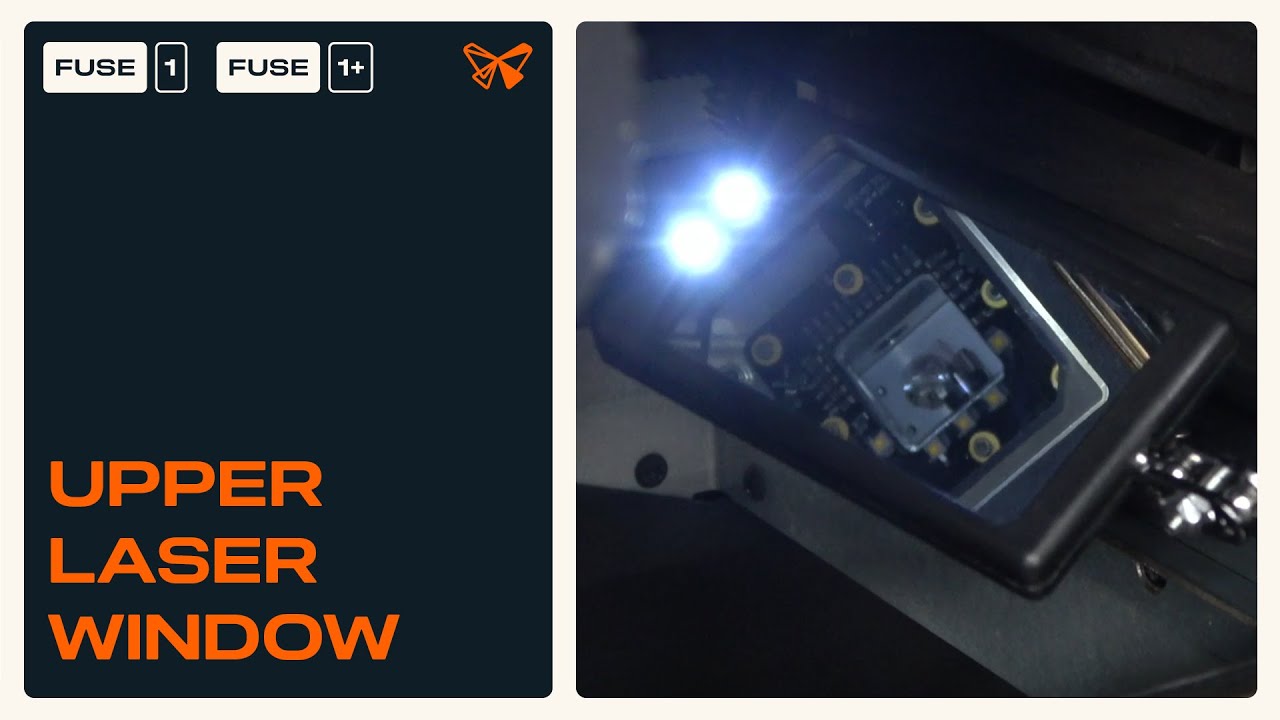
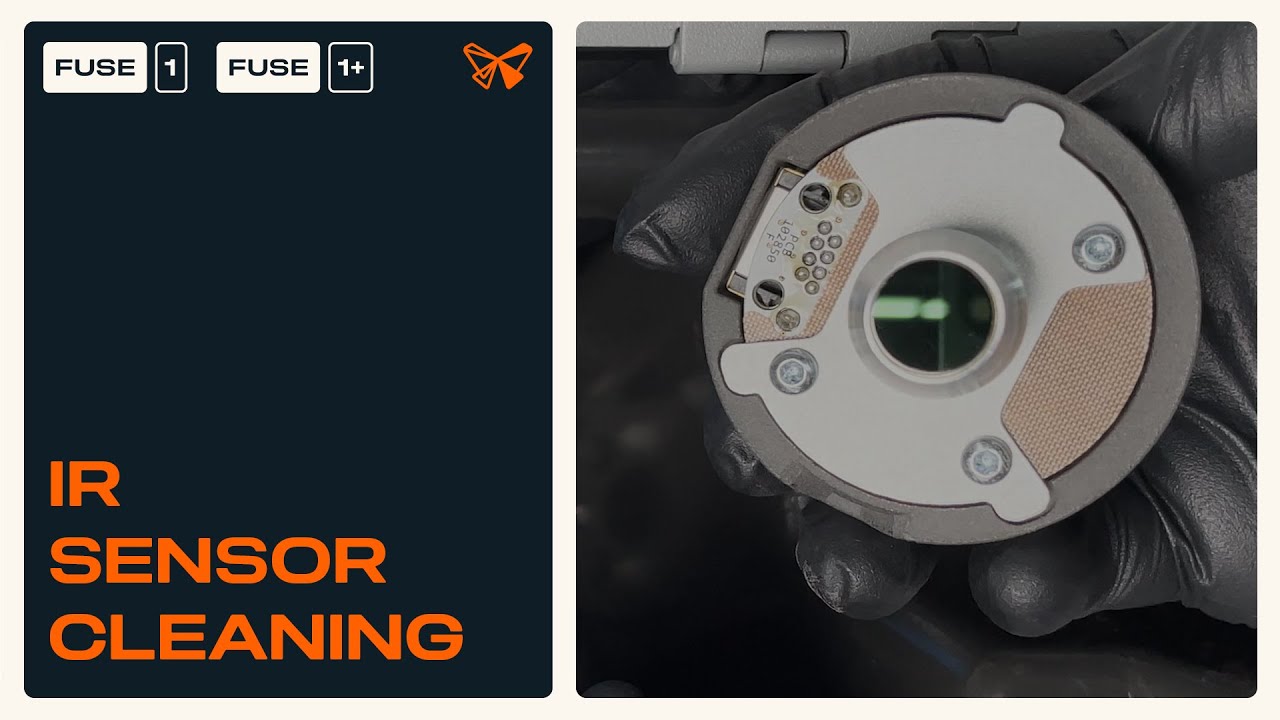
The Fuse 1 IR sensor is positioned in a compartment at the top of the printer, facing downward into the print enclosure. Its job is to monitor temperature changes in the powder bed, which is critical for accuracy and repeatability in SLS 3D printing.
Any obstruction, dust, or powder buildup on the IR sensor can interfere with data collection, leading to poor print quality or even print failures. For this reason, Formlabs recommends checking the IR sensor after every print and cleaning it as needed to ensure reliable operation.
👉 Use this guide to learn how to:
Locate and inspect the IR sensor inside the Fuse 1
Safely clean the IR sensor lens to remove powder and debris
Reinstall the IR sensor to restore proper monitoring
Chapters
00:00 – Intro
00:44 – Inspecting the IR sensor
01:26 – Cleaning the IR sensor
02:14 – Reinstalling the IR sensor
Take our Troubleshooting Resource Survey so that we can make even better resources for you: https://tally.so/r/mK4Rkg
▬ Learn More ▬▬▬▬▬▬▬▬▬▬▬▬▬▬
📄 Cleaning the IR sensor (Fuse 1): http://bit.ly/4lFkP1x
📕 Explore all Formlabs support resources: https://bit.ly/4jRARnS
Music credit:
Повторяем попытку...
Доступные форматы для скачивания:
Скачать видео
-
Информация по загрузке: