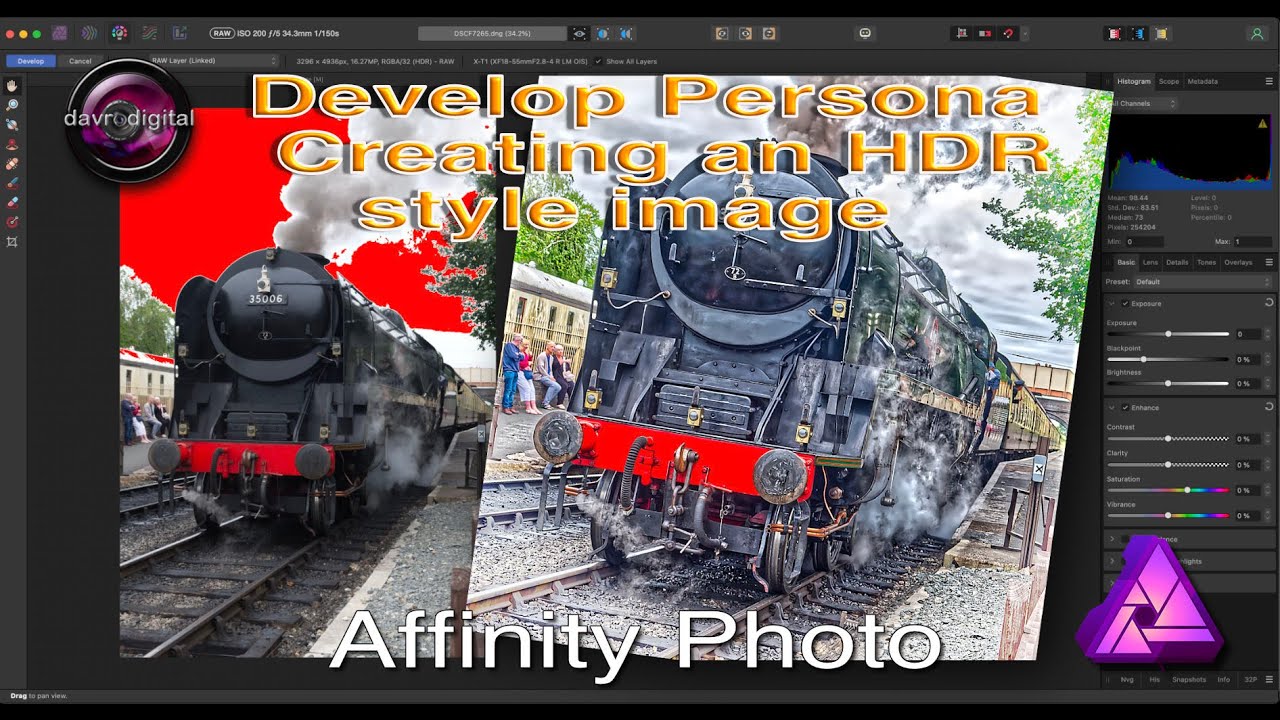
Creating an HDR style image in Affinity Photo
Автор: davrodigital
Загружено: 2025-09-12
Просмотров: 871
Описание:
Create a stunning HDR-style image using Affinity Photo!
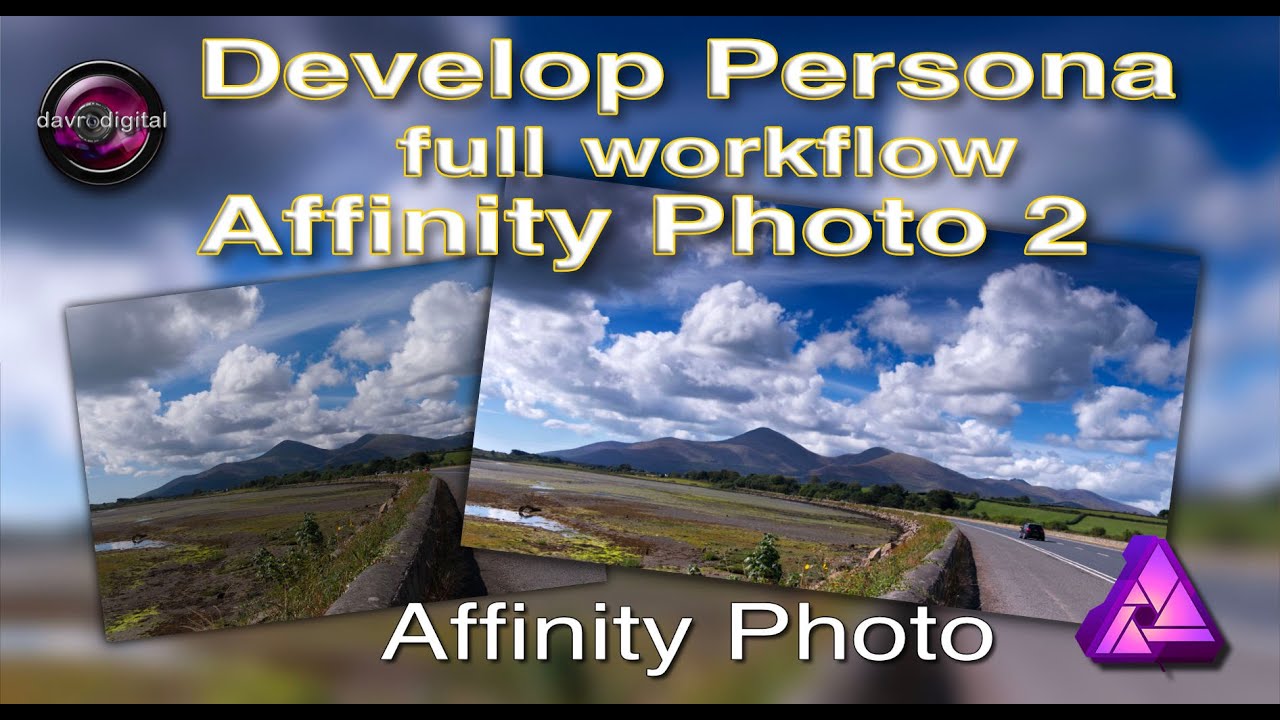
In this tutorial, I’ll take you through the process of how I revived a photo with blown-out highlights by applying an HDR style effect. We’ll explore techniques using both the Develop Persona and the Photo Persona, step by step, so you can see how to bring depth, detail, and drama back into your images.
📌 What you’ll learn in this video:
How to handle blown-out skies in Affinity Photo
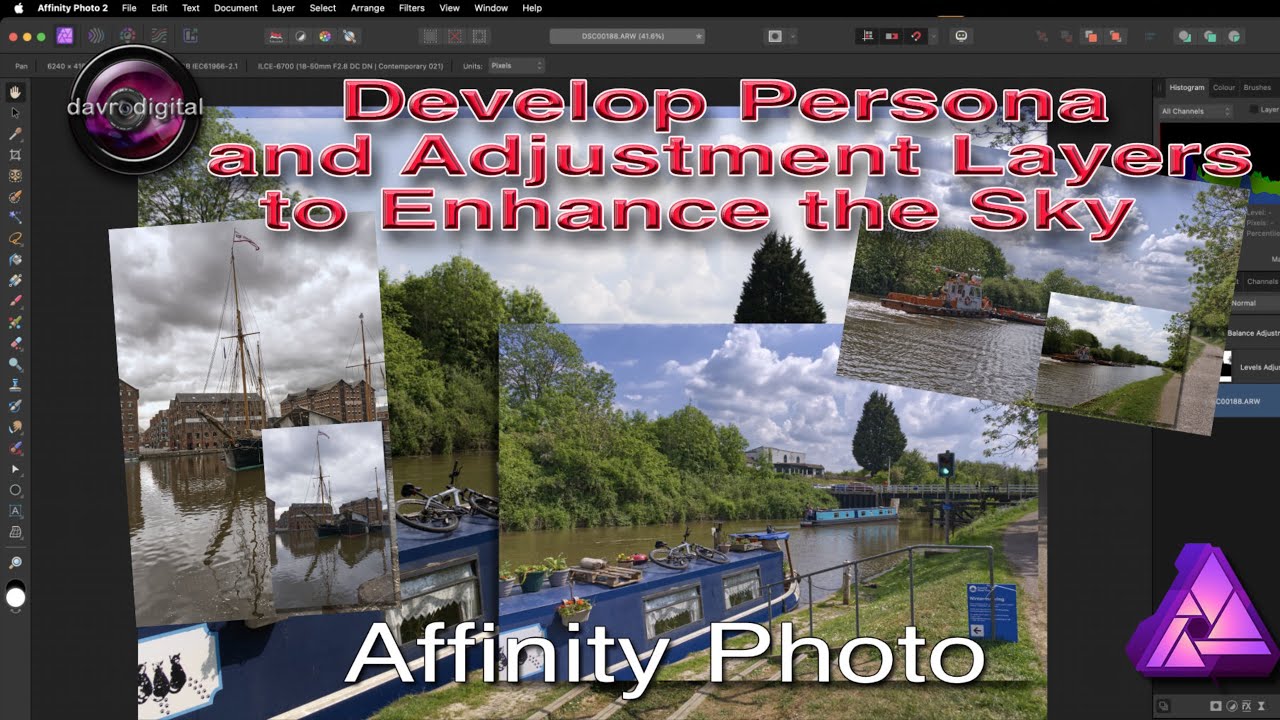
Using the Develop Persona for initial adjustments
Enhancing details with the Photo Persona
Creating a realistic HDR look without over-processing
Perfect for photographers and editors who want to get more out of their images!
👉 Don’t forget to like, subscribe, and drop a comment
Subscribe to my Channel https://tinyurl.com/y7nn3e5x
Share this video
davrodigital on YouTube channel
/ davrodigital
For more information on Raw Layers see this video • Affinity Photo version 2 full non-destruct...
Thanks for watching
David
00:00 - First Marker
00:39 - Shadow and Highlights
01:38 - Output Raw Layer
02:20 - Live Filter
03:07 - Live Filter Vignette
04:15 - Raw Layer Noise Reduction
04:57 - Live filter USM
06:10 - Develop Persona
06:14 - Show All Layers
06:31 - Develop Persona Vibrance
#AffinityPhoto #HDRPhotography #PhotoEditing
Повторяем попытку...
Доступные форматы для скачивания:
Скачать видео
-
Информация по загрузке: