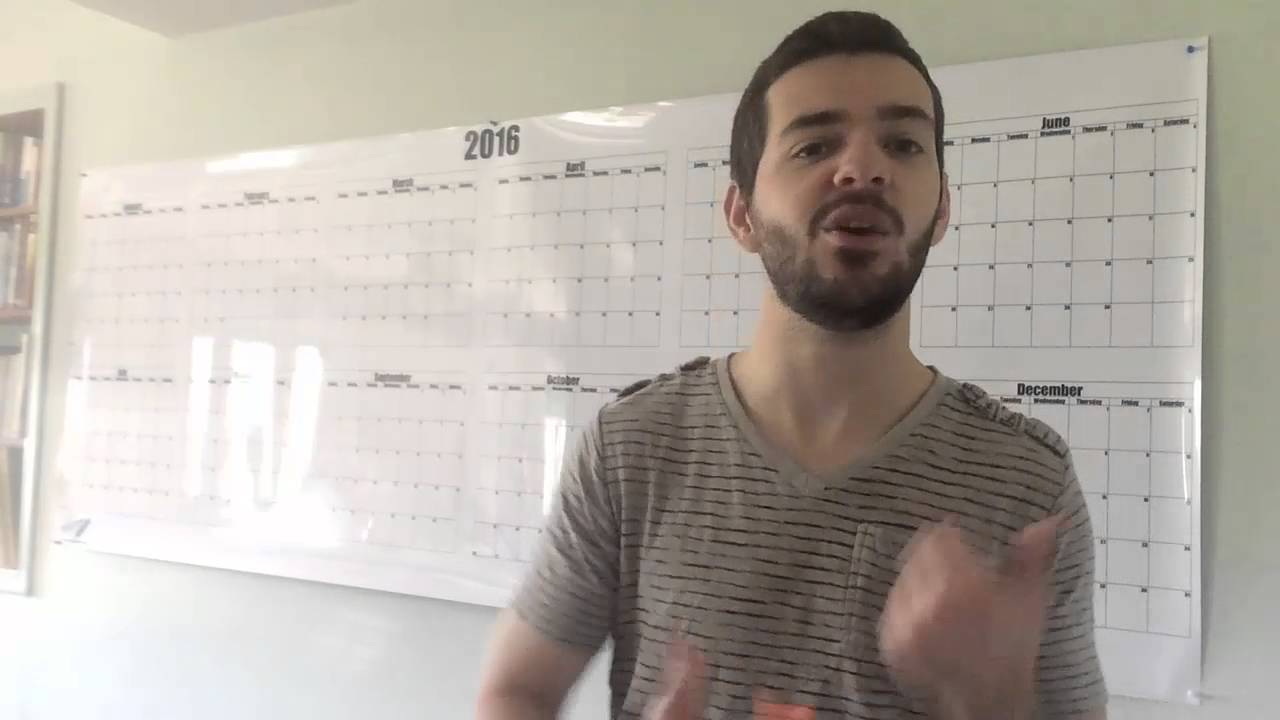
WHITEBOARD CALENDAR HACK || How to set up and use a Revolving Calendar
Автор: On The Same Page Together
Загружено: 2018-12-05
Просмотров: 1422
Описание:
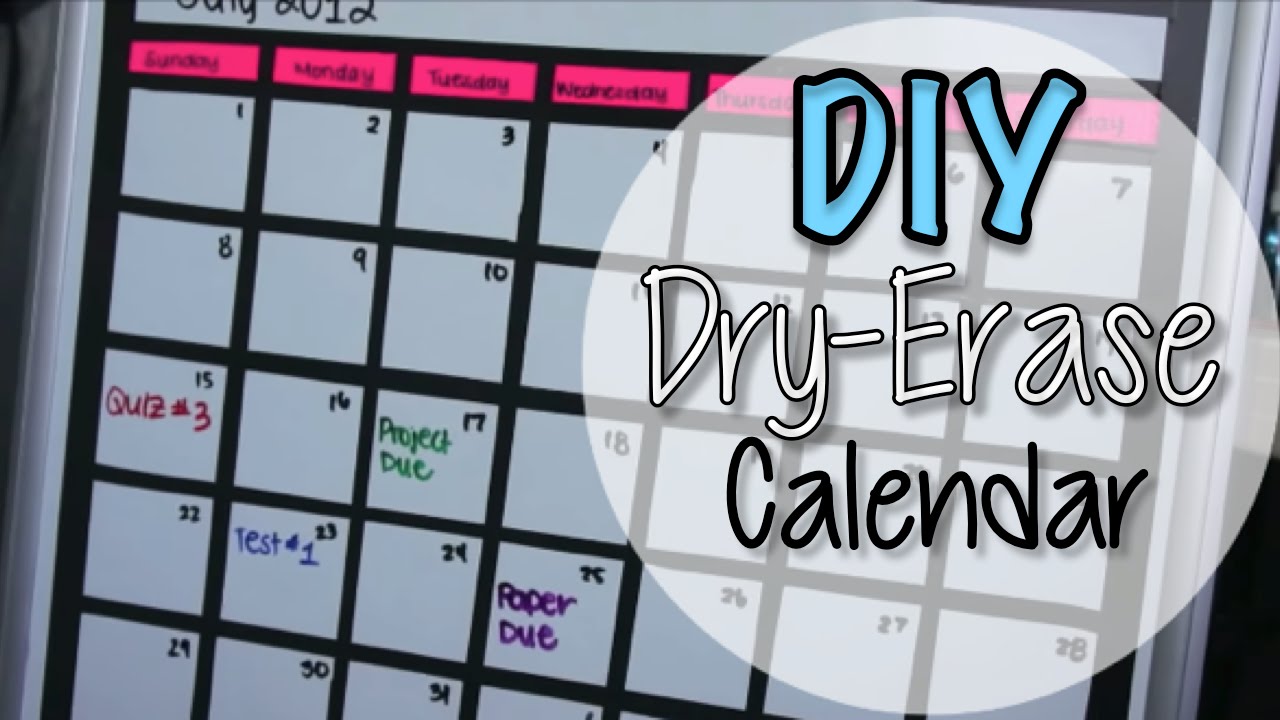
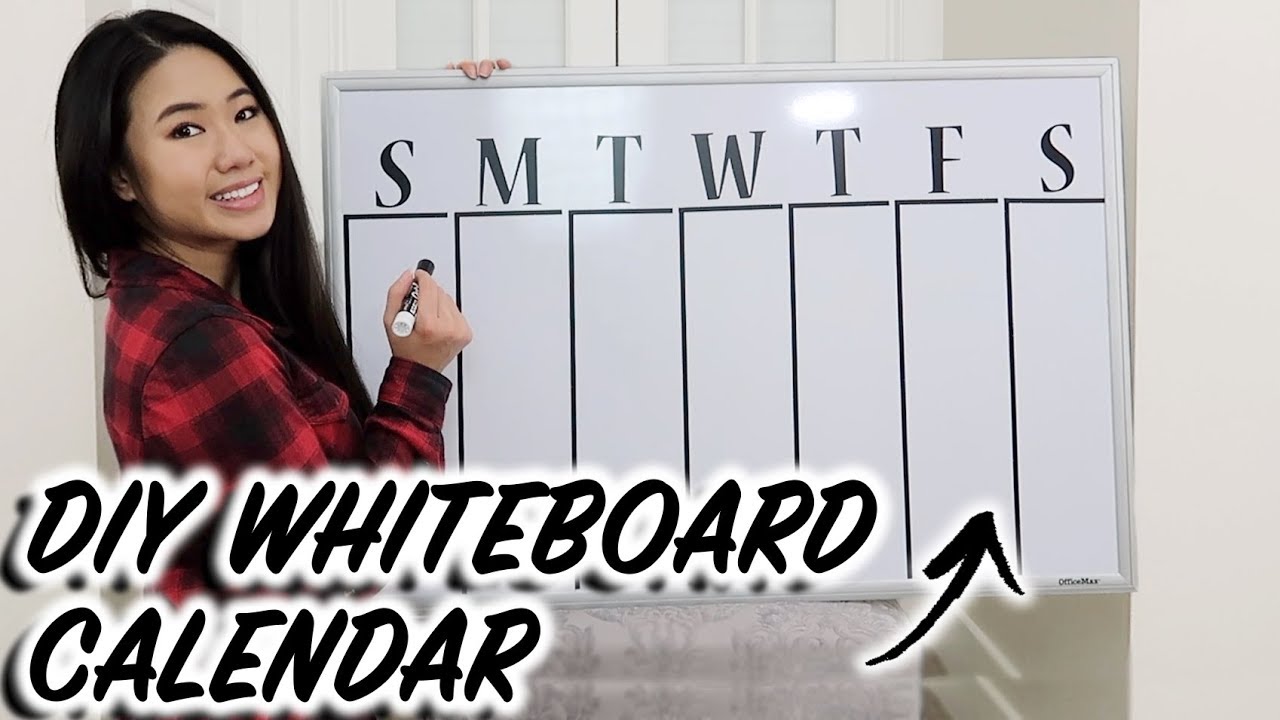
Need a efficient way to look at your upcoming events in your command center? I love using my revolving whiteboard/dry erase calendar to easily look ahead at what's on the docket in our life.
3:10 Tips
Wait until you've cleared out a whole week and got into the next week to update your calendar for the last week. If your calendar starts on Sunday, update it every Monday. If it starts on a Monday, update every Tuesday. Just make sure that you have one blank square at the front of the current week, so that you know at a glance, where you're at on it because the line will change from week-to-week.
For adding new events try either: 1. Adding them as they come up. 2. When you put up your new week, make sure you go through your calendar on your phone (or whatever you keep updated regularly) and make sure everything is up to date.
Color coordination is key. I like to use Google Calendar on my phone as my typical agenda layout and I have a different color for each person, so when I transfer them to this calendar I color coordinate ie:
Family events
Kids events (each kid has their own color)
My events
Husband's work events (travel/working late)
#whiteboardcalendars
Повторяем попытку...

Доступные форматы для скачивания:
Скачать видео
-
Информация по загрузке: