Tech Talk: How to Configure Hot Desking on Yeastar PBX System | New UC Feature
Автор: Yeastar
Загружено: 2020-07-01
Просмотров: 3103
Описание:
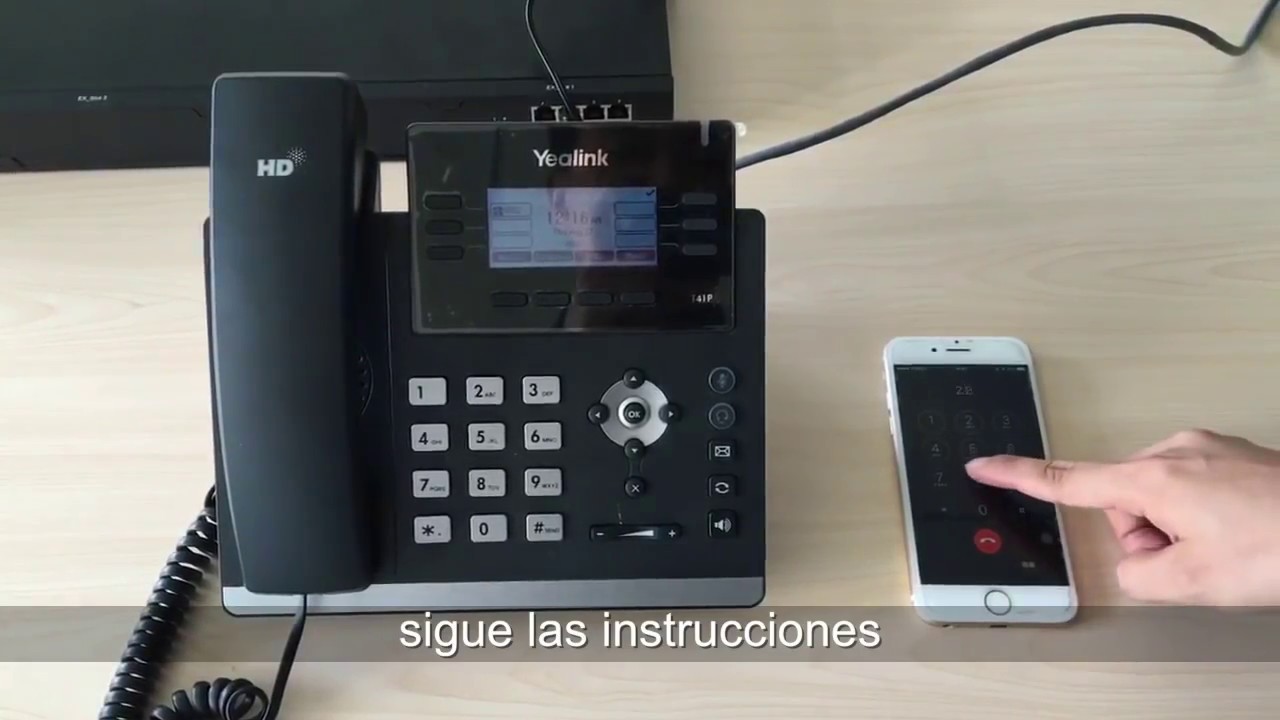
Hot Desking is a workplace in which employees don’t have permanently assigned desks or cubicles. On a PBX system, hot desking feature allows multiple users to share an IP phone on a desk, but use their own extension number to place calls or answer calls. It’s helpful for users with flexible schedules or working in multiple locations. Meanwhile, the company can save the investment on phone facilities.
In this video, we take Yeastar S300 VoIP PBX and Yealink SIP-T53W phone as an example to demonstrate how to configure the hot desking feature.
Step 1: Set up a hot desking phone with the Auto Provisioning app 00:55
Step 2: Enable hot desking for an extension user 01:42
Step 3: Demonstration 02:35
The configuration on Yeastar Cloud PBX and K2 IPPBX is almost the same. But please get the detailed configuration steps through these online documents:
Hot Desking on Yeastar S-Series PBX: https://bit.ly/2CW1QiH
Hot Desking on Yeastar Cloud PBX: https://bit.ly/38g12kf
Hot Desking on Yeastar K2 IPPBX: https://bit.ly/3g8XQcQ
Повторяем попытку...

Доступные форматы для скачивания:
Скачать видео
-
Информация по загрузке:








![[Live Stream] Unleash 2026 | Gallop Into New Features & The Roadmap](https://imager.clipsaver.ru/P4DV6bxV0bw/max.jpg)



![Как сжимаются изображения? [46 МБ ↘↘ 4,07 МБ] JPEG в деталях](https://imager.clipsaver.ru/Kv1Hiv3ox8I/max.jpg)