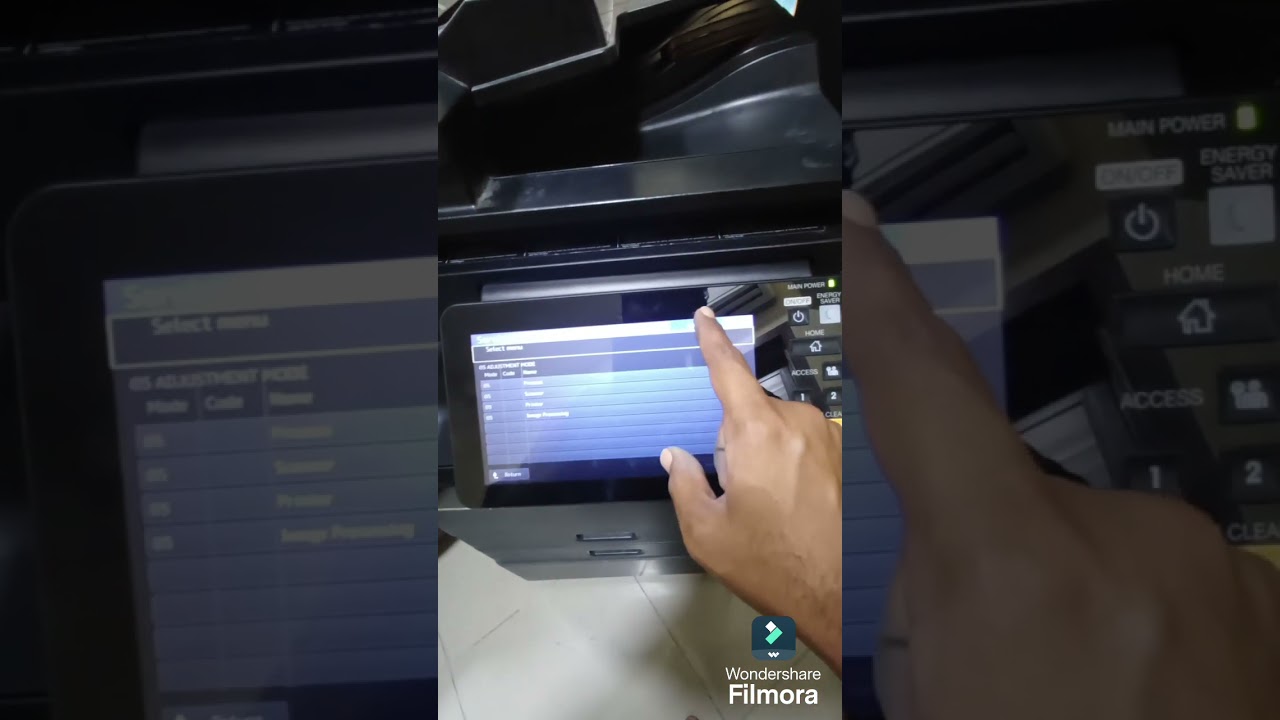
How to Fix c381 Error on the Toshiba e-STUDIO5506AC/6506AC/7506AC COLOUR Printers
Автор: Techno Tech
Загружено: 2023-06-04
Просмотров: 6202
Описание:
If you're experiencing the Toshiba e-STUDIO5506AC error c381, then this guide is for you. In this guide, we'll walk you through some common solutions to fixing the error and restoring your printer to working order.
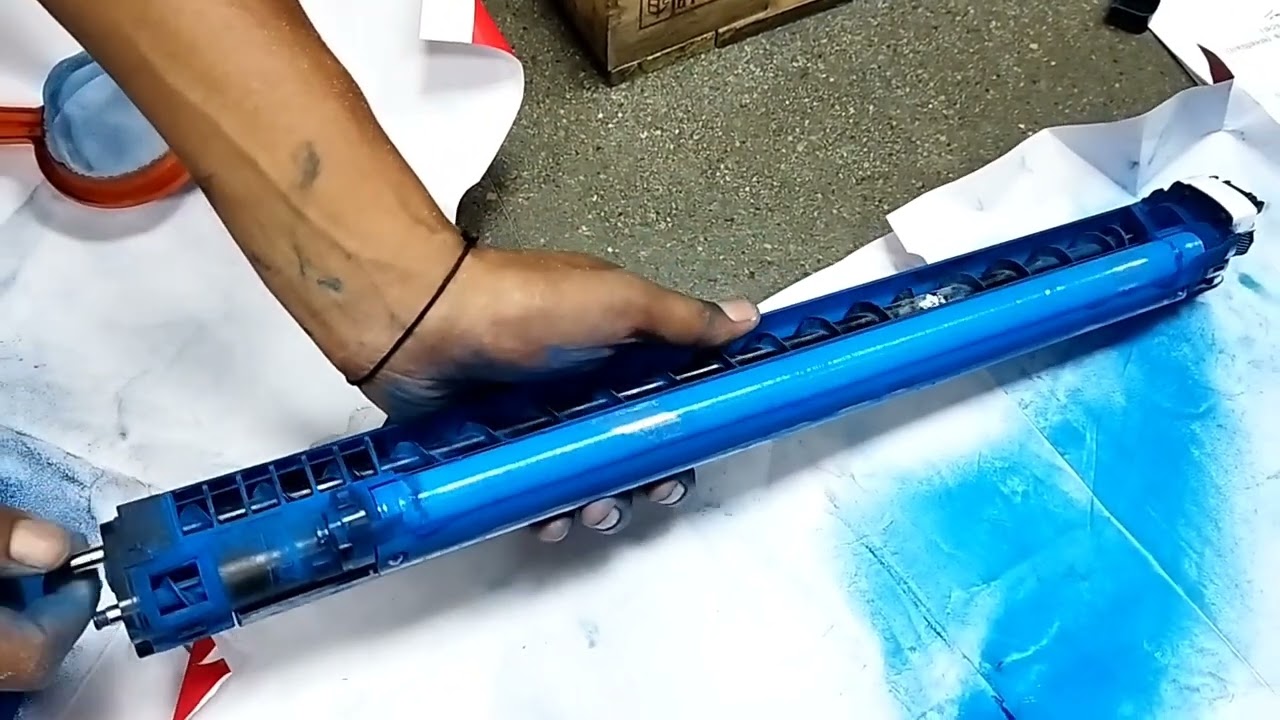
Error c381 - Auto-toner sensor-K abnormality (lower limit),Auto toner sensor Harness LGC board Developer material
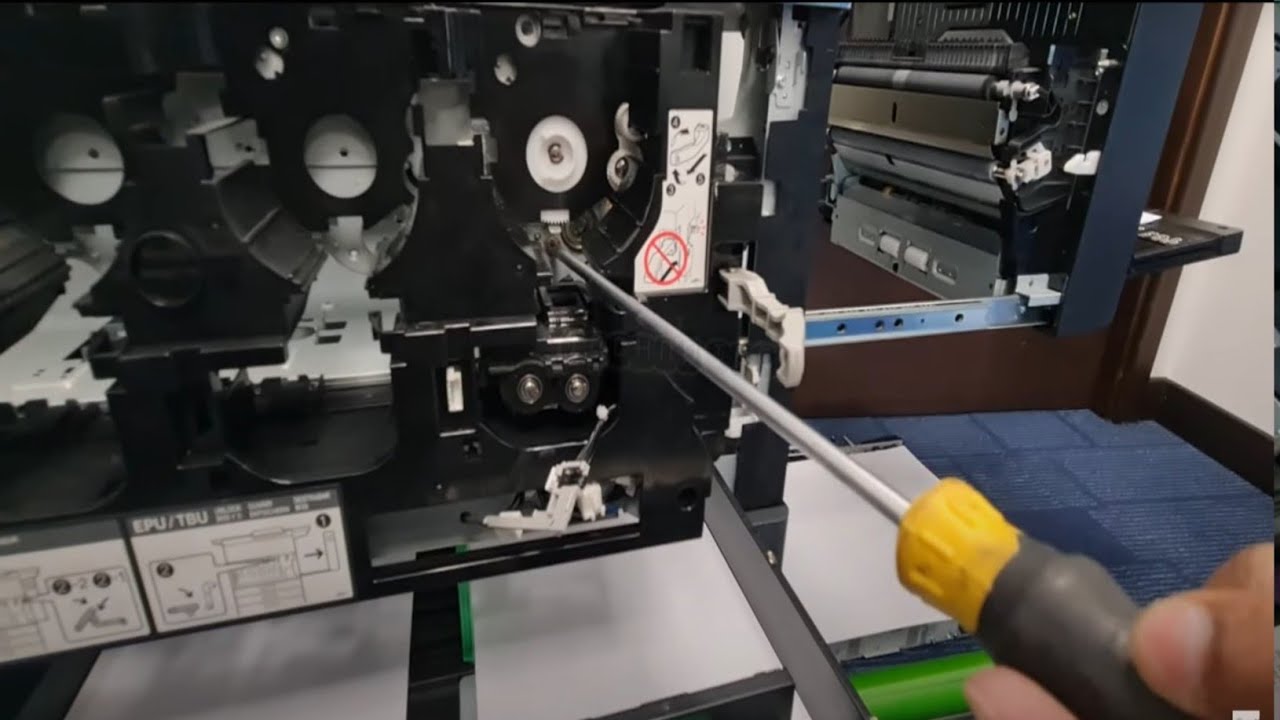
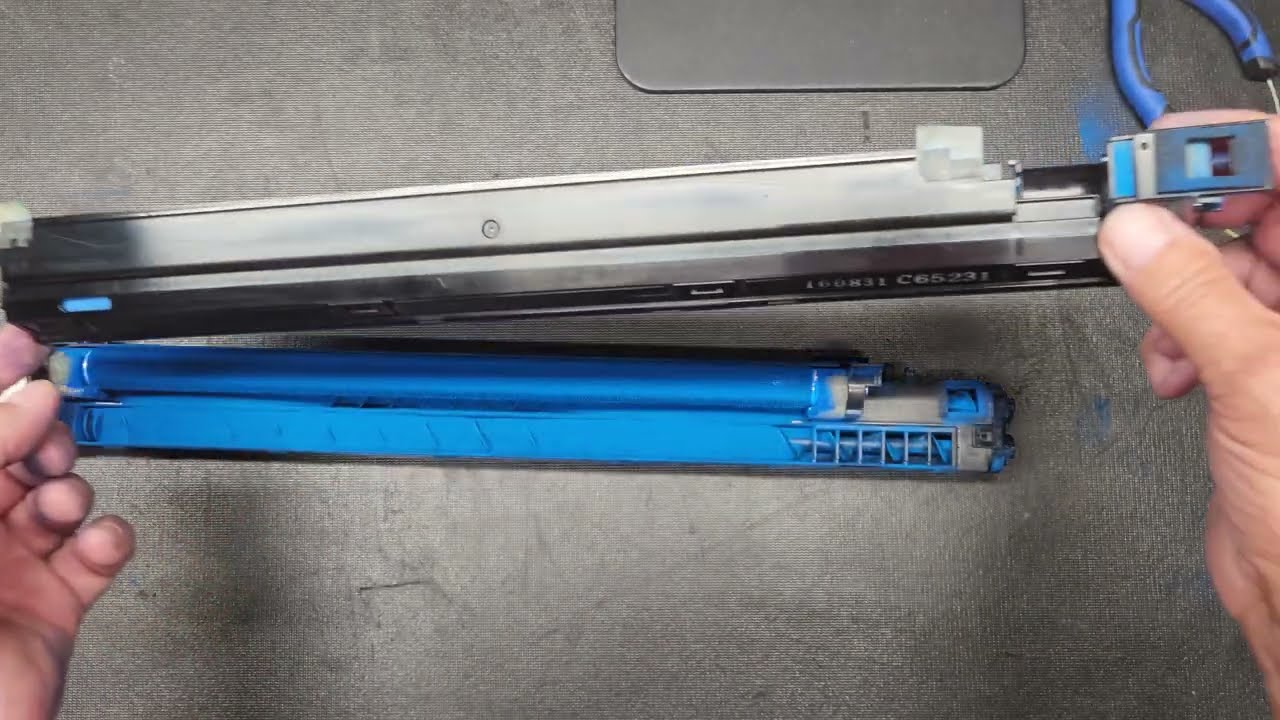
*Check if the developer unit is installed properly
Check that the developer unit and coupling on the equipment side are properly engaged
*Check any toner or dust on the ATC sensor connector and the drawer connector of the process cover
*Cheak any toner or dust on the EPU sensor connector and the drawer connector on the equipment side
Check the connectors and harnesses between the auto toner sensor and LGC board
*Check if there is any foreign matter such as toner in the connector of the auto toner sensor
Повторяем попытку...

Доступные форматы для скачивания:
Скачать видео
-
Информация по загрузке: