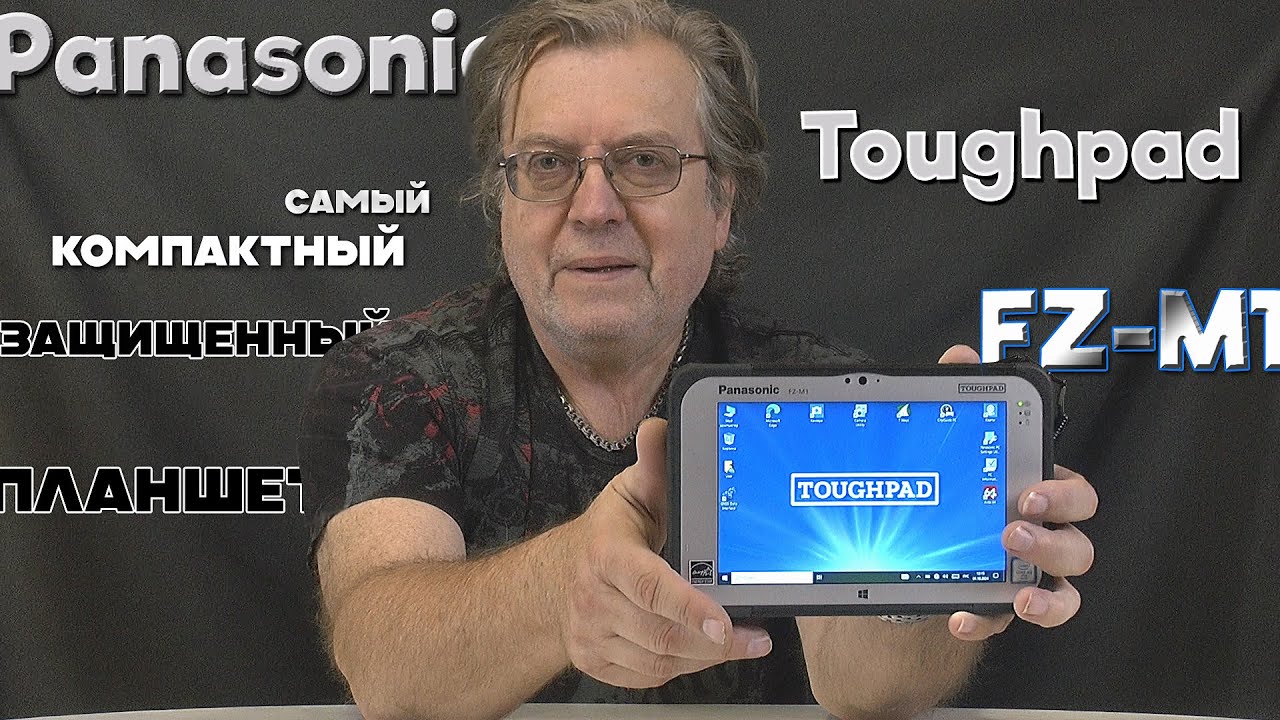
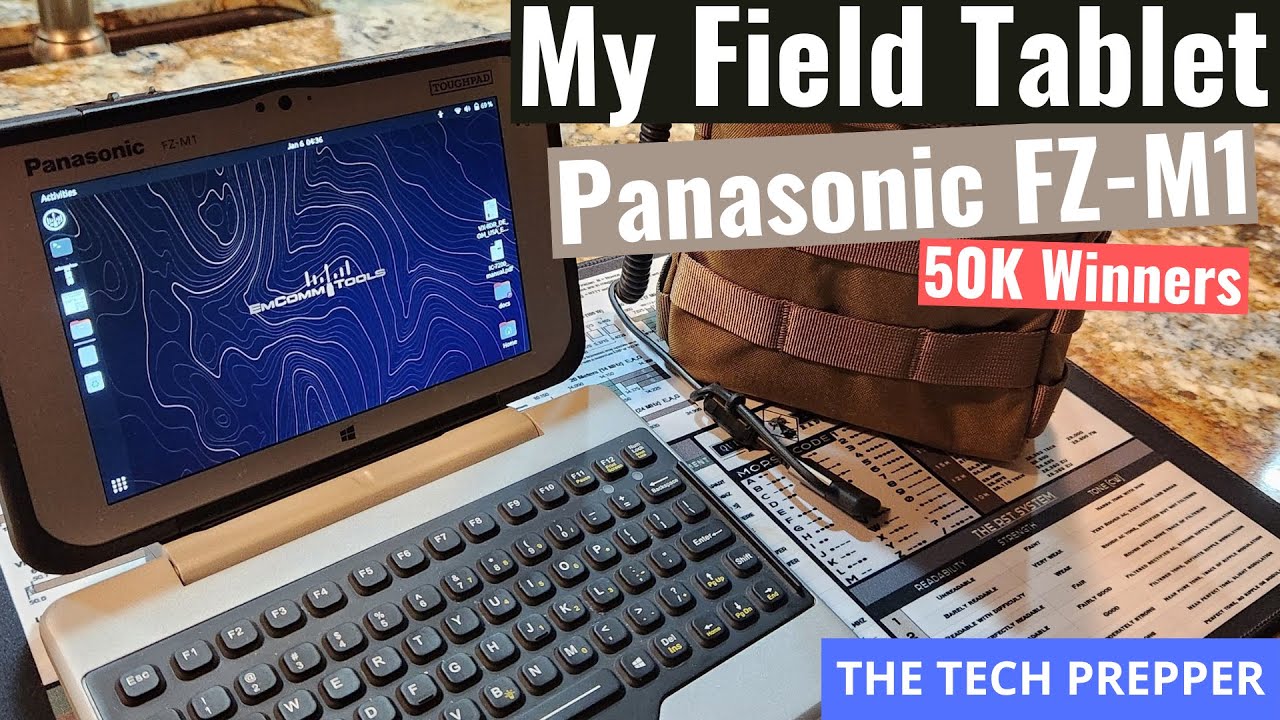
Panasonic Toughpad FZ-M1 Hard Drive *REPLACEMENT*
Автор: Bob Johnson's Computer Stuff Inc.
Загружено: 2020-08-12
Просмотров: 9057
Описание:
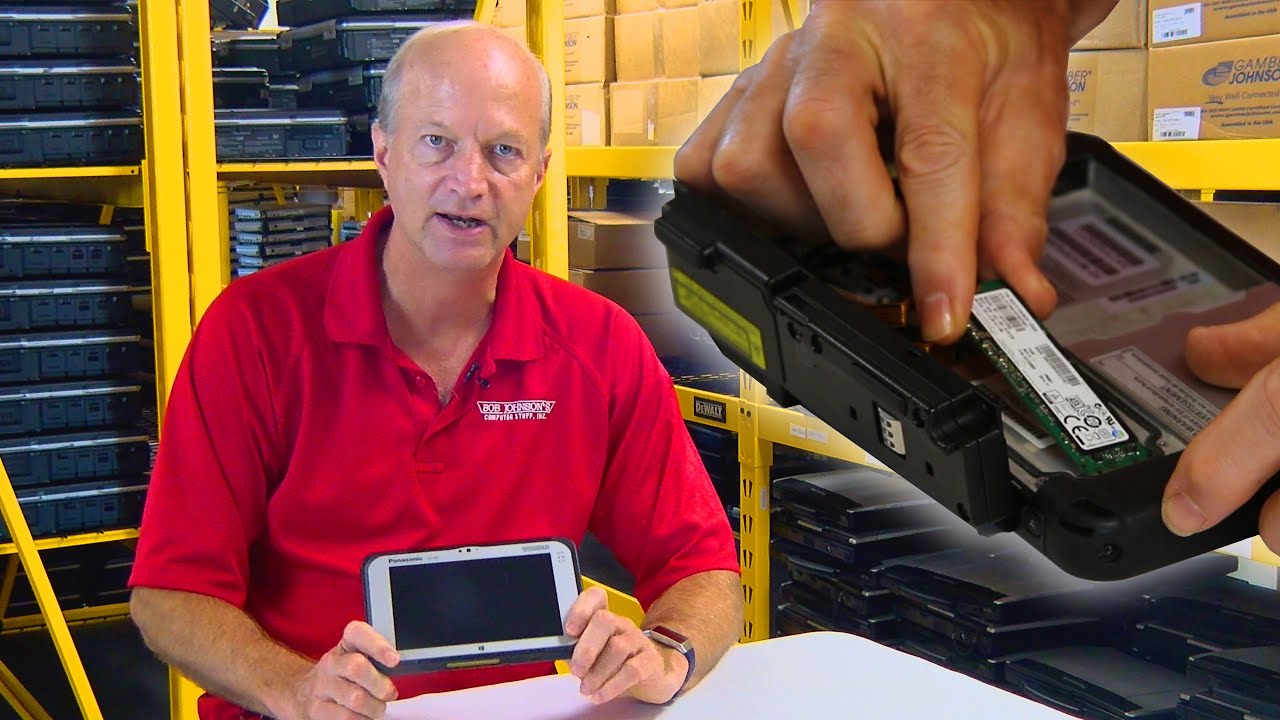
The fully-rugged Panasonic Toughpad FZ-M1 offers the ultimate in portability. In the 23rd Episode of The Rugged Rundown, Bob will be showing us how to replace the Hard Drive of your Toughpad FZ-M1 Tablet.
Comment below for your chance to be mentioned in a future video.
Click the bell button so we can notify you about our future repair tutorials, rugged laptop reviews, and how-to videos.
▬ Chapters ▬
00:00 Introduction
01:14 Remove the Toughbook FZ-M1 Battery
01:24 Panasonic Toughbook FZ-M1 Barcode Scanner Removal
03:09 Remove the FZ-M1 Hard Drive Cover Plate
03:35 Take out Panasonic Toughbook FZ-M1 Hard Drive
04:14 Install New Hard Drive Panasonic FZ-M1
04:53 Reinstall the Hard Drive Cover Plate Toughbook FZ-M1
05:31 Put the Barcode Scanner Back On Panasonic FZ-M1
06:31 Conclusion
▬ About Bob Johnson's Computer Stuff ▬
Bob Johnson's Computer Stuff Inc. has been a leading specialist in Panasonic Toughbooks and
other rugged computers for 29 years. We sell and repair top brands like Panasonic, Getac,
Durabook, and Dell. Check out our how-to videos and unbiased reviews on our YouTube channel.
Find out more by visiting our website: https://www.bobjohnson.com
Subscribe to our newsletter at: https://gc200.infusionsoft.app/app/fo...
▬ Social Media ▬
Instagram: https://tinyurl.com/BJCS-Instagram
Facebook: https://tinyurl.com/BJCS-FaceBook
▬ Contact Us ▬
Call us toll-free: (302) 659-2727
Email: [email protected]
#hardrivereplacement #toughpadfzg1 #bobjohnsonscomputerstuff
Повторяем попытку...
Доступные форматы для скачивания:
Скачать видео
-
Информация по загрузке: