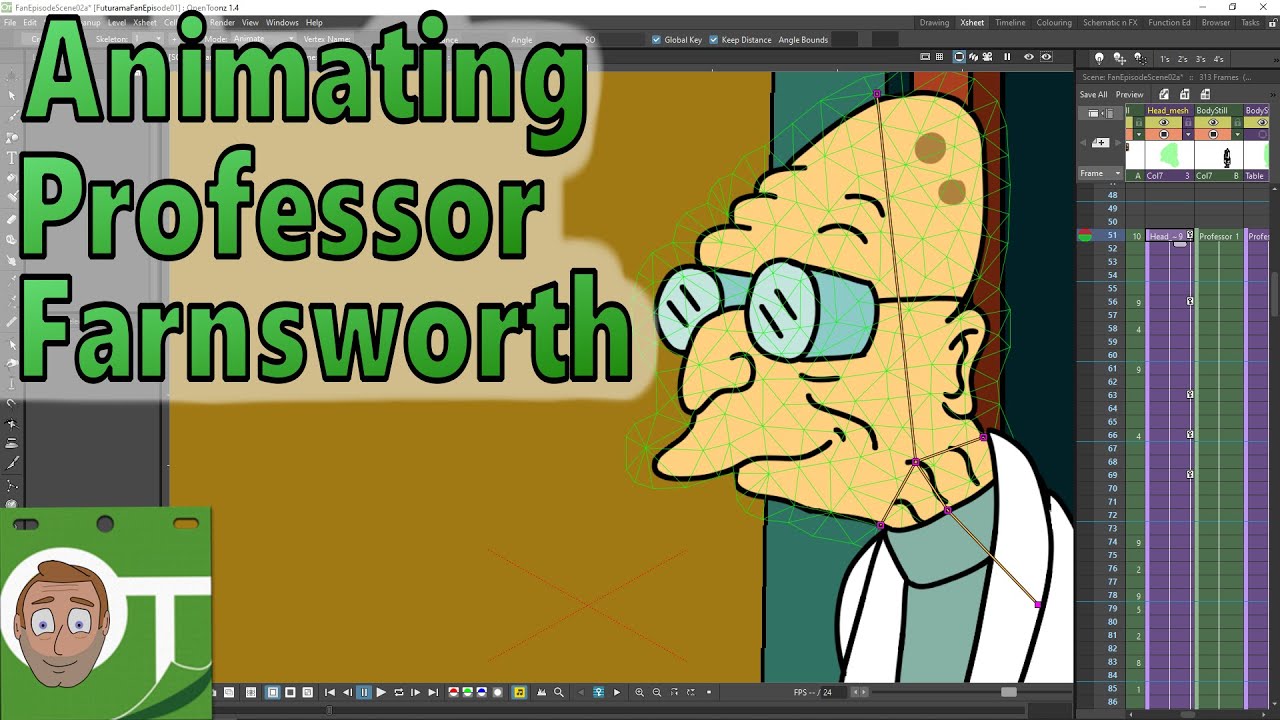
Animating Professor Farnsworth - in OpenToonz
Автор: Darren T
Загружено: 2020-05-15
Просмотров: 2691
Описание:
In this video I continue with the 1st proper scene and add my first bit of animation by bringing in Professor Farnsworth and then adding his lip sync that I setup last week and then adding a little bit of plastic tool animation, to make the 1st character fully animated in a scene! Although I might come back and add a little more to him.
So, although this is a long video, I've cut out quite a lot of the edits I made, to prevent this being a 2 hour video, so you'll notice jumps and sudden changes throughout the video, but I've kept the important changes, which will both give you an idea of what I've changed and how I did it. For instance, I changed the timing and position of the camera moves and also I amended the mouth shapes in OpenToonz, to make the shapes simpler and his speech clearer.
Contents:
00:00 Intro
01:03 Adding the Professor's scene as a sub-xsheet
02:14 Re-import the audio & setting up the lip sync
05:38 Working with the Prof sub-xsheet & Edit in Place and sub-xsheets
08:09 Move Farnsworth into position & setup the walk animation
10:08 Adding a mask to hide the professor as he walks in
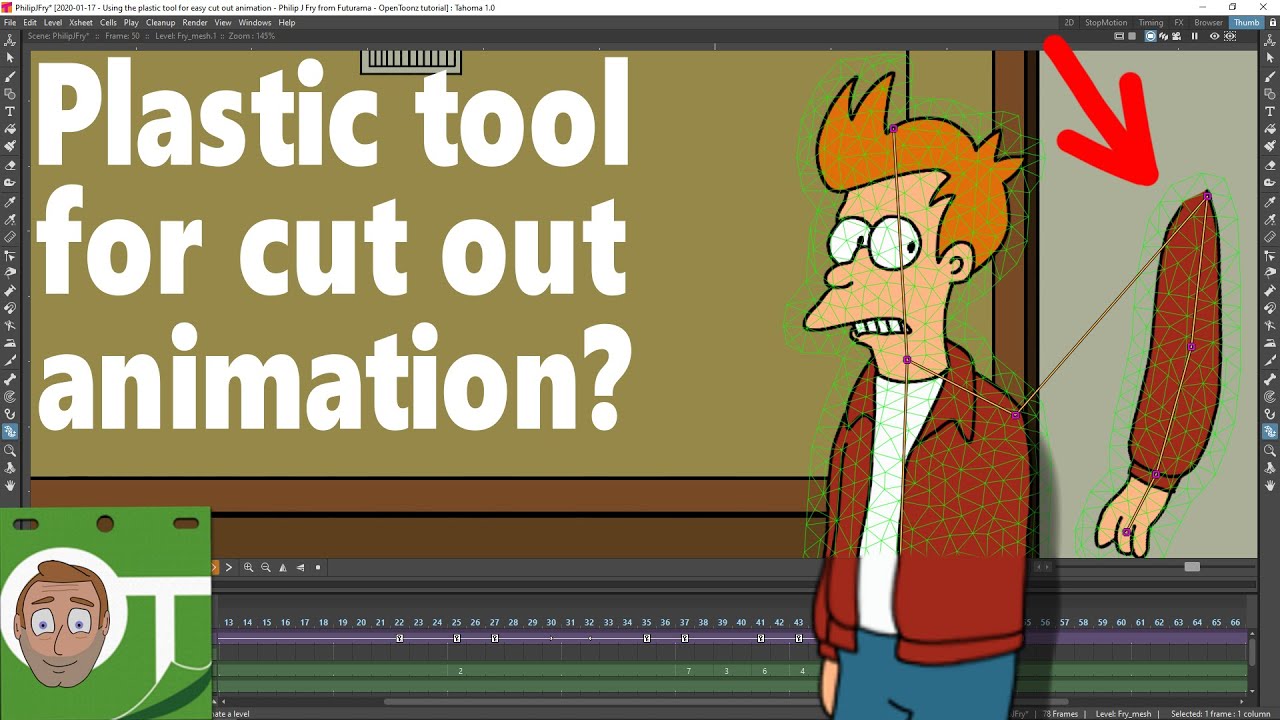
12:07 Setting up for movement of the head and body using the plastic tool
16:54 Connecting the head mesh to the body mesh
19:58 Animating the plastic meshes
21:07 Review of the changes today
22:48 The completed animation so far
Lessons learned:
1. Work out where I can have the character without a mesh and with a mesh and copy the level to different columns and show it for only those frames.
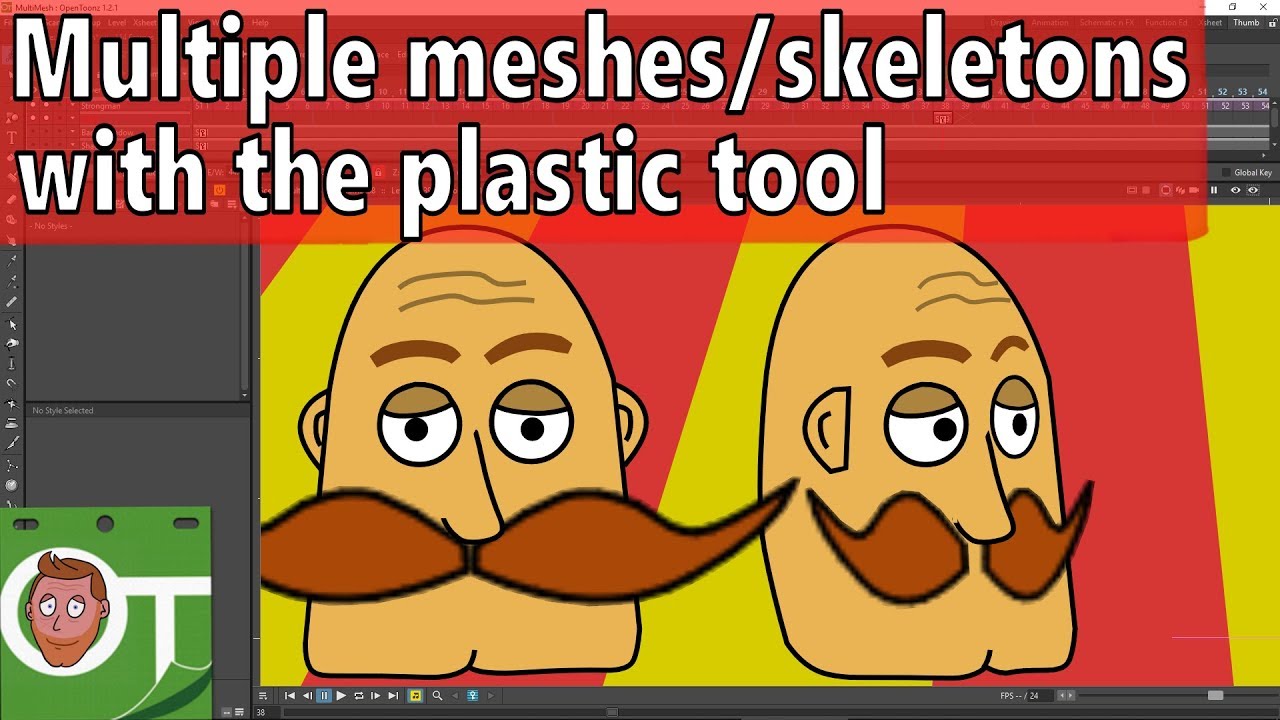
2. Add the mesh to character (head and body) BEFORE positioning him or trying to align the head & body. You resize the mesh column, not the drawing column. And you connect joints from the head mesh to the body mesh.
--------------------------------------------------------------
If you liked what you saw and want to help out, you can buy me a coffee or a Darren Tea ;-)
https://www.buymeacoffee.com/DarrenT
Check out useful OpenToonz-companion software you can download or purchase:
https://gumroad.com/DarrenTAnims
The kit I use and recommendations of useful books:
http://kit.co/DarrenT
--------------------------------------------------------------
Discord: / discord
For help setting up and using OpenToonz, chat with animators & developers and enter animation challenges.
Twitter: / darrentanims
Facebook: https://fb.me/DarrenTAnims
Twitch: / darrentanims
More about me: / darrentanims
outro music courtesy of Voltaire: / voltairemusicpage
Повторяем попытку...
Доступные форматы для скачивания:
Скачать видео
-
Информация по загрузке: