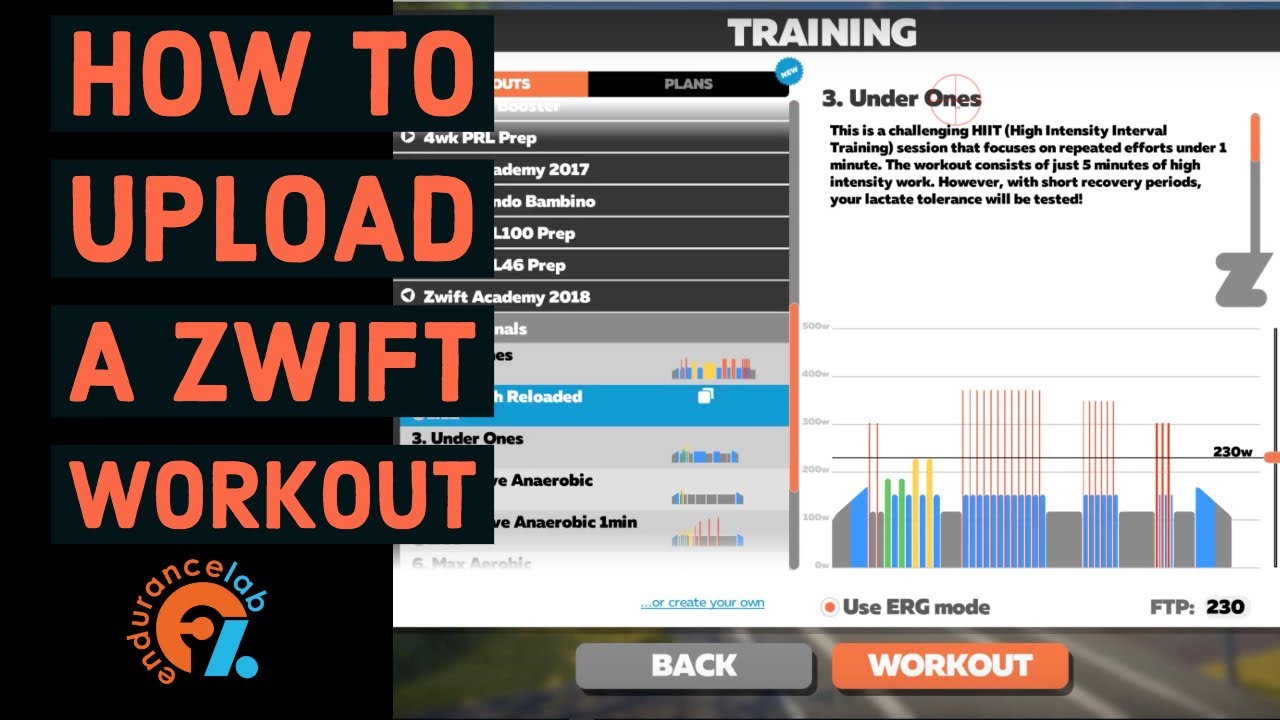
How to load a Custom Zwift Workout (.zwo) to your PC
Автор: Endurance Lab
Загружено: 2019-01-05
Просмотров: 11652
Описание:
Steps to import a custom Workout File (.zwo) into Zwift:
Step 1 - Download a Zwift Workout File (.zwo)
Step 2 - Place the downloaded .zwo file in the folder found at \Documents\Zwift\Workouts\{userid} (on both Mac and Windows), where {userid} is your Zwift user id number as the folder name.
Step 3 - After opening Zwift, the new workout should now appear under Custom Workouts in the Zwift workouts screen. If you add the file in Step 2 above while Zwift is open, the workout will not be accessible. Close and then reopen Zwift to find the workout. NOTE: When the workout includes a category definition the workout will not appear under Custom Workouts, but in its own category.
Visit our blog post here which summarizes these steps:
https://www.endurancelab.fit/how-to-l...
----------
Website: https://www.endurancelab.fit
Forum: https://discuss.endurancelab.fit
Podcast: https://anchor.fm/theendurancelab
Instagram: / theenduranc. .
Twitter: / theendurancelab
Strava: / strava .
----------
#zwiftworkouts #zwift #zwiftwworkoutimport #endurancelab
Повторяем попытку...
Доступные форматы для скачивания:
Скачать видео
-
Информация по загрузке: