Как найти потерянные пенсионные накопления через ATO
Автор: Au Tech
Загружено: 2026-11-14
Просмотров: 30
Описание:
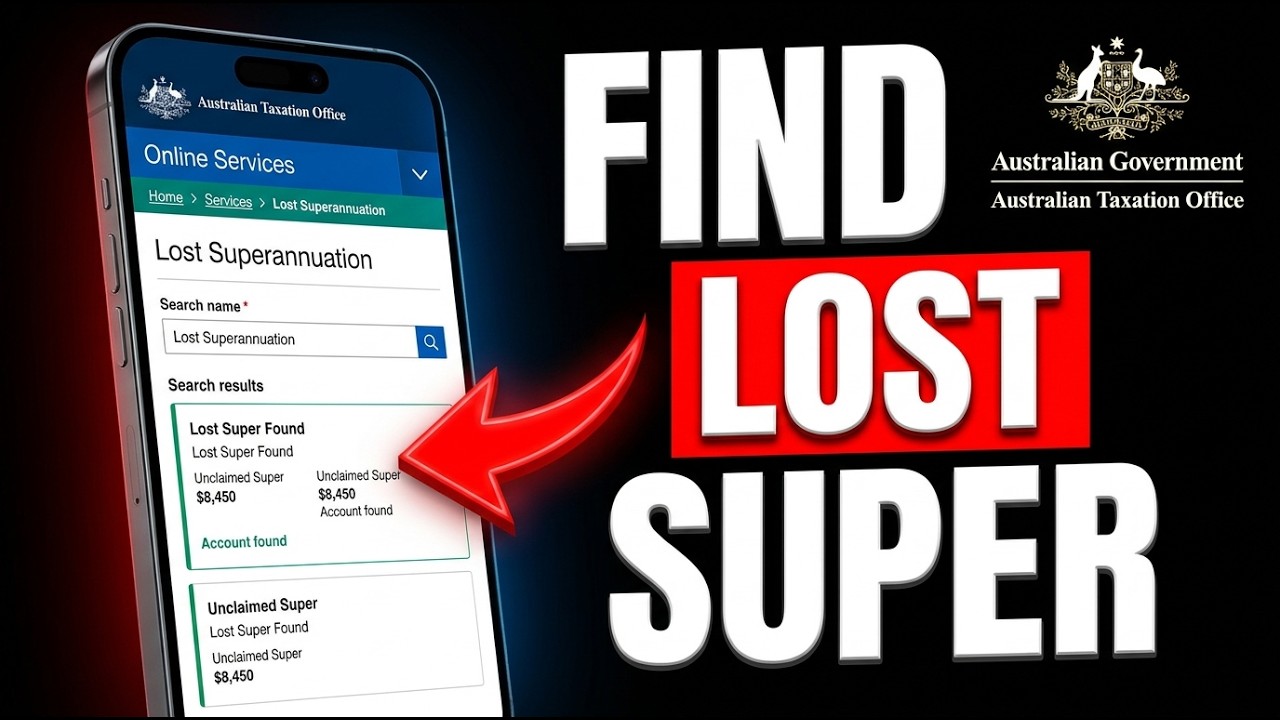
If you've changed jobs or had multiple superannuation accounts in Australia, you may have lost track of some of your retirement savings. The Australian Taxation Office (ATO) allows you to check for lost or unclaimed super through your myGov account. In this beginner-friendly tutorial, you'll learn how to find your superannuation information online.
First, open the myGov application on your phone and make sure you're signed in to your account. Tap the Sign In button, choose your preferred login method, and complete the sign-in process.
Once you're logged in, open your linked Australian Taxation Office (ATO) service. You can find it under the Services section of your myGov account. Select the ATO service to access your tax and superannuation information.
Next, navigate to the Superannuation section and select the option to view your super accounts. Look for the Lost or Unclaimed Super section to check whether the ATO has any superannuation accounts recorded under your details.
Review the accounts displayed and check the available information carefully. If you find eligible lost or unclaimed super, follow the instructions provided to transfer it to your chosen superannuation fund, where applicable.
That's how you can find your lost super using the ATO service through myGov. Checking your superannuation records regularly can help you keep track of your retirement savings and make sure you know where your super is held.
#LostSuper #ATO #MyGovAustralia #FindLostSuper #UnclaimedSuper #SuperannuationAustralia #AustralianSuper #SuperAccounts #RetirementSavings #SimplyFinance
Повторяем попытку...
Доступные форматы для скачивания:
Скачать видео
-
Информация по загрузке: