Replacing the battery in a Samsung Z Flip 4 | SONAN TECH
Автор: SONAN TECH
Загружено: 2025-02-07
Просмотров: 2791
Описание:
Replacing the battery in a Samsung Z Flip 4 is a delicate process that requires specialized tools and technical knowledge. It is generally recommended to have this done by a professional technician to avoid damaging the device.
However, if you have experience with electronics repair and are comfortable proceeding at your own risk, here are the general steps involved:
*Disclaimer* This is a general overview, and specific steps may vary. Proceed at your own risk, as improper handling can damage the device and void your warranty.
*Tools and Materials*
Heat gun or hair dryer
Suction cup
Thin pry tool (plastic or specialized for electronics)
Small Phillips head screwdriver
Replacement battery (ensure it's compatible with your model)
Adhesive strips or glue (for resealing the device)
Isopropyl alcohol (for cleaning)
*Steps*
1. *Power off the device.*
2. *Apply heat to the back cover* to loosen the adhesive. Use a heat gun or hair dryer at a low setting and apply heat evenly around the edges of the back cover for a few minutes.
3. *Use a suction cup* to create a small gap between the back cover and the frame.
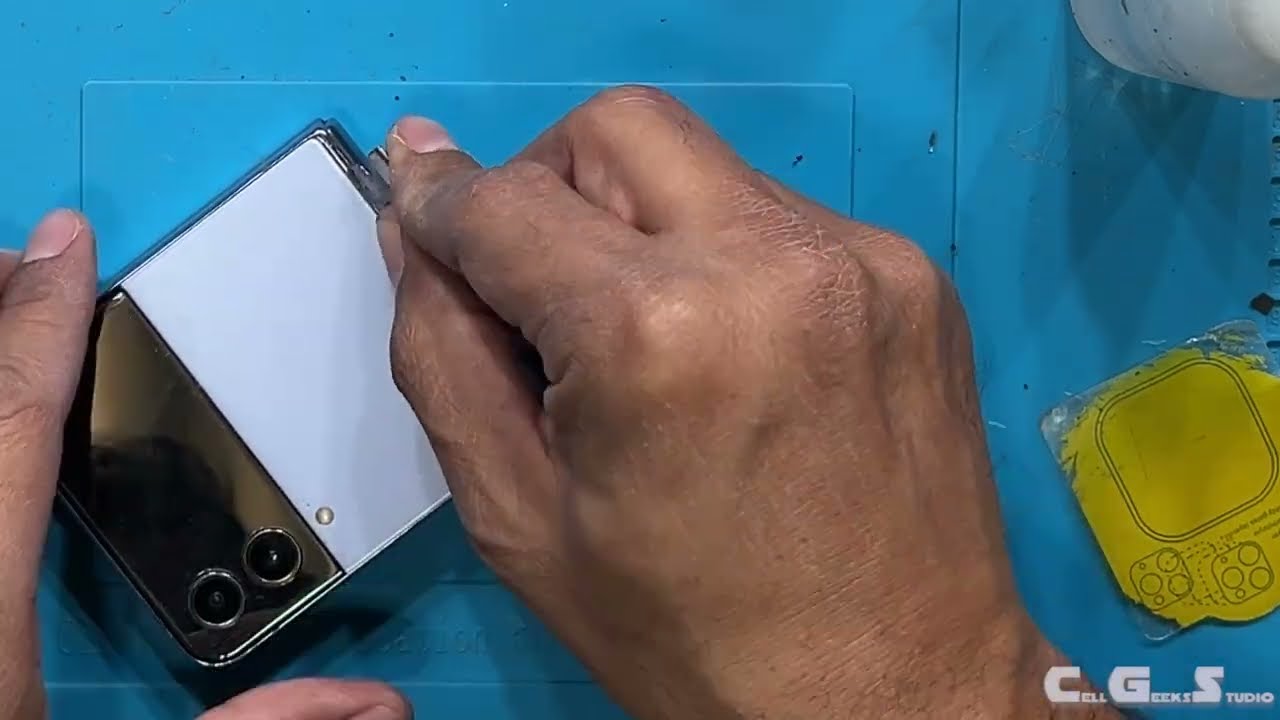
4. *Insert a thin pry tool* into the gap and carefully slide it around the edges to separate the back cover from the frame. Be gentle and apply more heat if needed.
5. *Remove the back cover.*
6. *Locate the battery connectors* on the motherboard. There are usually two batteries in the Z Flip 4.
7. *Disconnect the battery connectors* using a plastic pry tool. Be careful not to damage the connectors or surrounding components.
8. *Remove any screws or brackets* holding the batteries in place.
9. *Carefully pry out the batteries* using a plastic pry tool. Be gentle and avoid puncturing the batteries.
10. *Clean the battery compartment* with isopropyl alcohol to remove any residue.
11. *Install the new batteries.* Remove the protective film from the new batteries and place them in the compartment, ensuring they are properly aligned.
12. *Reconnect the battery connectors.*
13. *Reassemble the device.* Replace any screws or brackets, and carefully attach the back cover. Apply new adhesive strips or glue to ensure a secure seal.
14. *Power on the device* to test the new batteries.
*Important Notes:*
*Static electricity* can damage electronic components. Consider using an anti-static wrist strap to ground yourself before working on the device.
*Be patient and gentle.* Applying too much force can damage the device.
*Keep track of screws and small parts* to ensure proper reassembly.
*If you are uncomfortable with any of these steps,* it is best to seek professional assistance.
Remember, replacing the battery yourself is at your own risk. If unsure, it is always best to consult a professional technician.
Повторяем попытку...
Доступные форматы для скачивания:
Скачать видео
-
Информация по загрузке: