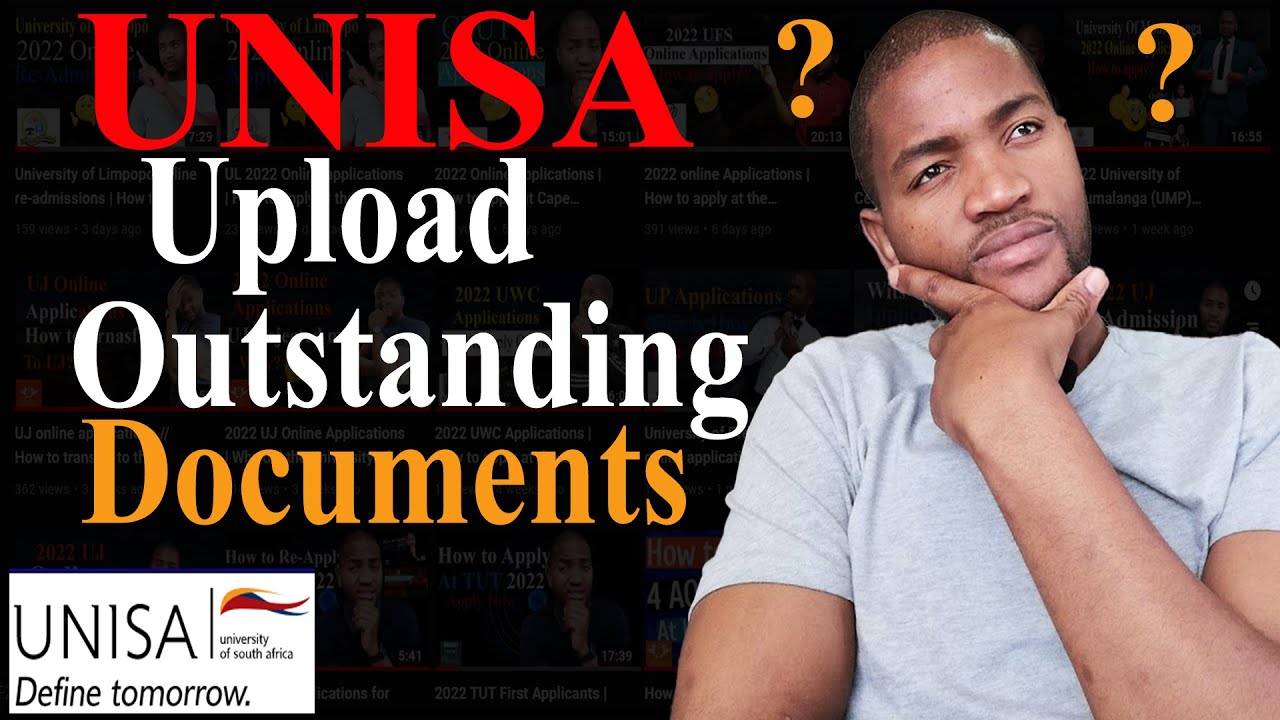
UNISA Online Admissions | How to upload documents at UNISA?
Автор: Reinvent Yourself - Mancoba
Загружено: 2021-08-30
Просмотров: 25448
Описание:
In this video, you will learn how to upload outstanding documents at UNISA. If you have not applied, please note that applications for admission to Unisa's undergraduate qualifications (higher certificates, advanced certificates, diplomas, advanced diplomas & degrees) will be open from 11 August to 15 October 2021. #ReinventYourself today with the University of South Africa (UNISA).
#UnisaAdmissions
#UnisaApplications
👉🏽You must have the following documents scanned & uploaded to an electronic device:
All applicants starting a new qualification must upload all the required documents, which generally consists of the following:
Copy of your school qualifications (eg Senior Certificate, National Senior Certificate)
Copy of your official tertiary academic record(s) (if applicable) (internet copies will not be accepted)
Copy of your ID document (RSA students) or ID/passport (international students)
Copy of your marriage certificate (if applicable) or divorce decree (if applicable)
Sworn translations of documents if they are not in English or Afrikaans
We urge all Unisa students who previously applied prior to 2016 to upload all the required documents. Failure to do so may result in a delay in processing your application.
** Some qualifications may require additional documents. Unisa reserves the right to request original documents and / to verify the correctness of submitted documents at any time. Submitting fraudulent documents is an offense in terms of the Student Disciplinary Code.
👉🏽Make sure that your documents are scanned according to the rules
Follow the instructions carefully when completing the online application process. Only upload the required documents as individual files and not a complete set of documents as one file. Please ensure that the documents and images you upload are clear.
Files may not be larger than 2MB (2048KB) each.
Only black and white documents may be submitted.
Only the following file types are allowed: PDF (Adobe Acrobat Portable Document Format file), DOC (Word document file), or TIF (image file)
👉🏽 UNISA contact details: https://www.unisa.ac.za/sites/corpora...
👉🏽 How to apply at UNISA online for 2022: • How to apply at the University of South Af...
👉🏽 How to reapply at UNISA: • UNISA Returning students | How to reapply ...
👉🏽 How long does UNISA take to allocate payment: • UNISA application Fee // How will I see th...
👉🏽 How to retrieve my student number at UNISA: • UNISA Online Admission | How to get back m...
➡ Check UNISA prospectus online and UNISA admission requirements:
https://www.unisa.ac.za/sites/corpora...
➡ UNISA application fee is R120
➡ Use the student number you receive from Unisa AND the application fee reference number (ie STUDENT NUMBER 5370810030)
➡ UNISA Banking details http://www.unisa.ac.za/paymentinfo
👉🏽For any inquiries, please contact me.
My Contact Details--
Cell/WhatsApp: 0798530052
Email: [email protected] / [email protected]
Twitter: @mancoba_mtho
Instagram: @mancoba.mtho
Facebook: Mancoba Magagula
Повторяем попытку...
Доступные форматы для скачивания:
Скачать видео
-
Информация по загрузке: