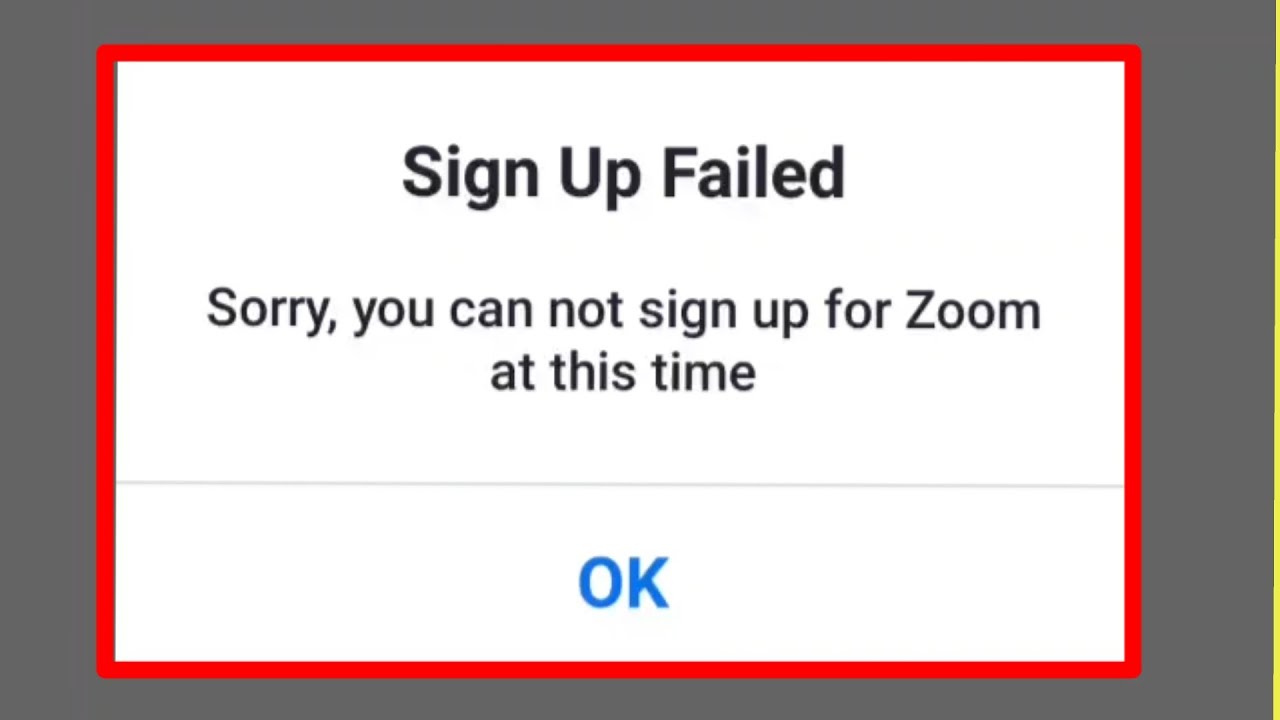
How to Fix And Solve Login Problem on Zoom Application
Автор: Tutorial Laboratory
Загружено: 2025-08-28
Просмотров: 197
Описание:
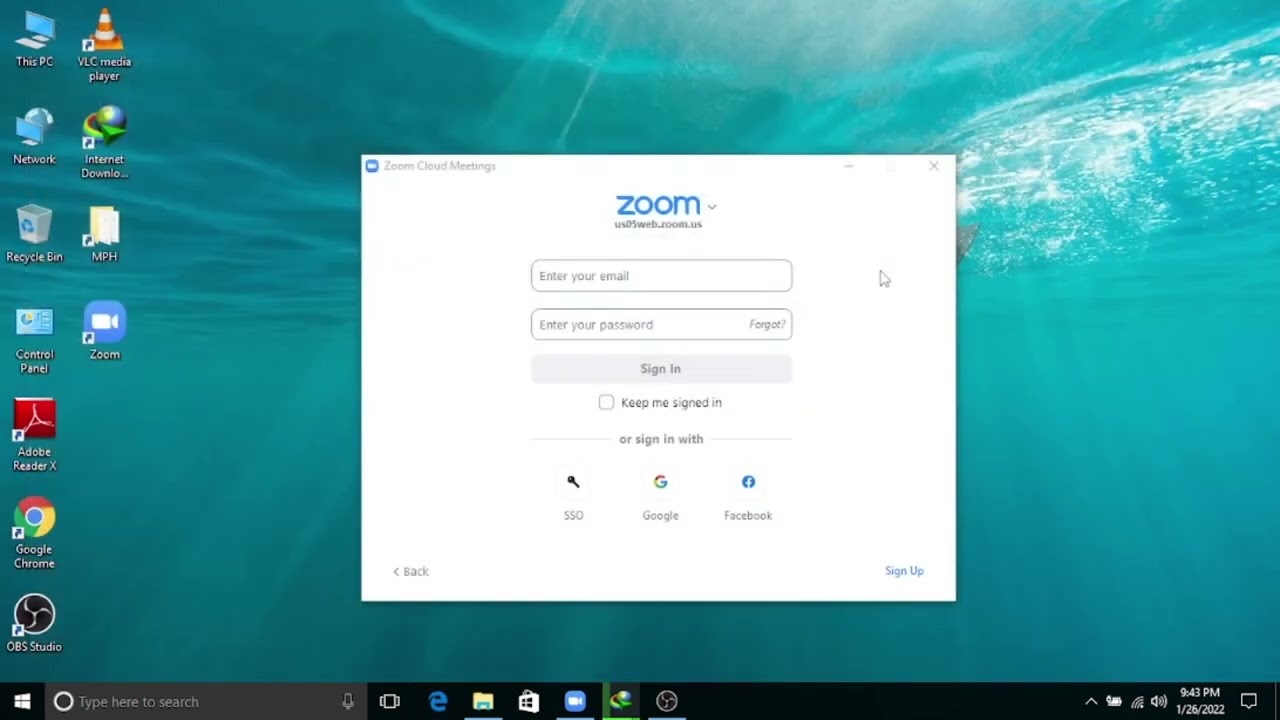
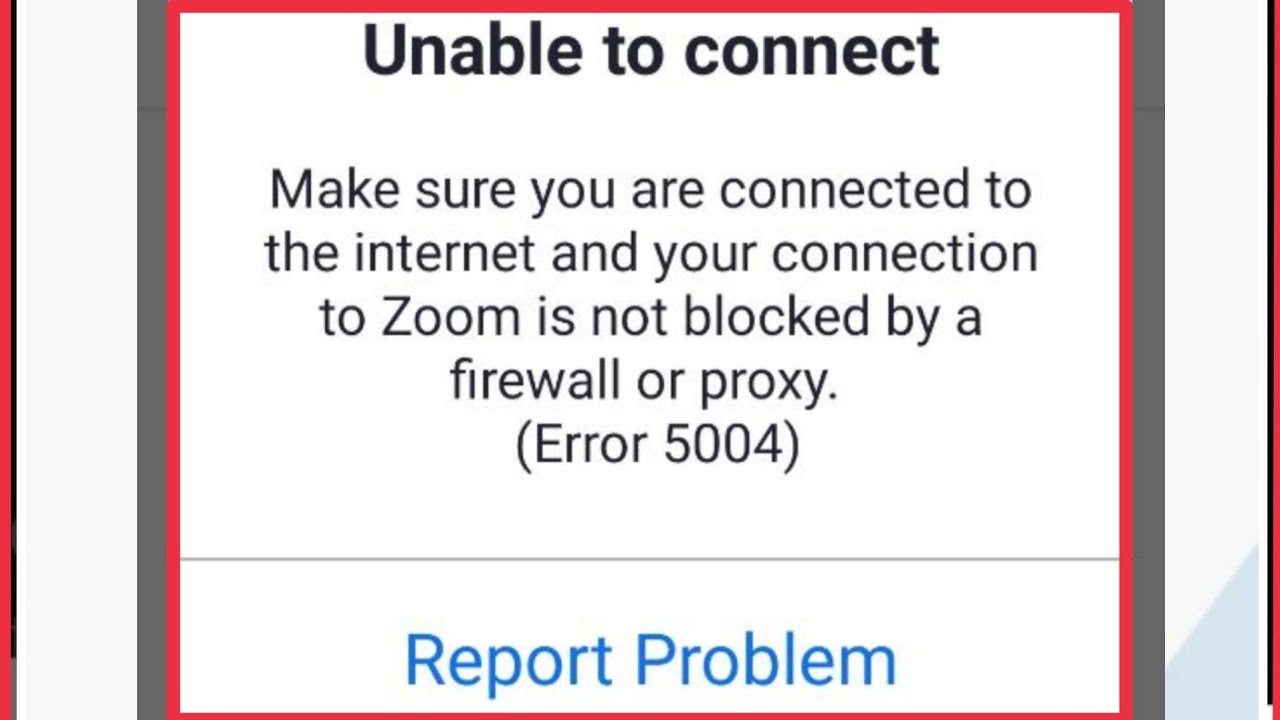
Having trouble logging into the Zoom application? In this quick tutorial, Kate shows you easy and effective steps to fix and solve login problems on Zoom app for Android devices. From checking your internet connection, updating the app, clearing cache, to reinstalling Zoom — this guide covers it all. Follow along and get back to your meetings without hassle! Don’t forget to like, share, and subscribe for more tech tips and troubleshooting guides.
Hashtags:
#ZoomLoginFix, #ZoomAppProblem, #ZoomLoginIssue, #FixZoomLogin, #ZoomTutorial, #AndroidZoomFix, #ZoomUpdate, #ClearCacheZoom, #ReinstallZoom, #TechTips
Video Tags:
zoom login problem, fix zoom login, zoom app not logging in, zoom android fix, zoom login issue, how to fix zoom login, zoom troubleshooting, zoom app update, clear zoom cache, reinstall zoom app, zoom connection problem, zoom login error, zoom sign in problem, zoom login not working, zoom app help
Chapter Timestamps:
00:00:00 - Introduction
Welcome to the channel! Learn how to fix and solve Zoom login problems.
00:00:10 - Check Internet Connection
Make sure your Wi-Fi or mobile data is working properly.
00:00:20 - Restart Zoom App and Device
Close Zoom completely, restart your device, and try logging in again.
00:00:35 - Update Zoom App
Check Google Play Store for updates and install if available.
00:00:50 - Clear Zoom Cache
Go to Android Settings → Apps → Zoom → Storage & Cache → Clear Cache.
00:01:10 - Correct Login Method
Ensure you are selecting the right login method in the Zoom app.
00:01:25 - Reinstall Zoom App
If problems persist, uninstall and reinstall Zoom from Google Play Store.
00:01:45 - Conclusion
Thanks for watching! Like and subscribe for more tech solutions.
Повторяем попытку...

Доступные форматы для скачивания:
Скачать видео
-
Информация по загрузке: