How to color calibrate multiple displays setup, laptop, software & hardware calibrated displays!
Автор: ArtIsRight
Загружено: 2020-05-01
Просмотров: 53841
Описание:
Please give this video a like and subscribe if you are new!
How to color calibrate multiple displays setup, laptop, software & hardware calibrated displays!
Additional resources referenced in this video:
Mac Settings to disable before display calibration • HOW TO: macOS Display Settings to turn off...
Windows Settings to disable before display calibration • HOW TO: Windows 10 Display Settings to tur...
How to calibrate BenQ SW Hardware Calibrated Display
How to calibrate BenQ SW with Palette Master Element • Best Calibration Settings for BenQ Palette...
Palette Master Element Explained • BenQ Palette Master Element Explained! Eve...
How to calibrate Non-Hardware Calibrated Displays
Using i1Profiler • How to Calibrate any External Display with...
Using i1Studio • How to Calibrate any External Display with...
How to calibrate laptop or any build-in displays.
• HOW TO Calibrate any laptop or build in di...
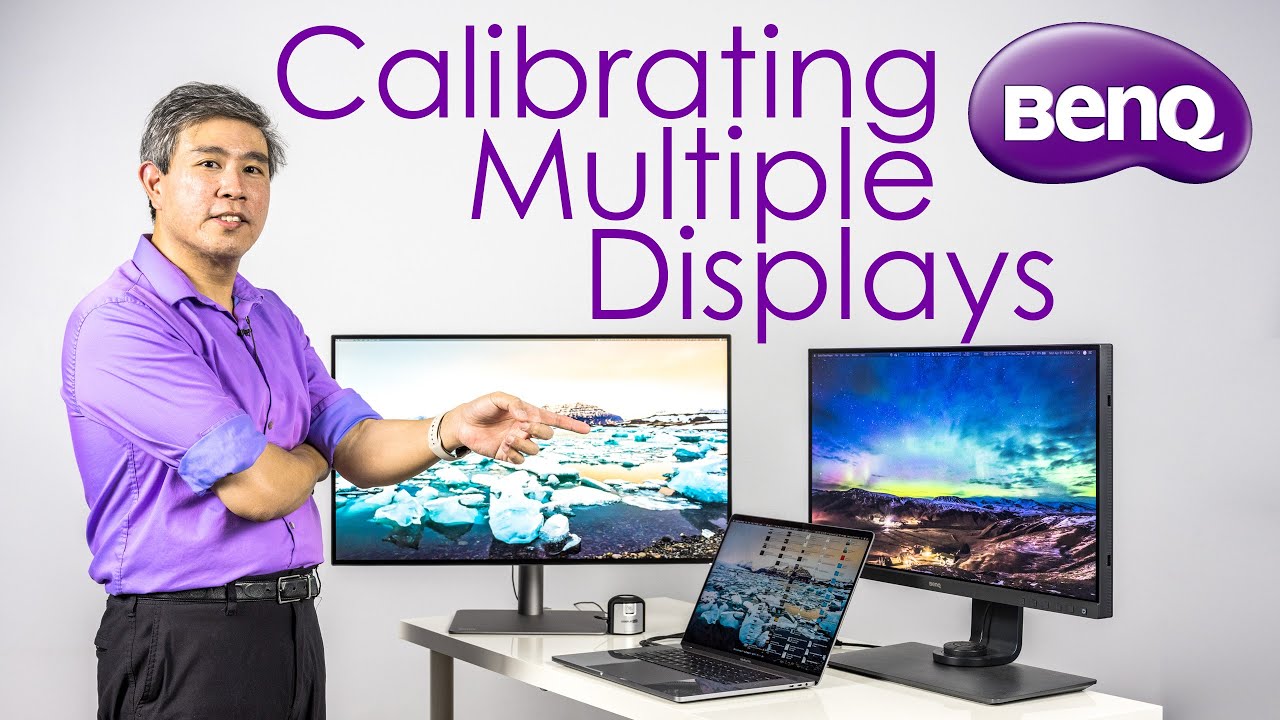
This video will show you how to color calibrate multiple different types of displays in a multiple displays set up. This include laptop, displays that are software calibration only and displays that are capable of hardware calibration such as the BenQ SW lineup. This video will also talk about color matching these display, if it is possible or not, some of the challenges running multiple mixed display types, and settings that should be used to calibrate these displays. The key take away is to match the white point, luminance and gamma settings in the calibration software.
There are 6 different scenarios that this video will cover
1. Laptop or any device with a build in display and a Hardware calibrated display such as the BenQ SW Displays.
2. Laptop or any device with a build in display and a NON-Hardware calibrated display such as the BenQ PD Designer displays.
3. Laptop or any device with a build in display along with hardware and a NON-Hardware calibrate displays.
4. Desktop hardware calibrate displays only.
5. Desktop with mixed hardware and a NON-Hardware calibrate displays.
6. Desktop with mixed a NON-Hardware calibrate displays.
The displays used in this video are the BenQ SW271, 27" 4K hardware calibrated display along with BenQ PD3220U, 32" 4K designer display.
Calibration device used in this video is the X-Rite i1Display Pro Plus. Buy them here and get free shipping
https://x-rite-photo.pxf.io/c/1927418...
Director of Photography & Filming by
Art Suwansang
SW321C https://www.benq.com/en-us/monitor/ph...
Review: • BenQ SW321C Review - The Ultimate 32" 4K P...
SW270C https://www.benq.com/en-us/monitor/ph...
Review: • BenQ SW270C Review: The Best 2K Hardware C...
SW271 https://www.benq.com/en-us/monitor/ph...
Review: • BenQ SW271 Full Review! The Best Hardware ...
SW240 https://www.benq.com/en-us/monitor/ph...
Review: • BenQ SW240 Review, The Best Budget Hardwar...
SW2700PT https://www.benq.com/en-us/monitor/ph...
PD2720U https://www.benq.com/en-us/monitor/de...
PD3220U https://www.benq.com/en-us/monitor/de...
Review: • The Ultimate BenQ PD3220U Designer Display...
PD2700U https://www.benq.com/en-us/monitor/de...
PD3200U https://www.benq.com/en-us/monitor/de...
PD3420Q https://www.benq.com/en-us/monitor/de...
Повторяем попытку...
Доступные форматы для скачивания:
Скачать видео
-
Информация по загрузке:


