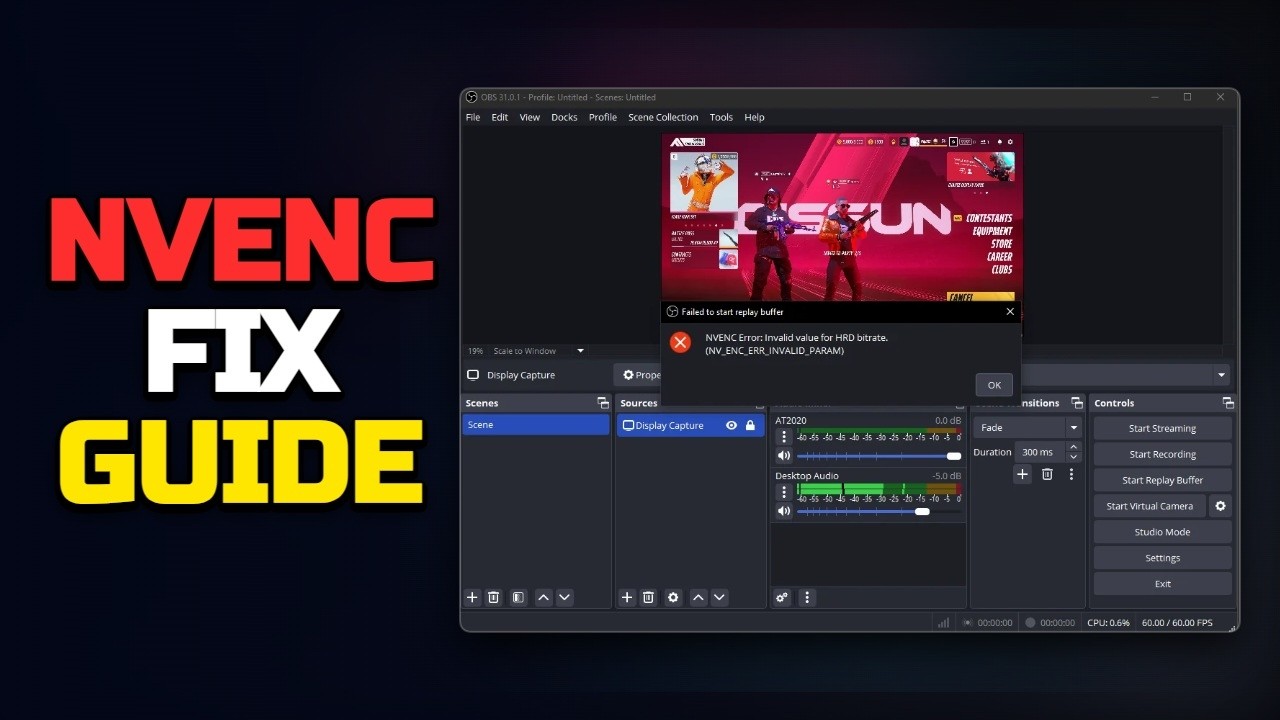
Fix NVENC Encoder Missing in OBS
Автор: Fixyypedia
Загружено: 2026-10-04
Просмотров: 757
Описание:
Fix NVENC Encoder Missing in OBS
Encountering the OBS NVENC encoder missing issue on Windows 11 can halt your streaming and recording workflow. This common problem often stems from driver conflicts or software misconfigurations that prevent OBS from recognizing your NVIDIA hardware encoder. Addressing OBS NVENC missing requires a systematic approach, combining driver verification with specific software adjustments to ensure the NVIDIA NVENC H 264 encoder is correctly integrated.
Timestamps:
00:00 - Intro & Failure Analysis
00:32 - Method 1: Primary Diagnostic & Service Configuration
00:48 - Method 2: Verified System Workaround & Cache Reset
01:05 - Method 3: Subsystem Registry & Policy Restoration
01:22 - Method 4: Advanced Security & Permission Refresh
Technical FAQ & Root Cause Diagnostics:
Q: Why is NVENC not showing up in OBS?
A: The NVENC encoder may not appear if your NVIDIA driver is outdated, corrupted, or if OBS Studio is not recognizing the GPU's capabilities due to a software glitch. Ensuring your NVENC encoder driver is up-to-date is crucial.
Q: Why are my OBS encoder settings missing?
A: Missing OBS encoder settings often indicate a conflict between OBS, your graphics drivers, or specific system configurations, sometimes related to deprecated NVIDIA NVENC H 264 presets. A clean installation of OBS and up-to-date drivers can resolve this.
Q: How do I turn on NVENC?
A: To enable NVENC, ensure your NVIDIA drivers are installed correctly, and then select "Hardware (NVENC, HEVC)" from the encoder dropdown menu within OBS Studio's output settings.
Q: How do I fix the NVENC or AMD encoder error in OBS Studio?
A: Resolving NVENC or AMD encoder errors typically involves updating graphics drivers, verifying OBS Studio's output settings, and ensuring no software conflicts are preventing hardware acceleration, especially if using NVENC encoder OBS.
#ObsNvenc #NvencEncoder #NvidiaNvenc
Повторяем попытку...
Доступные форматы для скачивания:
Скачать видео
-
Информация по загрузке: