Every Computer Port Explained: Stop Guessing What to Plug In
Автор: 8 Minutes Tech
Загружено: 2026-03-01
Просмотров: 18
Описание:
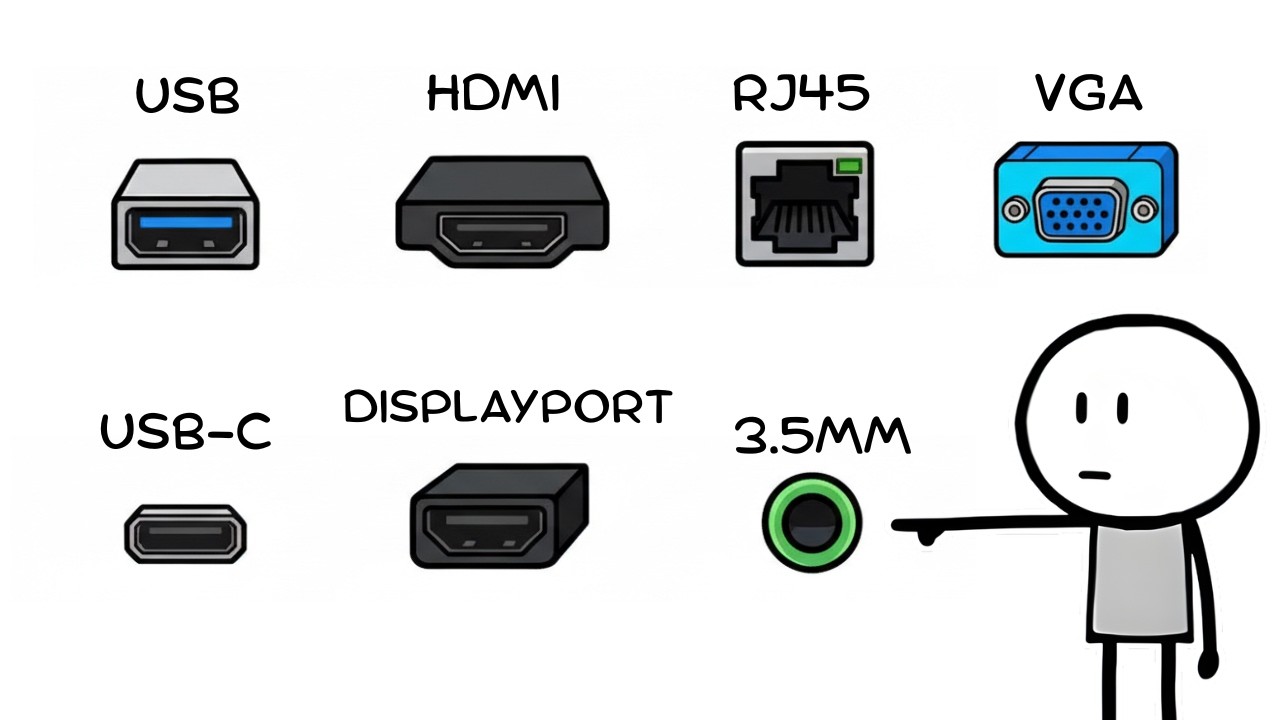
That little hole on the side of your laptop isn't just a hole — it determines how fast your files transfer, whether your monitor runs at full resolution, and whether your battery actually charges. In this video, we explain every port on your computer: USB 2.0, 3.0, USB4, USB-C, HDMI 1.4 vs 2.1, DisplayPort, Ethernet, Thunderbolt, VGA, and more. We'll also cover how power delivery negotiation works, why cheap hubs slow everything down, and the one security rule you should never break with a USB drive. By the end, you'll know exactly what every port on your machine is capable of — and stop leaving performance on the table.
🔔 Subscribe to 8 Minutes Tech for more tech explained simply and without the fluff.
computer ports explained, USB explained, USB-C vs USB-A, USB4 vs USB 3.0, HDMI 2.1 vs 1.4, DisplayPort explained, Thunderbolt 4 explained, what is Thunderbolt, VGA vs HDMI, Ethernet vs WiFi, USB hub bandwidth, power delivery USB-C, best port for gaming, how USB works, computer connectivity guide, what ports does my laptop have, USB killer security, USB-C future, EU USB-C mandate, 8 Minutos Tech, tech explained in English, laptop ports guide, monitor connection explained, best cable for 4K gaming
Повторяем попытку...
Доступные форматы для скачивания:
Скачать видео
-
Информация по загрузке: