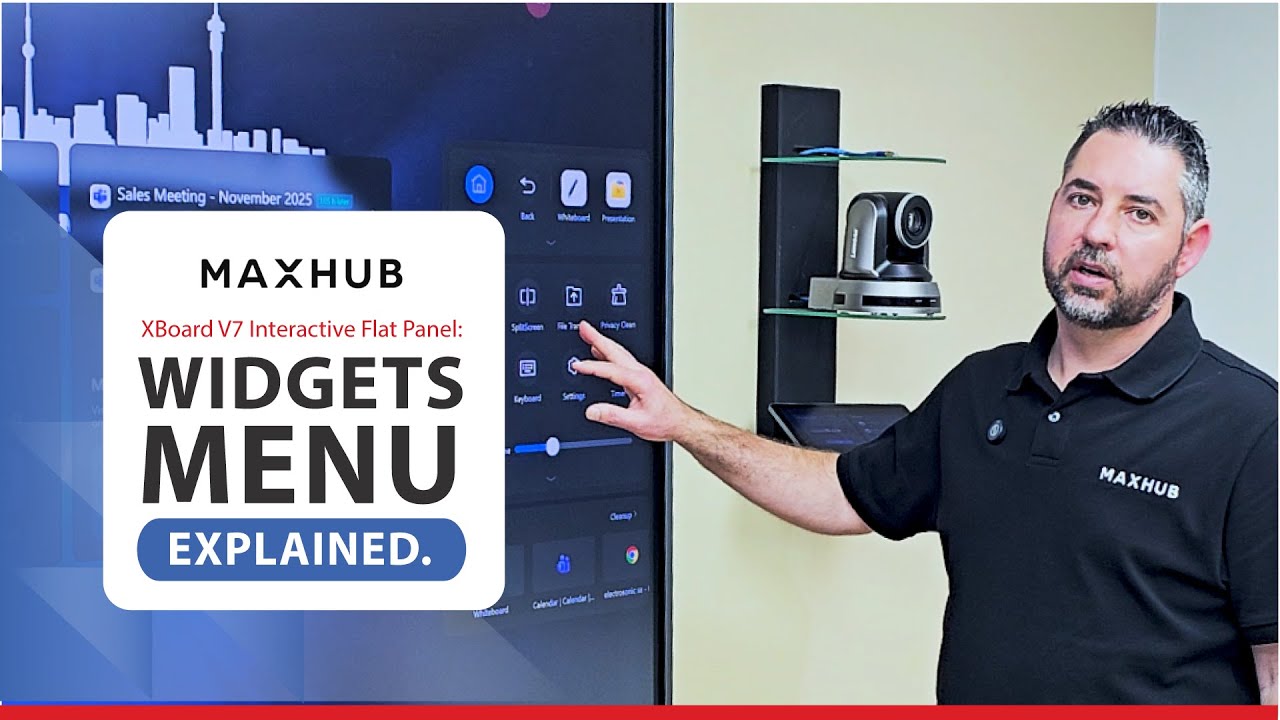
MAXHUB XBoard V7 Interactive Flat Panel: Widgets Menu Explained.
Автор: Electrosonic SA
Загружено: 2025-12-19
Просмотров: 35
Описание:
The widgets menu can be found when selecting the arrows on the sides of the screen and it has several useful features as explained below:
Annotation - This tool allows you to annotate over any page that you are currently on in a colour of your choice.
Screenshot - This tool allows you to make a screenshot of a certain part of the screen and then import that into the whiteboard for further editing.
Timer - This tool helps to keep meetings running on time and you are able to make the timer the entire size of the screen should you wish.
Camera Settings – You can choose between different modes for the camera to operate in.
Screen Recorder – This feature allows you to record a meeting or presentation so that people who weren’t able to be there could watch the recording at a later stage.
Split Screen – This Tool allows you to split the screen up into a maximum of 4 different screens.
Повторяем попытку...
Доступные форматы для скачивания:
Скачать видео
-
Информация по загрузке: