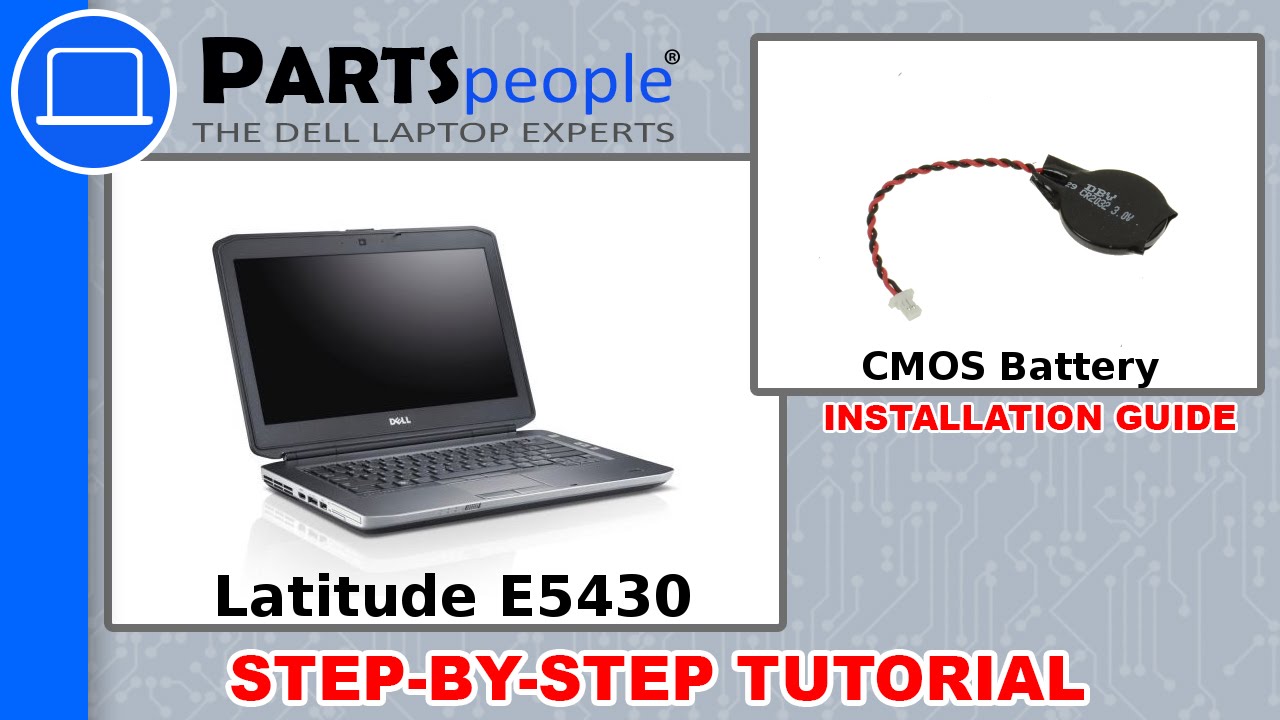
Dell Latitude E5430 (P27G-001) CMOS Battery How-To Video Tutorial
Автор: Parts-People Dell Laptop Experts
Загружено: 2016-02-02
Просмотров: 62026
Описание:
This Latitude E5430 video repair tutorial was brought to you by http://www.parts-people.com
SHOP FOR DELL Latitude E5430 PARTS:
CMOS Battery: http://ppci.me/c/140/403/cmos+battery
Complete Latitude E5430 Parts List in Stock: http://ppci.me/c/140/403
Shop for more than 250,000 Dell parts shipped same day
Tools needed for this repair: 1/8 inch Flat Head & Phillips Screwdriver
Repair Difficulty: Easy
INSTALLATION & REPAIR INSTRUCTIONS:
STEP-1: Avoid static discharge by grounding yourself using a wrist grounding strap or by touching a bare metal surface like a connector on the back of the laptop and remove all the power including the battery and power adapter.
STEP-2: Slide the battery latches towards the outside of the laptop until they click.
STEP-3: Follow link to Read More - http://ppci.me/b/FYpw
Having trouble finding the correct part? Contact us, our educated staff can help!
Toll Free: 866-816-5254 or http://www.parts-people.com/contact.htm
PARTS-PEOPLE.COM - ABOUT US
We stock over 250,000 Genuine Dell laptop parts.
More than 10 years in business
Five star ratings from Yelp, InsiderPages, Citysearch, & more
We have sold over 2 million Dell parts to more than 200,000 customers world-wide
Complete company history - http://www.parts-people.com/company.htm
Share Us, Like Us, and Follow Us
http://www.parts-people.com/getsocial
Thank You for watching our videos.
/ dellpartspeople
Повторяем попытку...
Доступные форматы для скачивания:
Скачать видео
-
Информация по загрузке: