REDMI Note 15 Pro 5G – How to Find and Use Keyboard Clipboard
Автор: TUTORIAL_info
Загружено: 2026-01-22
Просмотров: 1
Описание:
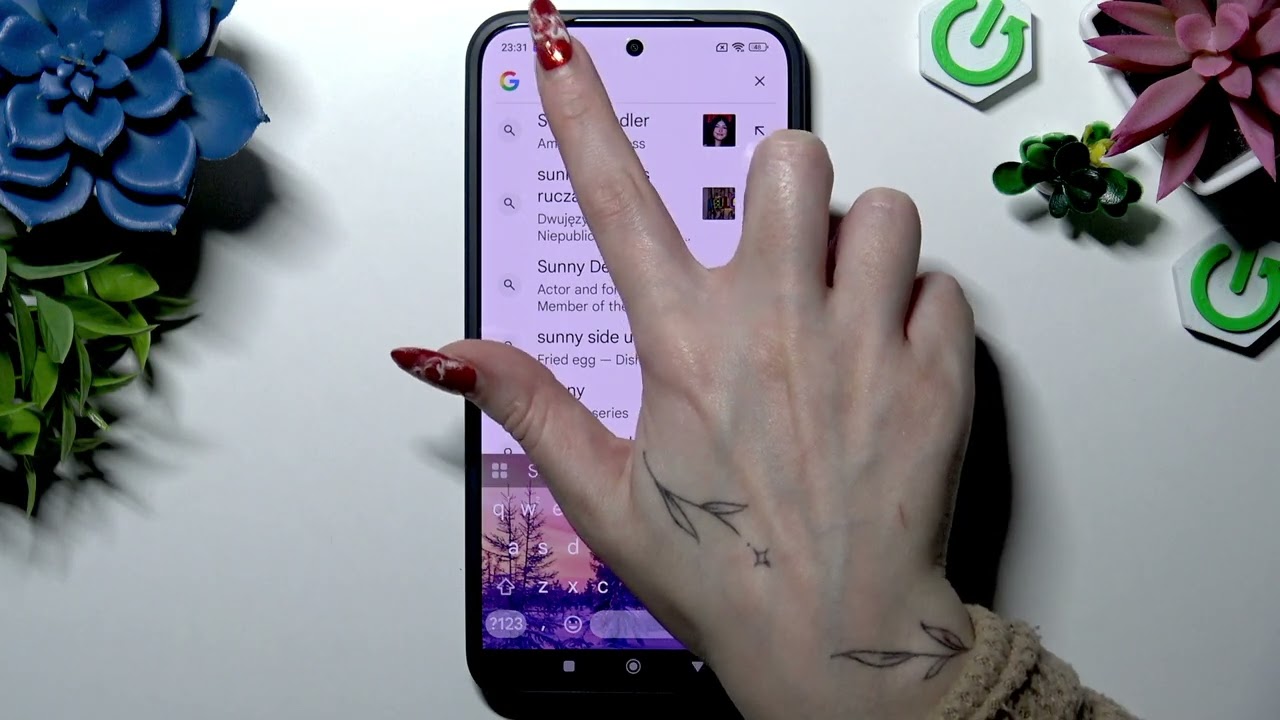
In this short video I show how to find, enable and use the Keyboard Clipboard on the REDMI Note 15 Pro 5G. You will learn how to open the keyboard clipboard, turn the switch on, copy or cut text, paste instantly or later, pin items so they don’t disappear, unpin, delete entries, and finally disable the clipboard when not needed. This step-by-step guide uses the stock Redmi keyboard on Android and is perfect for beginners who want faster typing and better clipboard management on their Redmi Note 15 Pro 5G.
How to enable Keyboard Clipboard on REDMI Note 15 Pro 5G?
How to pin clipboard items on REDMI Note 15 Pro 5G keyboard?
How to delete or paste items from the keyboard clipboard on REDMI Note 15 Pro 5G?
0:00 Intro
0:07 Open the keyboard & tap the Clipboard icon
0:23 Turn on the Clipboard switch
0:33 Copy or cut text to add items
0:42 Paste instantly from the top of the keyboard
0:49 Paste later from Clipboard panel
1:01 How to pin an item to keep it
1:13 How to unpin an item
1:17 Swipe or hold to delete clipboard items
1:24 How to disable the Clipboard switch
1:32 Outro & final tips
#RedmiNote15Pro #Redmi #Clipboard #AndroidTips
Find out more:
https://www.hardreset.info/devices/re...
Follow us on Instagram ► / hardreset.info
Like us on Facebook ► / hardresetinfo
Tweet us on Twitter ► / hardreseti
Support us on TikTok ► / hardreset.info
Use Reset Guides for many popular Apps ► https://www.hardreset.info/apps/apps/
Повторяем попытку...
Доступные форматы для скачивания:
Скачать видео
-
Информация по загрузке: