Fix Windows 10 WiFi Problems [3 Solutions]
Автор: TechSolving
Загружено: 2016-12-29
Просмотров: 1464266
Описание:
This video helps you to fix your WiFi problems in Windows 10 such as 'No Internet Access' and 'Limited Access' problems. Here you can find three methods to solve all these WiFi problems. First one is to update the wireless driver software using device manager. Second method is to make the power saving mode in maximum performance both on battery and plugged in. Final method uses Command Prompt.
------------------------------------------------------------------------------
Here are the commands mentioned in this video:
netsh int tcp set heuristics disabled
netsh int tcp set global autotuninglevel=disabled
netsh int tcp set global rss=enabled
netsh int tcp show global
----------------------------------------------------------
Other Tags: How to Fix WiFi Issue in Windows 10,
Limited Access WiFi problem,
No Internet Access solution,
How to Fix WiFi Problem
Troubleshooting WiFi Problems
Fix WiFi not Connecting
=======================================================
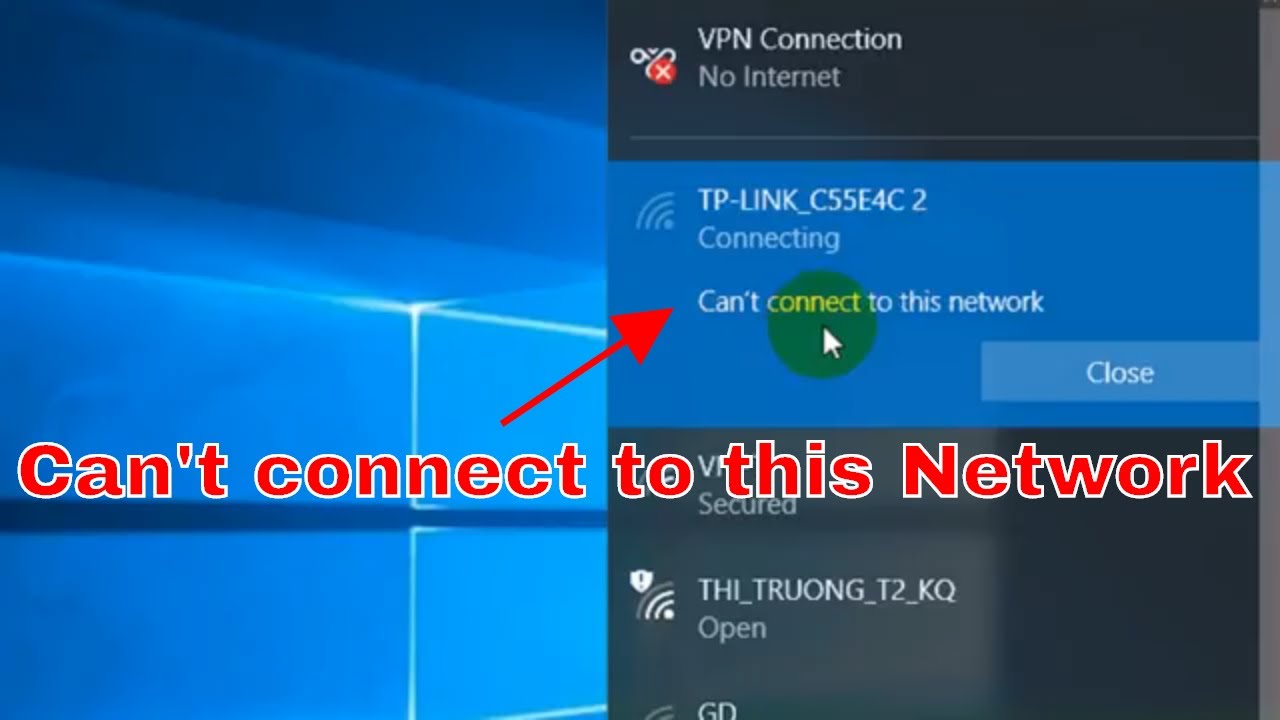
To solve "Can't connect to this network" Windows 10 WiFi Problem: • [SOLVED] Can't connect to this network | W...
How to boost up your WiFi singal: • How to Boost up WiFi Signal [8 Simple Tips]
****************************************************
For more videos stay tuned: TechSolving Channel: https://goo.gl/0s1Sbp
Повторяем попытку...
![Fix Windows 10 WiFi Problems [3 Solutions]](https://imager.clipsaver.ru/RAV-kn7MJG0/max.jpg)
Доступные форматы для скачивания:
Скачать видео
-
Информация по загрузке:






![How To Fix WiFi Connection Problems in Windows 10 8 7- Red X on WiFi [8 Fixes]](https://imager.clipsaver.ru/2f0m-P3KiK4/max.jpg)