SARDU - Shardana Antivirus Rescue Disk Utility by Britec
Автор: Britec09
Загружено: 2011-03-10
Просмотров: 21221
Описание:
SARDU - Shardana Antivirus Rescue Disk Utility
http://www.sarducd.it/
SARDU (short for Shardana Antivirus Rescue Disk Utility) is a free software application that can produce a CD / DVD or a USB device with multi-boot support.
The CD/DVD or USB device may include comprehensive collections of antivirus rescue cds, collections of utilities, popular distributions of Linux Live, and the best known Windows PE © , recovery disks and Install of Windows XP © and Windows Seven ©
SARDU does include a few utilities, but is primarily a tool for managing the software (ISO files) you download from other companies and developers.
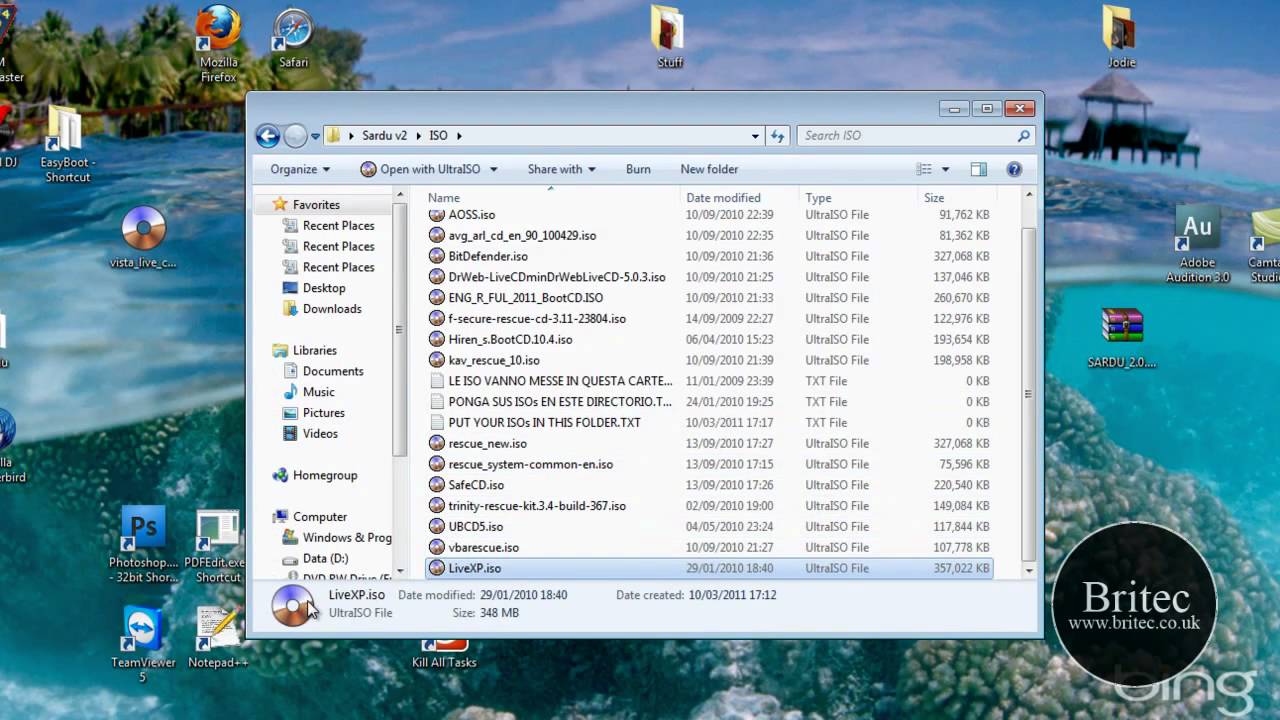
Downloaded ISOs should be placed inside the iso folder. Alternatively, you can select a different path by selecting the iso icon at the top of the GUI.
SARDU has multilanguage support. At startup it checks to see if a system language exists, then sets the software language accordingly. If a system language does not exist the language is set to English. (the author is willing to add all possible translations). The user can change the language at any time using the language menu.
SARDU's menu is divided into four categories: Antivirus, Utilities, Linux, and PE, with the buttons and checkboxes of individual software.
If a checkbox is disabled (grey) the ISO of that software was not found. Pressing the button with an application name causes SARDU to download the bootable ISO from the manufacturer's website and make it ready for use (checkbox checked). Downloads can be done manually by disabling the function File Enable direct download". You can update the status of the iso folder from File Refresh ISO/IMA menu or by pressing F5. (N.B.: You cannot change the default names of individual programs because they won't be recognized by the software.)
If a checkbox is unchecked (white) the single ISO is disabled and not-active.
SARDU is very easy to use. With a few clicks the media is ready. If you want to make a multi-boot USB you have to press the "Search USB" button. The software will then look for all devices with FAT32. The device can be chosen from the combo box. By default the combo boxes of devices are disabled, and are activated only when one (or more) devices with FAT32 are detected. In the tab `Report` you can find details about the selected USB: Type (Removable or Hard Disk), Serial, Label, Space used and free.
Pressing the button with the USB icon causes SARDU to extract the needed files from one ISO at a time. After a careful examination it builds the menu and makes a multi-boot USB device.
If you want to make a multibootable CD or DVD you have to press the button with `disk`. SARDU then extracts the needed files one ISO at a time and, after a careful examination, builds the menu and makes a multibootable ISO. The ISO must then be burned to disk using your own burning software or the burn option of SARDU
----------------------------------------
problems with your computer or laptop?
http://www.briteccomputers.co.uk/forum
Повторяем попытку...
Доступные форматы для скачивания:
Скачать видео
-
Информация по загрузке:


![Как сжимаются изображения? [46 МБ ↘↘ 4,07 МБ] JPEG в деталях](https://imager.clipsaver.ru/Kv1Hiv3ox8I/max.jpg)