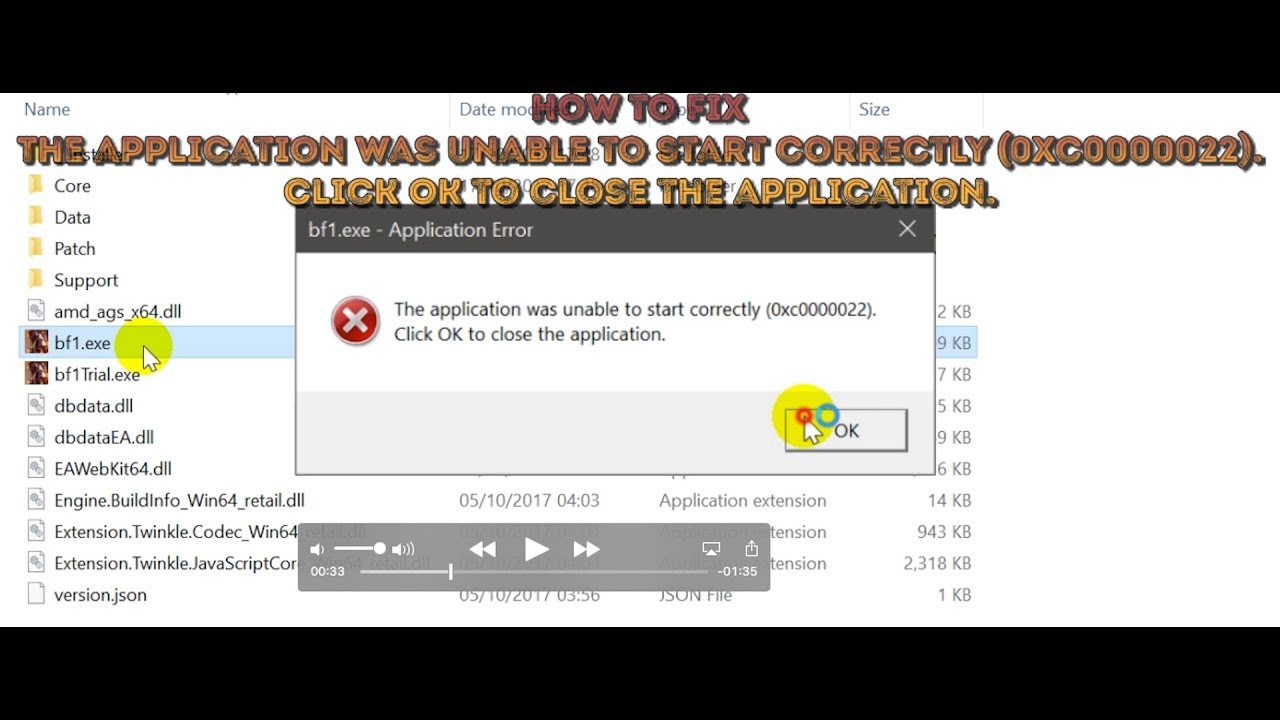
How to fix The application was unable to start correctly (0xc0000022)
Автор: GMEDIA
Загружено: 2017-10-19
Просмотров: 55911
Описание:
Get the fix to the 0xc0000022 boot error message affecting Windows Vista, Windows 7, Windows 8, Windows 8.1 and Windows 10.
About the “0xc0000022” error
The following information on this error has been compiled by NeoSmart Technologies, based on the information gathered and reported by our global network of engineers, developers, and technicians or partner organizations.
Description and Symptoms
The error messages, alerts, warnings, and symptoms below are tied to this error.
Symptom 1: 0xc0000022 error screen
This error is mostly caused by an access problem triggered either by specific application or by Windows itself.
The error can be triggered by the following:
files that are corrupted or have accessibility issues
interference with security software
missing DLL file
Causes of this Error
This error has been known to occur as a result of one or more of the following:
Cause 1: Access rights are set incorrectly
The most common cause of this error is a Windows application that is unable to access the other files that are necessary for it to work.
Cause 2: System files are damaged or corrupt
The other common cause is a Windows system file that became corrupt because of a disk write error.
Fixing “0xc0000022” on Windows
Fix #1: Check for permission issues
If the 0xc0000022 is trigged by a specific application and you’re able to identify which application was it, check for its permission configuration to make sure they are set correctly.
To do so, follow these steps:
Right-click on the application that triggered the error. This can either be the shortcut on your Desktop or the .exe file of the application installed, available in My Computer.
Choose Properties
Go to the Security tab
Change permissions for all the Administrators, Power Users and System to Allow Full Control
Click Apply
Fix #2: Check for DLLs with accessibility issues
If the error is caused by a DLL file, you can identify which file triggered this error by installing and running the Process Monitor tool from Microsoft:
Download and run the Process Monitor tool
Run the application that triggered the 0xc0000022 error
Wait for the error to appear
Click File
Select Capture Events
Select Filter (or you can press the CTRL and L keys) to open Processs Monitor Filter
Filter out all the lines that don’t belong to the application that caused this error
Search for events with the result column as ACCESS DENIED
Once you’ve identified the DLL file with ACCESS DENIED, follow these steps:
Go to the folder where the application that caused this error is installed
Right-click on the DLL file
Select Properties
Go to the Security tab
Click Continue
Click Add
At Enter the object names to select, type users
Click Check Names and then OK
Set the access levels for the new added user to Read & Execute and Read access
Fix #3: Scan for corrupt files
The sfc utility allows you to scan your hard disk for potential corrupt files that might trigger the 0xc0000022 error.
Follow these steps to run this tool:
Click Start
Type cmd in the search box
Right-click on the Command Prompt result and select Run as Administrator
Type:
sfc /scannow
Press Enter
If you’re unable to boot into Windows, you can try to run sfc from Safe Mode
To boot your computer into Safe Mode, follow these steps:
Remove any peripherals from your computer and restart your computer
Press F8 before the Windows logo appears
Select Safe Mode using the arrows keys and press Enter
run sfc .
Fix #4: Disable firewall or antivirus
If none of these solutions fixed the error, try to disable your antivirus software and your firewall software to determine if the error is caused by either a firewall or by an antivirus program.
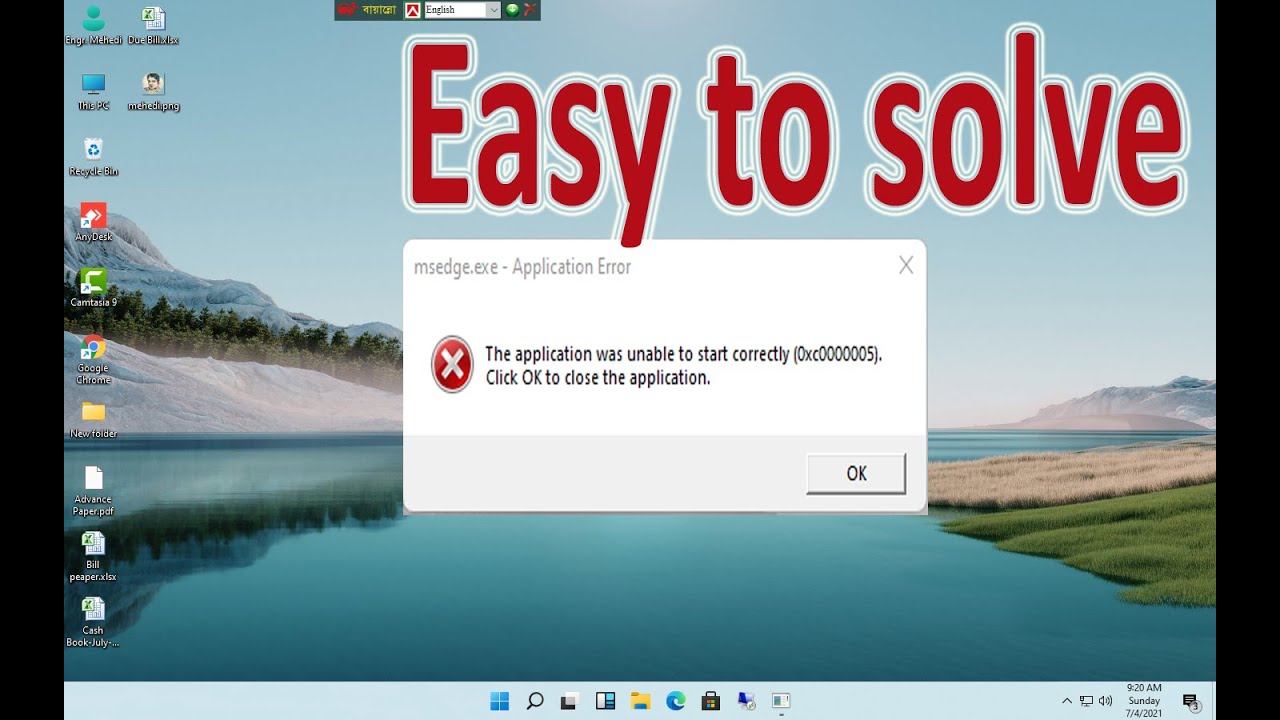
#bf1.exe #Application #Error. The application was unable to start correctly #(0xc0000022). Click OK to close the application.
Part 2
#reader_sl.exe Application Error. The application was unable to start correctly (0xc0000022). Click OK to close the application.
Track: Areo Chord & Anuka - Incomplete (Muzzy Remix) [NCS Release]
Music provided by NoCopyrightSounds.
Watch: • Aero Chord & Anuka - Incomplete (Muzzy Rem...
Free Download / Stream: http://ncs.io/IncompleteMuzzyRemixYO
Повторяем попытку...
Доступные форматы для скачивания:
Скачать видео
-
Информация по загрузке: